Summarize Content With:




Setting Up Call Forwarding: Your Ultimate Guide to Automatically Forwarding Calls to an AI Assistant
In today’s business world, every second and every contact counts. A missed call can mean a lost customer, a missed business opportunity, or an unresolved support issue. But how can you ensure you're available 24/7 without being tied to your phone? The answer lies in smart call forwarding to an AI phone assistant. This isn't just a modern alternative to the classic AI answering service; it's a powerful tool for automation and efficiency.
In this comprehensive guide, we'll not only show you how to set up call forwarding on your smartphone (iOS and Android) but also why forwarding to an intelligent platform like Famulor can transform your business. We'll cover everything from unconditional to conditional call forwarding and explain the key benefits that go far beyond simply taking calls.
Why Forwarding Calls to an AI Assistant is the Best Solution
Simply forwarding a call to voicemail or another number doesn’t solve the core problem: the caller doesn't get immediate, interactive help. This is where the crucial advantage of an AI-powered service lies. Instead of a passive recording, the caller is greeted by an intelligent agent capable of performing real tasks.
- 24/7 Availability: Your business never sleeps. Automatically receive and process calls after hours, on weekends, or during vacations.
- No More Missed Calls: Every call is answered, even if you're on another call or unavailable. This means no lost leads and higher customer satisfaction.
- Intelligent Call Processing: An AI assistant can do more than just take messages. It can qualify inquiries, book appointments, answer frequently asked questions, and enter data directly into your CRM system. Learn more about how an AI call center can optimize your processes.
- Professionalism and Consistency: Every caller is greeted with a consistently high level of quality and professionalism, strengthening your brand image.
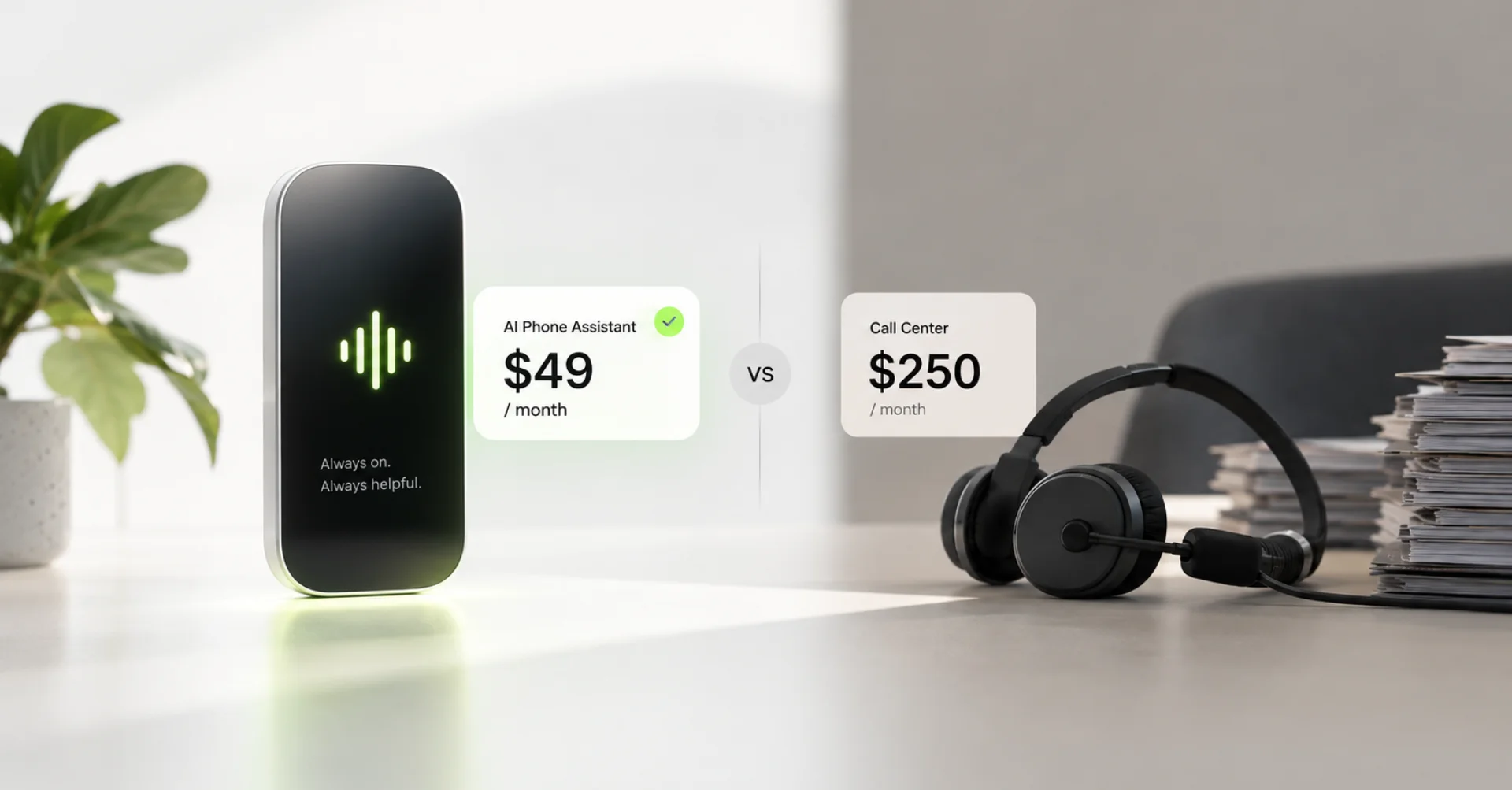
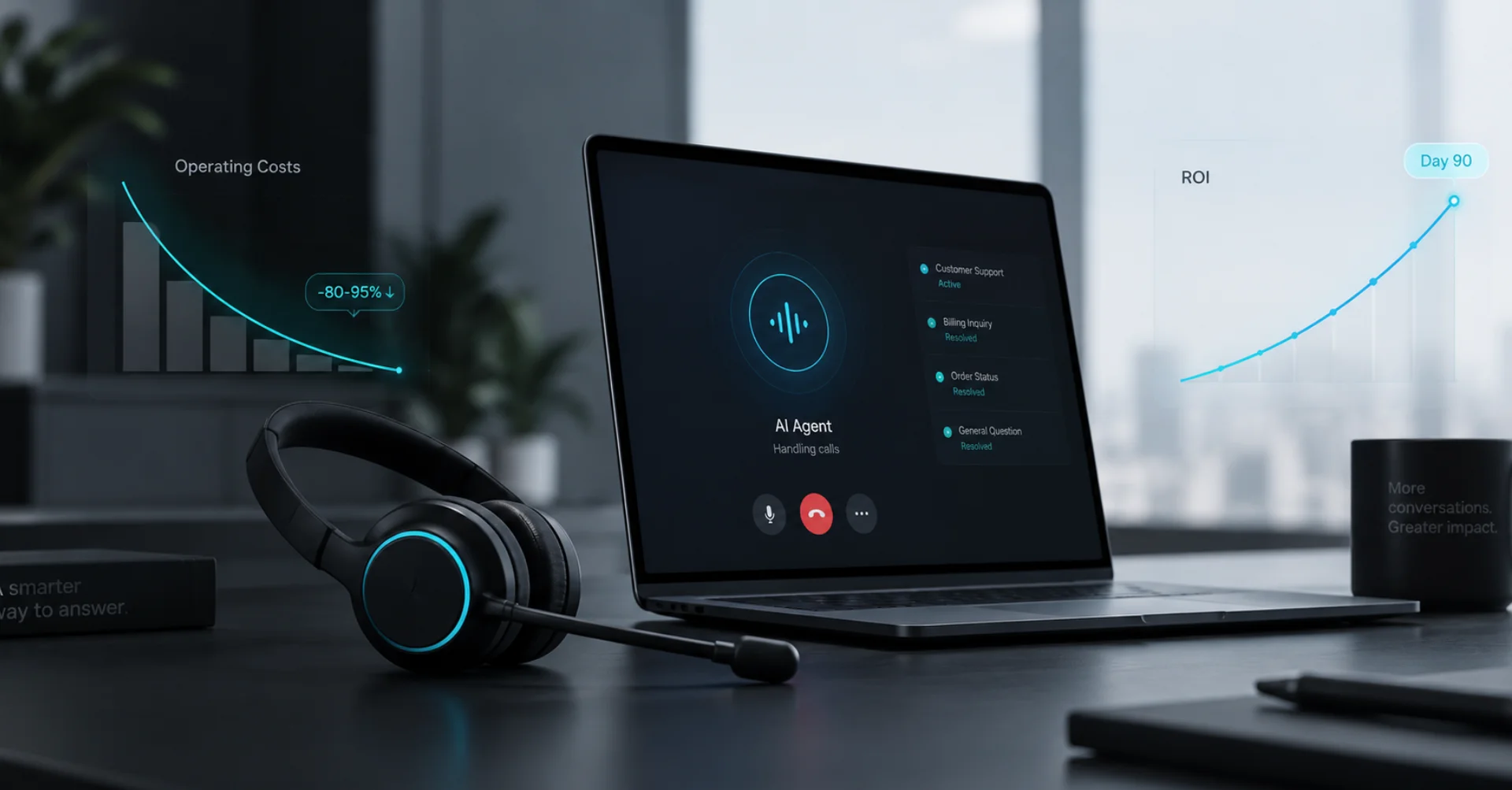
- Cost-Effectiveness: Automate routine calls and free up your team to focus on more complex tasks. This significantly reduces operational costs, as our guide on saving costs with Voice AI Agents shows.
Types of Call Forwarding: Unconditional vs. Conditional
Before we dive into the technical details, it’s important to understand the two basic types of call forwarding. Choosing the right method depends on your specific needs and workflows.
1. Unconditional Call Forwarding
With unconditional or immediate call forwarding, every single incoming call is instantly forwarded to your designated destination number—in this case, your Famulor AI assistant's number—without exception. Your phone won't even ring. This method is ideal for scenarios where you know you will be unavailable or prefer not to be disturbed for a certain period.
Practical examples for unconditional call forwarding:
- After Business Hours: Automatically forward all calls after hours to your AI agent, which can book appointments for the next day or create support tickets.
- Vacations and Absences: Enjoy your time off while your AI assistant ensures no inquiry is lost.
- Dedicated Service Hotlines: If you have a separate number for a specific campaign or service, you can have all calls handled directly by a specialized AI agent.
2. Conditional Call Forwarding
Conditional call forwarding offers more flexibility, forwarding calls only under specific conditions you define. This means you always have the option to answer the call yourself first. Your digital assistant only steps in if one of the conditions is met, making it the perfect safety net solution.
The most common conditions are:
- When Unreachable: If your phone is turned off or has no signal, the call is forwarded immediately.
- When Busy: If you're already on a call, the new caller isn't rejected but is transferred directly to your AI assistant.
- When Unanswered: If you don't answer the call within a certain time (e.g., after 20 seconds) or actively decline it, the call is forwarded.
This method is ideal for entrepreneurs and teams who generally want to be available but need a professional solution for the moments they are not.
Step-by-Step Guide: Setting Up Call Forwarding on Your Smartphone
Setting up call forwarding to your personal Famulor AI number is straightforward. You can do it either directly in your smartphone's settings or by using GSM codes (network control commands). Here are the detailed instructions for both operating systems.
Unconditional Call Forwarding in Phone Settings
This is the easiest way to permanently forward all calls. All you need is the phone number you received from Famulor for your AI agent.
For iOS (iPhone):
- Open the Settings app on your iPhone.
- Scroll down and tap on "Phone".
- Select the "Call Forwarding" option.
- Toggle the switch for "Call Forwarding" to on. A new "Forward To" field will appear.
- Enter the number of your Famulor AI assistant here and exit the menu. The setting is saved automatically. A small phone icon with an arrow will now appear in your iPhone's status bar, indicating that call forwarding is active.
For Android:
Note: The exact menu names may vary slightly depending on the manufacturer (Samsung, Google, Xiaomi, etc.) and Android version.
- Open the Phone app (the app you use to make calls).
- Tap the three-dot menu (⋮) in the top right corner to open more options.
- Select "Settings" and then a menu item like "Calling accounts", "Calls", or "Supplementary services".
- Look for the "Call forwarding" option.
- Choose the "Always forward" option.
- Enter the number of your Famulor AI assistant and confirm by tapping "Turn on" or "OK".
Conditional Call Forwarding and Control via GSM Codes (iOS & Android)
GSM codes are a universal method for controlling network features like call forwarding directly from your phone's keypad. They work on almost all devices, regardless of the operating system. Simply enter the code as if you were dialing a phone number and press the call button.
Always replace "DESTINATION_NUMBER" in the following codes with the phone number of your Famulor AI assistant.
Activate Call Forwarding:
- Forward all calls immediately (unconditional):
**21*DESTINATION_NUMBER# - Forward when busy:
**67*DESTINATION_NUMBER# - Forward when unanswered (after approx. 15-20 seconds):
**61*DESTINATION_NUMBER# - Forward when unreachable (phone off/no signal):
**62*DESTINATION_NUMBER#
Customize Delayed Call Forwarding:
You can even set the time delay for forwarding when unanswered (code 61). The allowed intervals are in 5-second increments (5, 10, 15, 20, 25, 30).
- Forward after 10 seconds:
**61*DESTINATION_NUMBER**10#
Deactivate Call Forwarding:
To cancel a specific or all forwarding rules, use the following codes:
- Turn off all call forwarding:
##002#(This universal code is the easiest to remember) - Turn off unconditional forwarding:
##21# - Turn off forwarding when busy:
##67# - Turn off forwarding when unanswered:
##61# - Turn off forwarding when unreachable:
##62#
From Call to Action: What Happens After Forwarding to Famulor?
This is where the real magic begins. A call forwarded to a No-Code AI Voice Agent from Famulor doesn’t hit a dead end. Instead, it triggers an intelligent, autonomous process that you can fully customize to your needs.
Imagine your AI assistant:
- Pre-qualifies leads: It asks targeted questions ("Is this a new inquiry or a support request?") to understand the caller's needs.
- Books appointments directly in your calendar: By integrating with tools like Calendly, Google Calendar, or Microsoft Outlook, the agent can check for available slots and book appointments confirmed.
- Answers recurring questions: Train your agent with your company knowledge. It can instantly answer questions about business hours, pricing, delivery times, or services.
- Integrates with your business processes: Famulor has a built-in automation platform with over 300 tools. A call can automatically trigger a new lead in your CRM (e.g., HubSpot, Salesforce), a new task in your project management tool (e.g., Asana, Trello), or a notification in your Slack channel. Discover the wide range of integration possibilities.
Conclusion: More Than Just Availability – Intelligent Automation with Famulor
Setting up call forwarding is the first, simple step toward revolutionizing your customer communication. While the technical setup takes only a few minutes, the real benefits lie in the intelligent automation that follows. You not only ensure you never miss a call but also transform every call into a productive, data-driven interaction that moves your business forward.
With an AI assistant from Famulor, you're not just investing in constant availability but in a scalable, efficient, and professional team member who works for your business around the clock. Are you ready to take full control of your telephony and automate manual processes? Try Famulor and experience the future of customer communication.
Frequently Asked Questions (FAQ)
What is call forwarding?
Call forwarding is a telephone network feature that allows incoming calls to be automatically redirected to another phone number instead of ringing at the originally dialed line.
How do I set up call forwarding on an iPhone?
Go to "Settings" > "Phone" > "Call Forwarding". Enable the feature and enter the desired destination number under "Forward To". The setting is activated immediately.
What is the code to deactivate all call forwarding?
The universal GSM code to deactivate all active call forwarding rules is ##002#. Enter this code into your keypad and press the call button.
Can I forward calls only when my line is busy?
Yes, this is a type of conditional call forwarding. Use the GSM code **67*DESTINATION_NUMBER#, replacing "DESTINATION_NUMBER" with the number you want to forward the call to.
What does it cost to forward calls to an AI assistant?
The cost of call forwarding itself depends on your mobile provider; it is often included in your plan. The costs for the AI assistant depend on the provider. Famulor offers transparent, per-second billing models where you only pay for the actual talk time, making it an extremely cost-effective solution.
Does call forwarding work even if my phone is off?
Yes, if you have set up conditional forwarding "when unreachable" (code **62*...#) or unconditional forwarding (code **21*...#). The redirection happens at the network level before the call reaches your device.
Writer at Famulor