
Summarize Content With:


Many voice AI projects do not fail inside the conversation. They fail in the handoff afterward: a customer asks for a callback, a quote needs preparation, a support case needs context, and somewhere between transcript, CRM, and project management the team loses momentum. That is the concrete SEO and business use case behind an Asana AI phone agent integration: every relevant call becomes a clean, owned task.
With Famulor integrations, Mid-call Actions, webhooks, and the MCP connector, teams can build this without a heavy custom project. The assistant talks to customers, captures structured fields, triggers actions during or after the call, and hands work over to Asana, CRM, WhatsApp, or internal APIs.
Why Asana is more than a task board for AI voice workflows
In many companies, Asana is already the operational source of truth for follow-up: tasks have owners, due dates, projects, status fields, and dependencies. If an AI phone agent only writes a call summary, manual work remains. If it creates an Asana task with context, a call becomes an executable process.
- Lead qualification: The assistant creates a Sales Ops task when budget, need, or timing matches your rules.
- Support triage: Product, priority, customer number, and requested callback time land in the right project.
- Appointment and quote follow-up: Open promises are planned as tasks instead of being rediscovered in transcripts.
- Account management: Escalations, contract questions, or renewal signals get an owner and SLA.
The architecture: From voice to accountable work
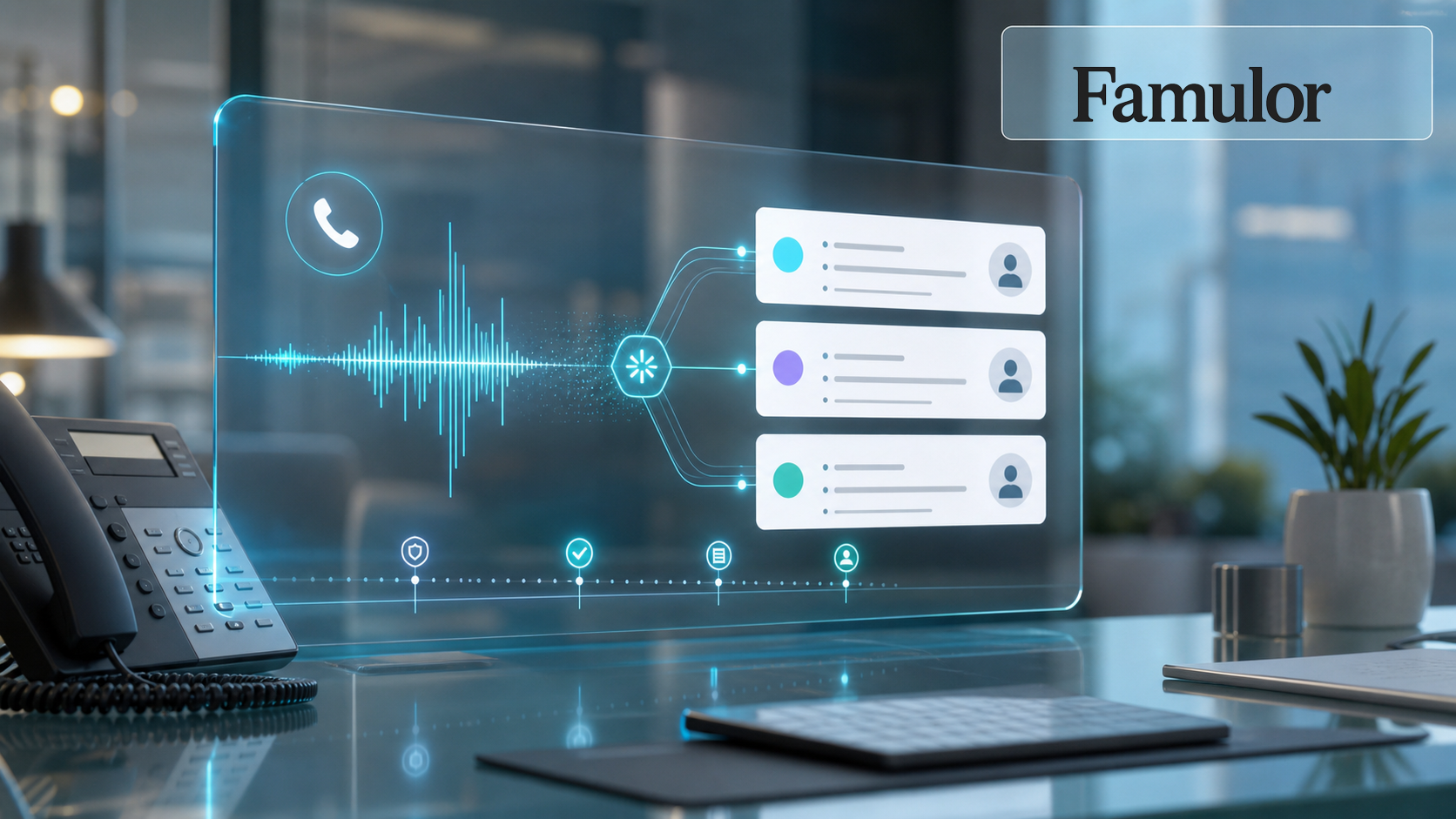
A reliable workflow has four layers. First, the Famulor assistant runs the conversation and gathers relevant information. Second, Famulor normalizes that information into fields such as intent, priority, customer type, deadline, or preferred channel. Third, a Mid-call Action or downstream webhook decides whether to create, update, or simply log an Asana task. Fourth, the task lands in the right project with an owner, due date, and link back to the call.
For simple setups, an automation through Zapier, Make, or a direct Asana API action can be enough. Enterprise setups usually need a combination: CRM lookup during the call, Asana task creation after the call, WhatsApp or SMS confirmation to the customer, and an audit trail in the Famulor call history.
Which systems should Voice AI connect?
Select your existing tools and get a fast integration path.
Famulor
Voice AI
Selected integrations: 4
What belongs in the Asana task
The most common mistake is sending too much unstructured text. A task should be short enough for teams to act on immediately and complete enough that nobody has to reread the entire call.
| Field | Recommendation | Why it matters |
|---|---|---|
| Title | Call outcome + customer | Teams see priority and context in list view. |
| Description | Short summary, next step, call link | Reduces questions and prevents context loss. |
| Custom fields | Priority, funnel stage, product topic, callback time | Enables reporting and SLA control. |
| Owner | Team rule instead of free text | Prevents unowned work. |
| Due date | Extracted from the call or calculated from SLA | Makes follow-up measurable. |
Where Famulor goes beyond simple transcript automation
Meeting transcription and voice-to-task tools only solve part of the problem. Customer calls often need live context: Is the customer already in the CRM? How important is the account? Should the assistant book a callback, start a quote, or hand over to a human? With Mid-call Actions, Famulor can call APIs during the conversation. With the MCP connector, teams can manage assistants, campaigns, leads, and analysis from Claude or ChatGPT.
This matters especially for outbound campaigns. A campaign can run hundreds of conversations, but only qualified outcomes should become tasks. Famulor can capture outcome, objection, interest, callback request, and channel preference, then create an Asana task only when real work follows.
Governance: Avoid turning automation into task spam
A strong integration needs clear rules. Do not create a task for every call by default. Define thresholds instead: create a task only for qualified leads, open support cases, contract risk, callback requests, or failed handoffs. Use fixed projects and custom fields instead of relying on free text as the only routing logic.
- Idempotency: Check whether a task already exists for the same customer and issue.
- Owner rules: Route by region, segment, product line, or account status.
- Privacy: Transfer only the information the team needs to complete the work.
- Review loop: Audit samples during the first two weeks and tune prompts, fields, and routing.
Rollout plan for the first week
Start with one clear use case: callback tasks from inbound sales calls or follow-up tasks from an outbound campaign. Build the target Asana task first, then the Famulor assistant, then the handoff logic. Test with realistic but controlled scenarios: complete lead, unqualified lead, support case, wrong number, and human handoff.
After the pilot, do not only check whether tasks were created. The important question is whether they were usable: Was the owner correct? Was the deadline realistic? Was the next step clear? Did the customer get contacted faster?
Try our AI Assistant
Experience how natural our AI phone assistant sounds.
Enter your details and receive a call from our AI agent within seconds.
Agent is trained to discuss Famulor services and book appointments.

Demo AI agent
Famulor representative
Conclusion
An Asana integration for AI phone agents is not a nice reporting add-on. It closes the gap between customer conversation and operational execution. For companies already running Asana, Famulor becomes the system that does not just answer or place calls, but reliably moves work forward.
The best starting point is a narrow workflow with high follow-up value: qualified leads, callbacks, support escalations, or quote requests. Once those tasks land cleanly in Asana, the same process can expand into CRM, WhatsApp, SMS, and the rest of your stack.
Related blog posts

WhatsApp AI with Human Takeover: Enterprise Automation Without Losing Control

AI Voice Agent Security in 2026: The Complete Playbook