Resumir contenido con:




With the new integrated call handoff tool, Famulor expands its voice AI platform with a feature that makes a major practical difference: an active call can now be transferred from one AI assistant to another AI assistant inside Famulor. This is especially relevant for companies that want to automate phone processes while also making them more intelligent and specialized.
Many businesses start with a single voice assistant. That works well for simple standard requests. But once conversations become more complex and multiple teams, languages, processes, or escalation levels come into play, a single assistant reaches its natural limits. That is exactly where the new handoff feature comes in: instead of forcing one assistant to do everything, each assistant can take on a clearly defined role.
Famulor keeps this transition intentionally simple. Configuration happens directly in Prompt & Tools under Integrated tools. There, you select a target assistant and describe when the transfer should happen. This turns individual voice agents into a coordinated, modular phone system.
If you want a broader overview of the platform first, the No-Code AI Voice Agent page is a good starting point. For intelligent phone automation in general, see AI Phone Assistant. Companies with larger support volumes may also want to review AI Callcenter.
What the call handoff tool actually does in Famulor
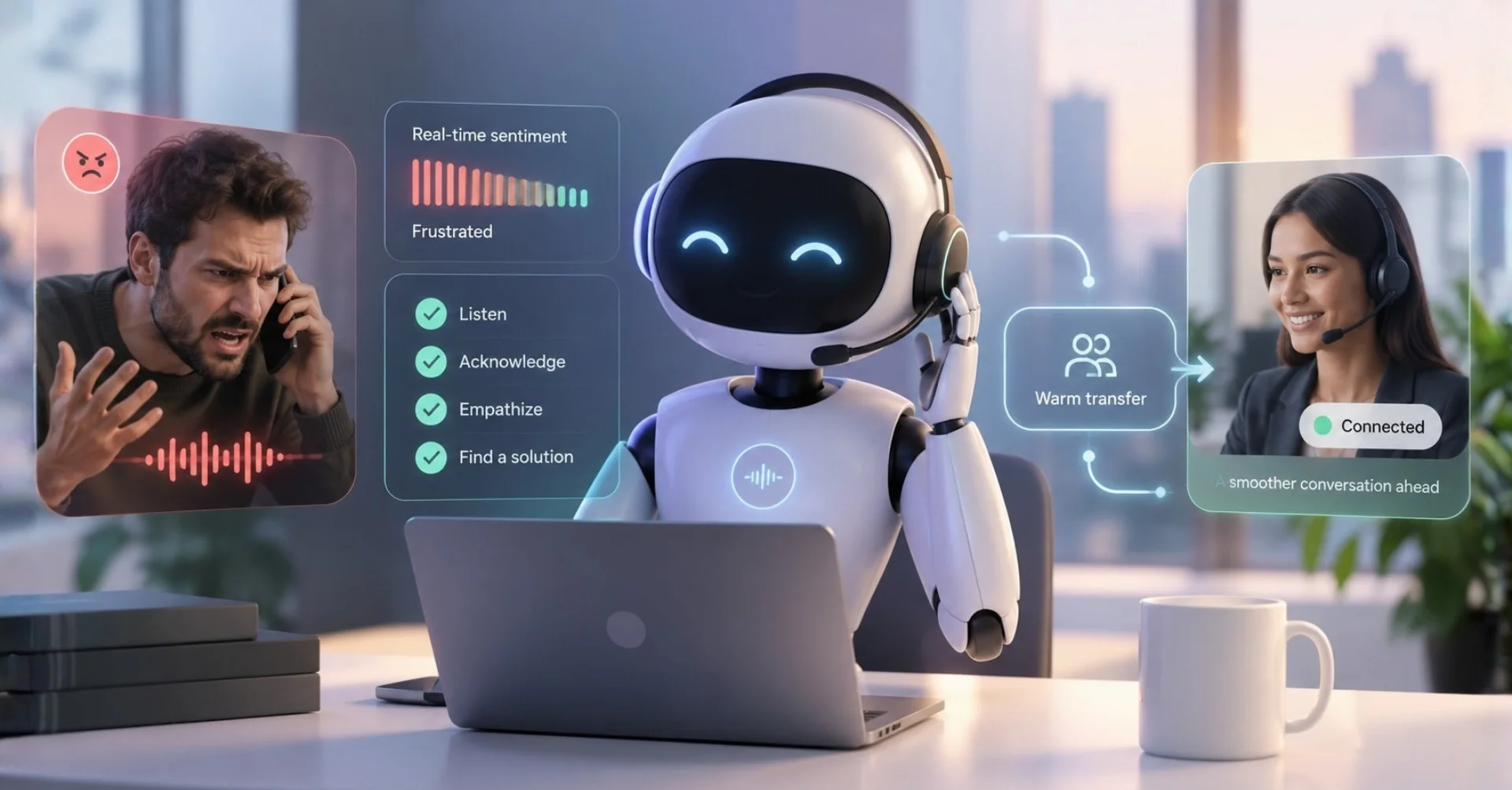
The tool transfers a live call from Assistant A to Assistant B without ending the call or rerouting it externally. So this is not just standard call forwarding. It is an intent-based internal assistant handoff within the platform.
The distinction matters strategically. A traditional transfer moves the call technically. An intelligent handoff shifts the conversation context into a new mode. That means the first assistant qualifies the caller, recognizes the intent, and then passes the conversation to a specialized assistant optimized for exactly that case.
The result is cleaner conversation handling, a higher success rate, and much better scalability. Instead of building one universal bot, companies can create several focused assistants with clear responsibilities.
Why this matters for modern voice automation
The biggest weakness of many older phone bots is not speech synthesis or recognition. It is the lack of structure once conversations become more complex. If every call is treated the same way, quality drops. A sales call requires different logic than appointment booking, an existing customer request, or a support escalation.
With the new handoff tool, this logic can be separated cleanly. Voice AI is no longer just automated. It becomes process-ready. That is a major step from simple bot behavior toward a true enterprise solution.
A first assistant answers the call and identifies the issue.
A second assistant only takes over when defined conditions are met.
Each assistant can work with its own prompt, tone, and tools.
Companies avoid overloaded universal prompts.
Conversations become more natural, clearer, and more goal-oriented.
How to configure the tool in Famulor
Setup is intentionally straightforward. In Famulor, open the relevant assistant and go to Prompt & Tools. Under Integrated tools, you’ll find the call transfer tool. There, you define two things:
Select the target assistant: the assistant that should take over the call.
Describe the transfer condition: a clear instruction for when the handoff should be triggered.
This description is not a classic technical rule tree. It is operational logic for the assistant. The clearer you define the situations where a handoff makes sense, the more reliable the routing becomes.
Examples of good transfer rules
The quality of the handoff depends heavily on how precisely the transfer condition is written. Weak rules are vague. Good rules are clear, observable, and aligned with business intent.
Strong formulations
Transfer to the sales assistant if the caller asks about pricing, packages, or a demo.
Transfer to the scheduling assistant if the caller wants to book, reschedule, or cancel an appointment.
Transfer to the support assistant if the caller describes a technical issue, bug, or outage.
Transfer to the German-language specialist assistant if the caller explicitly requests German support.
Transfer to the escalation assistant if the caller is dissatisfied or repeatedly states the issue is urgent.
Weak formulations
Transfer if it makes sense.
Transfer for difficult questions.
Transfer for special requests.
Vague instructions like these almost always create inconsistent behavior. It is far better to define concrete triggers, themes, and intents.
Typical use cases for assistant-to-assistant transfers
1. Inbound triage for companies with multiple request types
A central front-desk assistant answers every call, greets the caller, and identifies the topic. The call is then handed to the right specialist assistant. This replaces static IVR menus with more natural conversation logic.
For companies still relying on classic IVR structures, this is a strong modernization path. For more context, see Call Assistant vs. AI Phone Assistant.
2. Sales qualification before handoff
A first assistant gathers basic information: name, industry, need, budget range, urgency. Only then does a second sales assistant take over, or a human process follows later. This saves time and improves lead consistency.
3. Appointment booking as a specialized step
Many businesses want a general assistant to first understand the request before starting scheduling logic. A dedicated scheduling assistant can be optimized precisely for calendar rules, availability, and booking questions. Related reading: automated scheduling across channels.
4. Support escalation after intent detection
A base assistant handles standard questions like opening hours, status requests, or general information. As soon as deeper technical knowledge is needed, the call is handed to a support assistant trained for troubleshooting, issue analysis, or ticket preparation.
5. Multilingual conversation routing
Famulor supports many languages. That makes it useful to organize language logic through specialized assistants. An intake assistant identifies the preferred language and transfers the call to the right language profile. This also helps with regional accents and localized tone. See language and accent diversity in voice agents.
Step by step: how to build a useful multi-assistant flow
Step 1: Define roles
Do not start with technical rules. Start with roles, for example:
Front-desk assistant
Sales assistant
Scheduling assistant
Support assistant
Escalation assistant
Step 2: Define the goal of each assistant
Every assistant needs a clear objective. The front-desk assistant should understand and route. The sales assistant should qualify or persuade. The scheduling assistant should book. The support assistant should solve or structure the issue.
Step 3: Write the handoff criteria
For each assistant, describe when it should continue and when it should pass the call onward. The clearer these criteria are, the more stable the flow becomes.
Step 4: Sharpen prompt focus
Once you use handoffs, individual prompts no longer need to cover everything. That is a major advantage. Shorter, clearer prompts often perform better than overloaded master prompts.
Step 5: Distribute tools deliberately
Not every assistant needs every tool. The scheduling assistant needs calendar access. The support assistant may need CRM or ticket context. The sales assistant may need lead or CRM actions. Famulor’s Integrations page shows the range of available connections.
Step 6: Test handoffs
Test real conversation variants: easy cases, edge cases, misunderstandings, ambiguous statements. A clean handoff is not only a technical function. It is part of conversation design.
Best practices for better handoffs
Build context before the transfer
The first assistant should collect relevant information before the handoff happens. That way, the target assistant does not start cold but takes over a logically prepared case.
Avoid unnecessary handoffs
Too many handoffs feel unstable. The goal is not maximum distribution, but maximum relevance. Every transfer should create a clear benefit.
Do not let assistants overlap
If two assistants handle nearly the same things, confusion follows. Clean functional separation works better.
Align handoffs with business outcomes
Always ask: what does this transfer improve? Shorter handling time? Better conversion? Fewer booking errors? Higher resolution rate? If there is no measurable advantage, the split is probably unnecessary.
Typical mistakes during setup
Rules are too vague: the assistant cannot reliably decide when to hand off.
Too many specialist assistants: the system becomes unnecessarily complex.
No test cases: seemingly strong rules often fail under real user phrasing.
Overloaded intake assistants: if the first assistant is still expected to solve everything, the handoff loses its value.
No prioritization: what happens if multiple handoff conditions apply at once?
Which industries benefit most?
Trade services
A front-desk assistant answers calls, a second assistant handles appointments, and a third handles outages or urgent incidents.
Healthcare
A base assistant answers organizational questions, while a dedicated scheduling assistant handles bookings and another assistant manages prescription, pickup, or status requests.
Real estate
Depending on the request, prospects can be handed to buying, renting, or viewing assistants. This reduces friction and improves lead capture quality.
E-commerce
One assistant answers general shop questions, another handles returns, and another manages delivery status or order issues.
SaaS and support teams
An intake assistant triages, a product assistant handles standard questions, and an escalation assistant manages more advanced technical topics.
Comparison: one assistant for everything vs. multiple specialized assistants
Approach | Advantages | Disadvantages |
|---|---|---|
One universal assistant | Easier start, less setup | Complex prompts, lower precision, weaker scalability |
Multiple specialized assistants with handoff | Clearer roles, better conversation quality, more precise routing | More planning required at the beginning |
For simple setups, one assistant may be enough. For growing businesses, the modular multi-assistant approach is usually the more future-proof path.
Calcula tu ROI automatizando llamadas
Descubre cuánto podrías ahorrar al usar voice agents con IA.
Resultado ROI
ROI 0%
Sin tarjeta de crédito
Why Famulor is especially strong here
The new call handoff tool highlights Famulor’s core strength: not just impressive voice output, but process-oriented AI telephony. Companies are not getting just a talking bot. They are getting a platform for structured conversation automation.
Additional strengths include:
No-code oriented configuration
Inbound and outbound in one platform
An omnichannel perspective across voice and chat
Multilingual support
SIP trunking for flexible telephony connections
Broad integration capabilities
To go deeper into the broader idea of AI telephony, see The Phone Revolution.
The new internal call handoff between assistants is much more than a minor feature update. It is a key building block for scalable, modular, and truly enterprise-ready voice automation. Instead of overloading one assistant with too many tasks, companies can now define clear roles inside Famulor and route calls intelligently.
This leads to better conversations, cleaner processes, and a much more professional customer experience. For businesses with multiple request types, teams, languages, or escalation levels, this is a meaningful leap forward.
If you want to automate your phone workflows in a structured, scalable way, Famulor is a strong choice. Start with a specialized setup, connect your systems through Integrations, and build a multi-assistant system that truly works in live calls.
FAQ
What does the new call transfer tool do in Famulor?
It transfers an active call from one AI assistant to another AI assistant inside Famulor.
Where is the call handoff configured?
Inside the assistant under Prompt & Tools in the Integrated tools section.
What needs to be configured for a handoff?
You select a target assistant and define when the transfer should happen.
Which use cases fit this feature best?
Sales routing, appointment booking, support escalation, language routing, and topic-specific conversation handling.
Can one assistant route calls to multiple assistants depending on the issue?
Yes, as long as the routing logic is structured accordingly.
Is this only relevant for inbound telephony?
No. The same concept is valuable for complex outbound workflows and multi-step conversation logic.
Why is a handoff better than one universal assistant?
Specialized assistants work with clearer scopes, shorter prompts, and usually deliver better outcomes.
Can Famulor integrate with existing telephony?
Yes. Famulor supports SIP trunking and can be connected flexibly to existing VoIP or PBX setups.
Autor en Famulor