Summarize Content With:




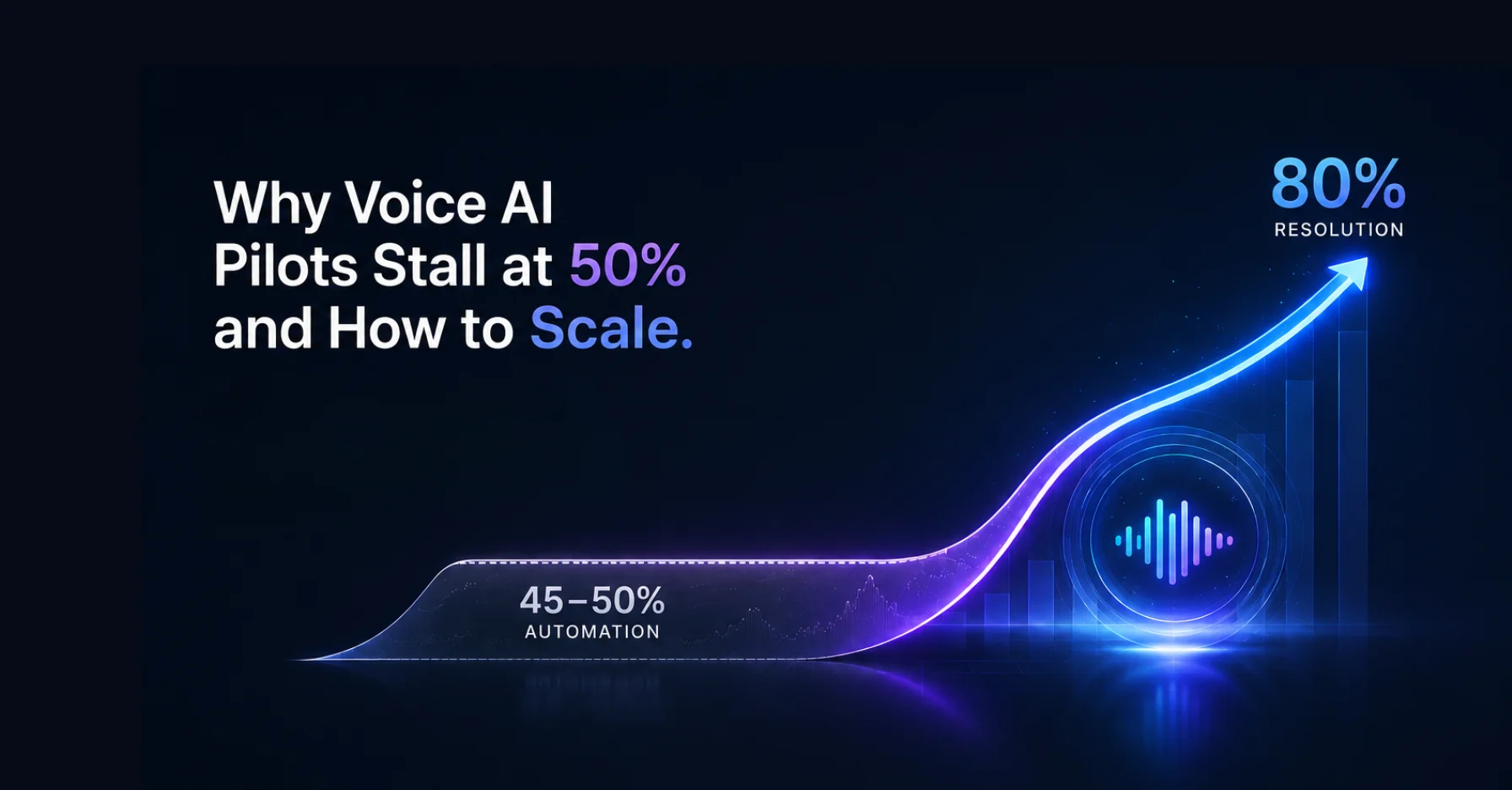
Why Voice AI Pilots Stall at 50% — and How to Scale to 80% Automation
Your voice AI pilot has been running for three months and resolves around 45% of inbound calls automatically. That sounds decent — but the number has plateaued. What most organizations miss is that the problem is rarely the AI model itself. It comes down to five concrete bottlenecks in infrastructure, knowledge management, and escalation design. This guide breaks down why voice AI pilots stall in the 40-to-50-percent zone and which levers push automation rates to 80% and beyond.
Industry data from 2026 paints a clear picture: 80% of businesses plan voice AI integration by year-end, the global market is growing from $2.4 billion (2024) to a projected $47.5 billion by 2034, and production deployments have grown 340% year-over-year across 500+ organizations. Yet 60% of voice AI deployments fail within 90 days of production launch — not because the technology does not work, but because the transition from pilot to scale is systematically underestimated.
The 50% Trap: Why Your Pilot Stagnates
When an AI phone assistant handles half of all calls, it feels like progress. In reality, that number marks a typical inflection point where five bottlenecks hit simultaneously:
1. Hallucinations from ungrounded models. Without a structured knowledge base, the language model generates confident-sounding answers that are simply wrong. Ungrounded LLMs show a 15–30% hallucination rate; with proper grounding, that drops below 5%. The knowledge base is not an optional feature — it is the foundation of trustworthy automation.
2. Missing backend integration. If the voice agent cannot access your CRM, calendar, or order management system in real time, every call that goes beyond a FAQ ends in a transfer. A dental practice in Munich using Famulor can only automate appointment bookings if the agent has direct calendar access — without that connection, the resolution rate stays at 40%.
3. Misclassified call types. Not every call is suitable for automation. Simple queries like account balances (75–90% resolution rate) or password resets (80–95%) work excellently. Complex complaints, however, only reach 10–25%. Treating all call types equally drags down the average.
4. Cold transfers without context. When the AI agent hands a call to a human without providing a conversation summary, the customer starts over. That destroys CSAT scores and generates callbacks. Structured handoffs with conversation transcripts are not "nice to have" — they are essential for customer satisfaction.
5. The demo-to-production gap. In the demo environment, the agent responds in 730 milliseconds. Under load — at 500 concurrent calls — latency climbs to 1,400–3,400 ms, a 92–365% decline. Every 100 ms above 800 ms increases the hang-up rate by approximately 2.5%. What convinced stakeholders in the demo fails in the real world due to infrastructure.
Resolution Rates by Call Type: What Is Realistically Automatable
Before scaling, you need a realistic picture of which call types can achieve which automation rates. These benchmarks are based on data from over 500 organizations:
| Call Type | Automation Rate | Scaling Priority |
|---|---|---|
| Password reset / account access | 80–95% | Start immediately |
| Account balance inquiries | 75–90% | Start immediately |
| Order status / tracking | 70–85% | Phase 1 |
| Appointment booking | 65–80% | Phase 1 |
| FAQ / policy questions | 55–70% | Phase 2 |
| Billing disputes | 40–60% | Phase 2 (with backend) |
| Technical troubleshooting | 35–55% | Phase 3 |
| Complex complaints | 10–25% | Human recommended |
Blended industry averages for Tier-1-eligible calls sit at 45–60%. Retail and e-commerce achieve 55–75%, financial services 50–70%, healthcare 40–60%, and SaaS companies 45–65%. The key is to start with simple, high-volume call types and expand incrementally.
The 5-Step Plan: From 50% Pilot to 80% Production
Step 1: Define baseline metrics. Before optimizing, measure the status quo: average handle time per call type, cost per call, resolution rate, and CSAT. Without a baseline, you cannot tell whether changes are working. Platforms like Famulor offer built-in KPI dashboards that automatically capture these metrics and break them down by call type.
Step 2: Build a structured knowledge base. The single biggest lever against hallucinations is a well-maintained, up-to-date knowledge base. Import FAQ documents, product information, and process guides. Update weekly — teams that refresh their content weekly achieve 22% higher effectiveness by month three compared to teams that update monthly.
Step 3: Prioritize backend integrations. Connect your voice agent to the systems it needs: CRM for customer data, calendars for appointment booking, ERP for order status. Famulor offers over 300 integrations in a no-code platform, so connecting to HubSpot, Salesforce, Pipedrive, or industry-specific software requires no developer resources.
Step 4: Design escalation before AI training. Define your escalation playbook before you train the agent. For every call type, it should be clear: When does the agent hand off? To whom? With what context? Famulor's omnichannel platform passes structured conversation summaries to human agents — via phone, WhatsApp, or live chat — so the customer never has to start over.
Step 5: Scale in phases. Start with a single, high-volume, well-structured call type (order status, appointment bookings). Expect underperformance in weeks 1–4 and measure performance at days 30–90. Only after one call type hits its target rate should you activate the next.
Common Mistakes That Kill Scaling Success
Automating everything at once. Turning on all call types on day one produces a low overall rate and erodes stakeholder confidence. Start with call types that promise 80%+ resolution rates.
Ignoring latency. Below 500 ms response time, the conversation feels natural. Above 800 ms, it gets uncomfortable. Above 1,200 ms, callers hang up. Test under realistic load — not in an empty demo environment. Famulor's infrastructure is designed for sub-500 ms latency, even at high concurrent call volumes.
No regular prompt maintenance. Language models drift over time. After 2–3 months, effectiveness declines by 10–20%; after 4–6 months, by 15–30%. Use Famulor's prompt editor and call evaluation tools to catch deviations early and course-correct.
Not testing STT accuracy for real environments. In a quiet office, speech-to-text hits 95% accuracy. On a busy street, it drops to 65–75%; on a construction site, to 55–68%. Choose an STT provider tested under real-world conditions, and implement noise suppression.
Observability: Why Most Teams Catch Problems Too Late
A frequently overlooked bottleneck is the absence of real-time monitoring. Many teams only notice that their voice agent is underperforming when conversion rates have already dropped. Without a dashboard that shows latency, resolution rates, hallucination rates, and escalation reasons in real time, problems fly under the radar for weeks.
Robust monitoring covers at least eight key metrics: average latency (p50 and p95), resolution rate by call type, hallucination rate, escalation rate, CSAT per channel, STT accuracy, average handle time, and abandonment rate. Teams that manually review 5–10% of calls daily detect model drift two to three weeks earlier than teams that only look at aggregates.
Famulor integrates these metrics directly into its dashboard and offers automatic alerting rules: if the resolution rate for any call type drops by more than 10 percentage points, or average latency exceeds 600 ms, you receive a notification. This lets you course-correct before customers notice the degradation.
Instruction Following: The Hidden Quality Problem
Recent research from Coval and Pipecat reveals a subtle issue: language models follow instructions reliably in the first three conversation turns, but by turn 20, instruction-following accuracy drops dramatically. This means an agent that performs perfectly in a short demo conversation goes off-script in a real-world 10-minute call.
The causes are varied: prompt drift in long context windows, conflicts between knowledge base content and system prompt rules, and missing reinforcement mechanisms for core conversation guidelines. The solution lies in a clear hierarchy: the system prompt defines behavior, the knowledge base provides facts, and explicit fallback rules catch unknown situations.
Famulor's prompt editor with built-in call evaluation makes this problem visible: you can search transcripts for moments where the agent deviated from its instructions and sharpen the system prompt accordingly. The combination of weekly transcript analysis and prompt iteration is the most effective way to maintain quality over months.
The Role of Omnichannel: Why Phone-Only Focus Falls Short
A 2026 trend deserves special attention: the most successful voice AI deployments do not operate in isolation on the phone channel but integrate omnichannel capabilities. When a caller has a complex question better answered in writing — a price list, instructions, or a document — the voice agent can seamlessly switch to WhatsApp or live chat and send the information there.
This channel-switching capability lifts effective resolution rates by 10–15 percentage points, because calls that would otherwise count as "unresolved" (the customer needs written confirmation) get completed via the secondary channel. Proactive outbound communication — such as appointment confirmations via WhatsApp after a phone booking — reduces inbound volume by an additional 15–25%.
Industry Examples: Scaling in Practice
Dr. Meier Dental Practice, Düsseldorf (3 treatment rooms, 8 staff). Phase 1: Appointment booking and reminders automated — 72% resolution rate after 6 weeks. Phase 2: Prescription inquiries and emergency routing added — overall rate at 68%. Time saved: 14 hours per week at the front desk.
Municipal Utility Provider, Schwäbisch Hall (120,000 customers). Challenge: Massive call spikes during billing cycles and outage reports. Phase 1: Meter readings and account balance inquiries automated (82% resolution). Phase 2: Outage reports with CRM integration (58%). Result: 40% less hold time for customers routed to human agents.
E-commerce Company BikeParts24 (45 employees, 8,000 orders/month). Order status inquiries automated via Famulor AI outbound and inbound. Resolution rate: 78% for order status, 65% for returns initiation. Cost per resolved call reduced from €4.80 to €1.20.
The Economics: What Scaling Delivers
Benchmarks show clear ROI figures for scaled voice AI deployments:
| Metric | Average Value |
|---|---|
| Handle time reduction | 35–55% |
| CSAT score | 82–88 / 100 |
| Cost per resolution | $2.50–$8.00 |
| Deployment timeline | 6–16 weeks |
For a business with 5,000 inbound calls per month and an average cost of $8 per call, scaling from 45% to 75% automation means 1,500 additionally automated calls × ($8 − $1.80 automation cost) = $9,300 in monthly savings — or roughly $112,000 per year.
With Famulor's transparent per-minute pricing starting at $0.11 per minute, you can calculate this for your own call volume precisely:
Estimate your ROI from automating calls
See how much your business could save by switching to AI-powered voice agents.
ROI Result
ROI 0%
No credit card required
Conclusion: Scaling Is an Operational Problem, Not a Technical One
The technology for 80% automation exists today. What is missing is the systematic approach: measure baselines, prioritize call types, maintain your knowledge base, integrate backends, design escalation, and scale in phases. Famulor provides the all-in-one platform with exactly the tools that make this process possible: built-in KPI dashboards, no-code integrations, structured escalation across all channels, and a prompt editor with built-in call evaluation.
Your next step: Book a live demo and see how Famulor sets up your specific call type as a pilot in 30 minutes — including knowledge base import and calendar integration.
Try our AI Assistant
Experience how natural our AI phone assistant sounds.
Enter your details and receive a call from our AI agent within seconds.
Agent is trained to discuss Famulor services and book appointments.

Demo AI agent
Famulor representative
FAQ
Why does my voice AI pilot stagnate at 40–50% automation?
The most common causes are missing knowledge base grounding (15–30% hallucination rate without it), no backend integration for real-time data access, and unstructured escalations without context handoff.
Which call types are best to start with?
Password resets (80–95% resolution rate), account balance inquiries (75–90%), and order status queries (70–85%) are ideal starting points because they are high-volume and well-structured.
How long does it take to scale from 50% to 80% automation?
With a phased approach and structured knowledge base maintenance, 60–90 days is realistic. Measure performance at days 30–90, not in the first four weeks.
What does an AI phone assistant cost compared to a human agent?
Cost per resolved call is $2.50–$8.00 for voice AI versus $12–$25 for human agents. Famulor charges from $0.11 per minute with transparent pricing.
How do I prevent my voice agent from hallucinating?
A structured knowledge base with grounding reduces the hallucination rate from 15–30% to under 5%. Add explicit "I don't know" boundaries for topics not covered in the knowledge base.
What latency is acceptable for natural conversations?
Below 500 ms feels natural. Above 800 ms, the hang-up rate increases by 2.5% per additional 100 ms. Always test under realistic production load, not in a demo environment.
Does voice AI work in noisy environments?
STT accuracy drops from 95% (quiet) to 65–75% (street) or 55–68% (construction site). Noise suppression and a robust STT provider are critical for real-world deployment.
How do I measure the ROI of my voice AI project?
Capture pre-launch metrics: cost per call, average handle time, and CSAT. Compare after 90 days. Typical handle time reduction is 35–55%, with cost per resolution dropping to $2.50–$8.00.
What happens when the AI agent cannot resolve a call?
A well-configured agent hands off with a structured conversation summary to a human agent. Famulor's omnichannel platform supports this handoff via phone, WhatsApp, and live chat.
Is voice AI worthwhile for small businesses with few calls?
Yes — the ROI turns positive at around 200 calls per month when the right call type is automated. Famulor offers flexible per-minute pricing with no minimum commitment.
Writer at Famulor