Resumir contenido con:




A WhatsApp AI chatbot for businesses is a digital assistant that automatically understands customer messages on WhatsApp, answers them, and translates them into real business processes. Instead of having your team manually read and respond to every message, the bot can handle typical tasks such as greetings, FAQ replies, appointment booking, lead qualification, status checks, or routing requests to the right person.
This matters because WhatsApp is no longer just a private messenger. Customers use it because it is fast, direct, and familiar. They also expect quick responses. If your business only replies during office hours or processes conversations in an unstructured way, you lose speed, trust, and often revenue.
Just as important: a modern WhatsApp AI chatbot is not a rigid question-and-answer tool. Advanced systems work with context, can use data from CRMs, calendars, or help desks, and can continue conversations consistently across multiple touchpoints. That is the real difference between a basic chatbot and professional omnichannel automation.
Famulor is positioned not only as a voice AI platform, but as an omnichannel solution for intelligent customer communication. You can already see this in related content such as WhatsApp Automation: The Ultimate Guide to Proactive Customer Experiences and Why Omnichannel Is Essential for AI Agents. This article adds a practical starting point: what a WhatsApp AI chatbot actually is, how it works, and what businesses should look for when choosing and implementing one.
What exactly is a WhatsApp AI chatbot?
A WhatsApp AI chatbot is software that communicates with customers through WhatsApp and uses artificial intelligence to understand text or language input and respond appropriately. It may still use rules in some parts, but modern systems typically add a language model or conversational AI layer so interactions feel more natural and flexible.
In a business setting, that means the bot does more than answer “What are your opening hours?” It can also recognize whether a customer wants to reschedule an appointment, check an order, request advice, or be handed over to sales.
Difference between a simple chatbot and an AI chatbot
The main difference is flexibility.
Simple chatbot: works with fixed buttons, keywords, and predefined decision trees.
AI chatbot: understands freer phrasing, keeps context from the conversation, and responds more dynamically.
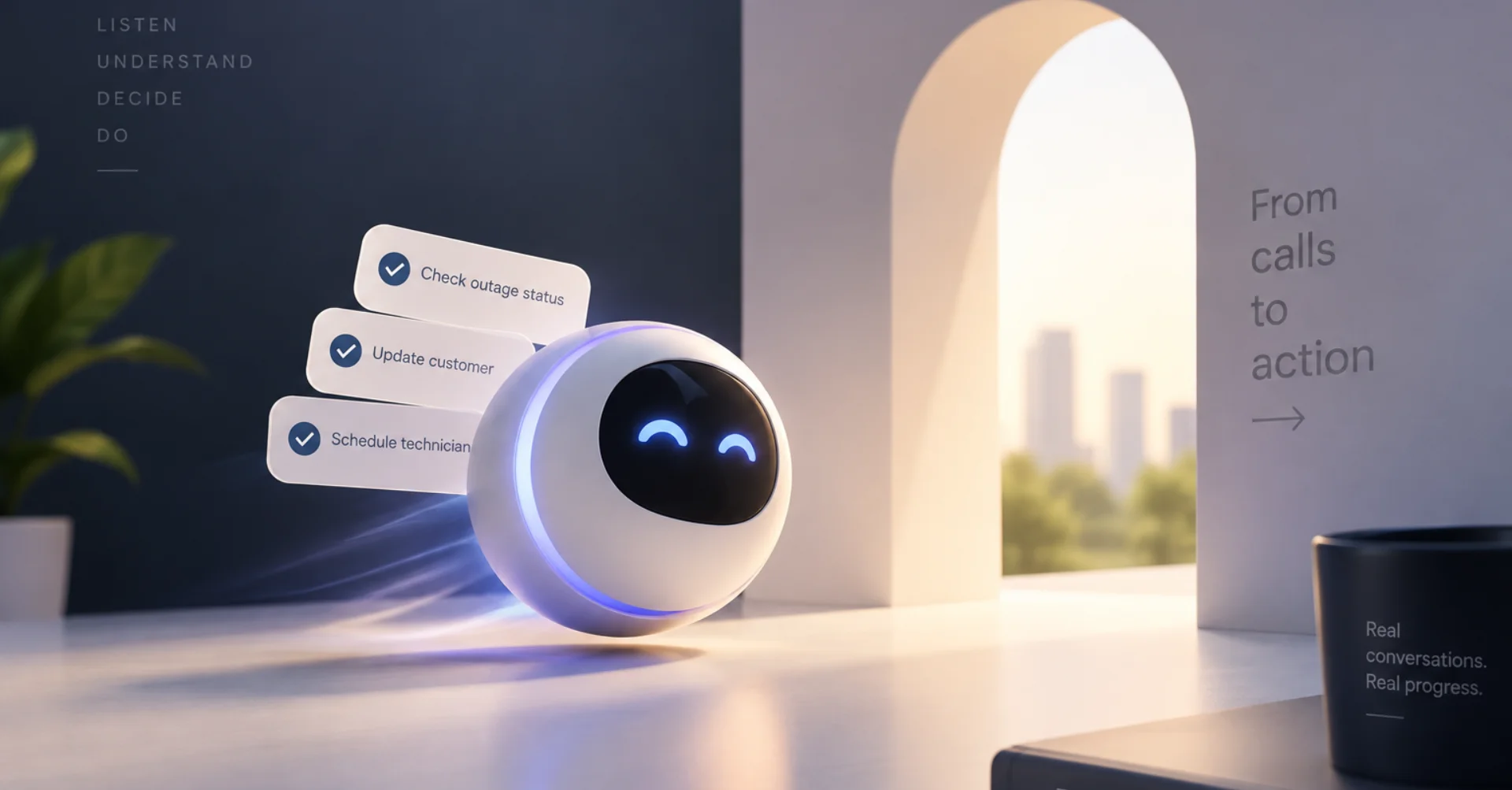
Enterprise-ready AI chatbot: also connects to internal systems and can trigger real actions.
If a customer writes, “I need an appointment next week, preferably in the afternoon,” a classic chatbot often struggles. An AI chatbot with calendar integration can understand the request, check availability, and offer a matching slot directly.
Why businesses prioritize WhatsApp as a channel
For many audiences, WhatsApp is the lowest-friction communication channel. Customers do not have to call a hotline, draft an email, or fill out a form. They simply send a message. That lowers the barrier for contact, but it also increases message volume.
This is exactly why automation matters. It allows companies to respond quickly without manually processing every incoming message. In combination with a platform like Famulor, WhatsApp is not treated as an isolated channel, but as part of a broader strategy that includes phone, web chat, and workflow automation.
Typical tasks of a WhatsApp AI chatbot for businesses
Greeting customers and qualifying requests
Answering frequently asked questions
Booking and rescheduling appointments
Capturing and pre-qualifying leads
Sending updates, reminders, or follow-ups
Checking order, customer, or ticket status
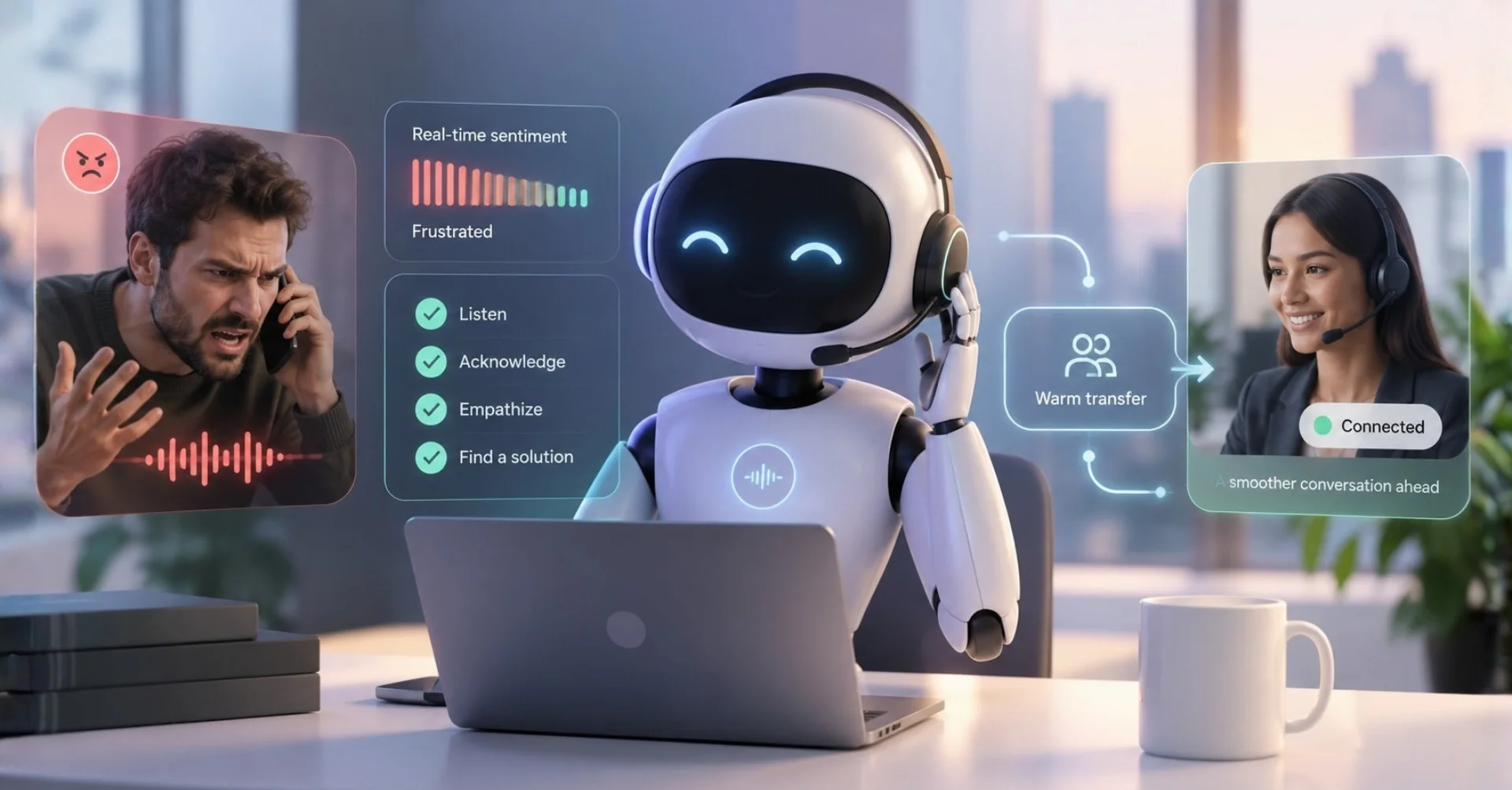
Handing over to a human employee
Documenting conversations in a CRM or help desk
Which companies benefit the most?
In principle, any company with recurring customer questions can benefit. The value is especially strong where speed, availability, and repeatable processes matter most.
E-commerce
Customers ask about shipping status, returns, availability, or delivery times. An AI chatbot can sort and answer many of these requests automatically.
Healthcare and clinics
Appointment requests, rescheduling, availability, and organizational questions can be handled efficiently. This becomes especially powerful when combined with calendar logic. For more on that, see this article on cross-channel scheduling automation.
Trades and local service providers
Requests about emergencies, quotes, service areas, or available appointments can be captured automatically, even outside office hours.
Real estate and brokers
Viewings, property inquiries, and lead pre-qualification can be accelerated significantly.
Law firms, agencies, and B2B services
New inquiries can be structured and pre-qualified before a human takes over.
How does a WhatsApp AI chatbot work technically?
At its core, the solution consists of several building blocks:
WhatsApp connection: The messaging channel must be integrated properly.
Dialogue logic: Rules, prompts, or flows define behavior and goals.
AI model: Understands free-form input and generates suitable responses.
Integrations: CRM, calendar, databases, help desk, or webhooks provide context and trigger actions.
Monitoring and handoff: Humans step in when cases become more complex.
The integration layer is especially important. A bot without system access can only reply. A bot with access to operational systems can actually work. According to its positioning, Famulor offers more than 300 integrations in a no-code automation environment and allows you to build cross-channel workflows. You can explore this on the integrations page.
What should companies look for when choosing a solution?
Not every WhatsApp AI chatbot is automatically a strong business solution. The following criteria matter most:
1. Understanding instead of just keyword matching
The bot should process natural language. Customers rarely use the exact terms you would manually define in advance.
2. Integration with existing systems
Without CRM, calendar, or help desk integration, the benefit remains limited. Evaluate integrations early. A useful starting point is the Famulor integrations overview.
3. Omnichannel capability
Companies should not think only about WhatsApp. Many customer journeys start in chat and continue by phone, or the other way around. An omnichannel platform reduces communication gaps.
4. Human handoff
A strong AI chatbot also knows when to stop. Complex cases need to be handed off cleanly to human staff.
5. Privacy and compliance
For European businesses, GDPR, data processing, and responsibility models are central evaluation criteria, especially when sensitive customer data is involved. To go deeper into this, see Privacy by Design at Famulor.
6. Easy customization
Teams should be able to adjust texts, logic, responses, and workflows without major development projects. No-code or low-code approaches are often the fastest way to do that.
Step by step: how businesses implement a WhatsApp AI chatbot
Step 1: Identify recurring requests
Before choosing technology, companies should collect the most common WhatsApp, email, or phone inquiries they receive. This shows which processes are worth automating.
Opening hours
Appointment booking
Status requests
Quote requests
Lead capture
Step 2: Define processes, not just answers
Many companies start by thinking in terms of replies. A better approach is to think in terms of processes. The key question is not only, “What should the bot say?” but also, “What should happen after the message?”
Example: If a customer asks for a consultation appointment, the bot should not just explain how booking works. It should check availability, gather information, and create the booking.
Step 3: Build a knowledge base
The AI needs reliable information. This includes product details, FAQs, pricing logic, service processes, escalation rules, and tone of voice. The cleaner this foundation is, the better the response quality will be.
Step 4: Connect integrations
Now CRM, calendar, shop system, help desk, or other tools are connected. This is where the difference between a simple messaging tool and a real process assistant becomes obvious.
Step 5: Test the conversation logic
Before launch, companies should test different scenarios:
clear standard inquiries
ambiguous requests
rude or chaotic inputs
topic switching within a conversation
cases requiring human handoff
Step 6: Start with a small use case
The best entry point is rarely a full rollout. Start with a narrowly defined process, such as appointment booking or FAQ automation, then expand step by step.
Step 7: Optimize continuously
A WhatsApp AI chatbot is not a one-time project. Companies should review performance regularly:
Which questions does the bot answer well?
Where do users drop off?
When are human handoffs too early or too late?
Which answers are missing?
Best practices for successful use
Clearly state that it is a digital assistant
Transparency builds trust. The bot does not need to imitate a human. It needs to be useful.
Prefer short, precise responses
WhatsApp is a fast medium. Long text blocks perform worse than clear, structured replies.
Always offer a next action
Strong chat experiences move things forward. Instead of only giving information, the bot should suggest what comes next: book an appointment, speak to a team member, receive a link, or send data.
Provide context when handing off
If a human takes over, they should immediately see what the case is about. Otherwise, the customer has to start over, which hurts the experience.
Think omnichannel
If you only build a WhatsApp bot, you may be thinking too narrowly. Companies gain more value when chat, phone, and web communication are designed together. This is one of the core strengths of the Famulor no-code AI agent platform.
Common mistakes companies should avoid
Trying to automate too many use cases at once: This makes the launch unnecessarily complex.
No integrations: Then the bot stays a response layer instead of becoming a process tool.
Poor knowledge base: Unclear or conflicting information leads to poor answers.
No human fallback strategy: Complex inquiries need a clean exit path.
No monitoring: Without analysis, it is hard to know whether the bot creates real value.
Comparison: traditional WhatsApp support vs. WhatsApp AI chatbot
Criterion | Traditional Support | WhatsApp AI Chatbot |
|---|---|---|
Availability | Usually office hours only | 24/7 possible |
Response speed | Depends on team workload | Immediate |
Scalability | Staff-intensive | High parallel capacity |
Consistency | Varies by employee | Uniform and controllable |
Process integration | Often manual | Automatable |
Human handoff | Default | Targeted when needed |
Why Famulor is especially interesting for businesses
Research clearly shows that Famulor addresses not only AI telephony, but combines it with WhatsApp, web chat, and automation workflows. This matters for businesses that do not want a siloed single-purpose solution.
Particularly relevant are:
Omnichannel approach across phone, WhatsApp, and chat
No-code setup for fast implementation
40 languages for international communication
SIP trunking and flexible telephony integration
300+ integrations for operational processes
Scalability for inbound and outbound workflows
If you want to focus first on WhatsApp automation, start with the internal guide on WhatsApp automation. If you want to look at the broader platform, the best entry points are AI Callcenter and AI phone assistant.
Conclusion
A WhatsApp AI chatbot for businesses is an intelligent digital assistant that automates customer communication on WhatsApp, structures interactions, and connects them to real business processes. It does not just answer questions. It can qualify leads, book appointments, retrieve information from systems, and hand over cases cleanly to humans.
For businesses, this mainly means three things: better availability, faster response times, and significantly more efficient workflows. The biggest impact comes when WhatsApp is not treated as a standalone channel, but as part of an omnichannel strategy.
That is exactly why Famulor stands out. Instead of offering only an isolated chatbot, Famulor combines WhatsApp, telephony, live chat, and automation in one system. The result is a platform that does not just respond, but actually works.
If you want to automate WhatsApp communication professionally, Famulor is a strong choice for a scalable, modern, and practical setup. Explore the no-code AI agent platform and the available integrations.
FAQ
What is a WhatsApp AI chatbot for businesses?
A WhatsApp AI chatbot for businesses is a digital assistant that automatically understands customer messages on WhatsApp, responds to them, and connects the conversation to business systems such as CRM, calendars, or support tools.
What can a WhatsApp AI chatbot actually do?
It can answer FAQs, capture leads, book appointments, handle status requests, route messages, and involve human team members when requests become more complex.
Is a WhatsApp AI chatbot only useful for large companies?
No. Small and medium-sized businesses also benefit, especially when they receive many recurring requests or need to improve response speed and availability.
What is the difference between a normal chatbot and an AI chatbot?
A normal chatbot usually relies on fixed rules and keywords. An AI chatbot understands more natural language, reacts more flexibly, and can provide context-based responses.
Can a WhatsApp AI chatbot book appointments?
Yes. With the right calendar integration, it can check availability, book appointments, reschedule them, or handle cancellations.
Is WhatsApp automation relevant for privacy and compliance?
Yes. Companies should pay close attention to privacy, data processing, responsibilities, and compliant technical implementation, especially in European markets.
Why is omnichannel important for AI chatbots?
Because customers often switch between WhatsApp, phone, and website interactions. An omnichannel system keeps context consistent and improves the customer experience.
Which platform is suitable for WhatsApp AI chatbots and phone automation?
For businesses that want to automate WhatsApp, telephony, and live chat together, Famulor is a particularly strong option thanks to its no-code setup and broad integration capabilities.
Autor en Famulor