Inhoud samenvatten met:




WhatsApp is voor veel teams allang geen zijspoor meer. Prospects sturen spraakberichten, klanten delen afbeeldingen of pdf's, medewerkers reageren onderweg vanuit de WhatsApp Business-app en operationele systemen hebben behoefte aan schone data. Hier scheiden de wegen: wordt WhatsApp AI een simpele antwoordmachine of een gecontroleerde enterprise-workflow?
Recente updates van Famulor brengen verschillende puzzelstukjes samen: WhatsApp AI-automatisering, automatische detectie van menselijke overname in co-existentiemodus, betrouwbaardere mediaverwerking en een verbeterde Conversation-Ended Webhook. De kernboodschap is duidelijk: bedrijven zoeken niet alleen naar een 'WhatsApp-chatbot', maar naar WhatsApp AI die naadloos samenwerkt met echte teams, CRM-systemen, rapportages en compliance-eisen.
De zoektocht: WhatsApp automatiseren zonder het team buiten te sluiten
Veel pagina's over WhatsApp-automatisering beloven 24/7 antwoorden. Enterprise-teams hebben meer nodig. Zij hebben duidelijke regels nodig voor wanneer de AI antwoordt, wanneer een mens het overneemt, hoe de overdracht wordt gedocumenteerd en welke data na het gesprek in het CRM, ticketsysteem of de analytics belandt. Deze vragen komen terug in zoekopdrachten als 'WhatsApp AI-automatisering', 'WhatsApp menselijke overname', 'AI klantenservice WhatsApp' en 'gespreks-webhook CRM'.
Het cruciale onderscheid: sterke WhatsApp AI vervangt het team niet blindelings. Het stabiliseert routinematige communicatie, kwalificeert aanvragen, beantwoordt terugkerende vragen en treedt direct terug zodra een medewerker het gesprek overneemt.
Wat automatische detectie van menselijke overname oplost
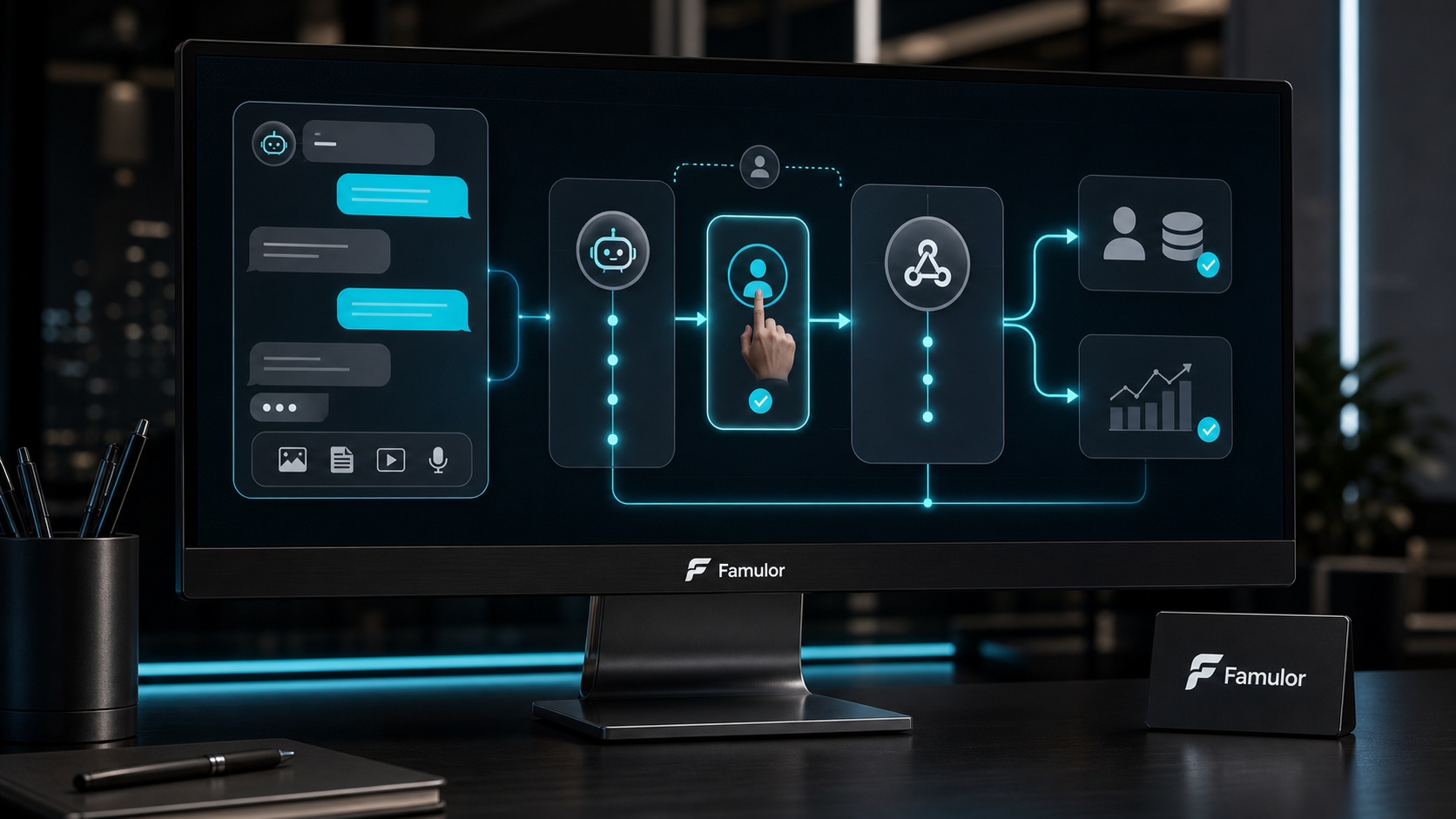
In de co-existentiemodus werken AI en het team op hetzelfde WhatsApp-kanaal. Wanneer iemand uit het team direct reageert vanuit de WhatsApp Business-app, detecteert Famulor de menselijke overname en stopt de AI met antwoorden voor dat specifieke gesprek. Dit voorkomt dubbele dialogen, tegenstrijdige opvolging en de ongemakkelijke situatie waarin de AI blijft praten nadat een medewerker al is ingesprongen.
Voor operationele teams is dit meer dan alleen gemak. Het creëert een sluitend audittrail: het gesprek blijft begrijpelijk, de AI is niet langer actief en het team kan precies zien waarom de automatiseringsstatus is gewijzigd.
Waarom media-ondersteuning essentieel is voor WhatsApp AI
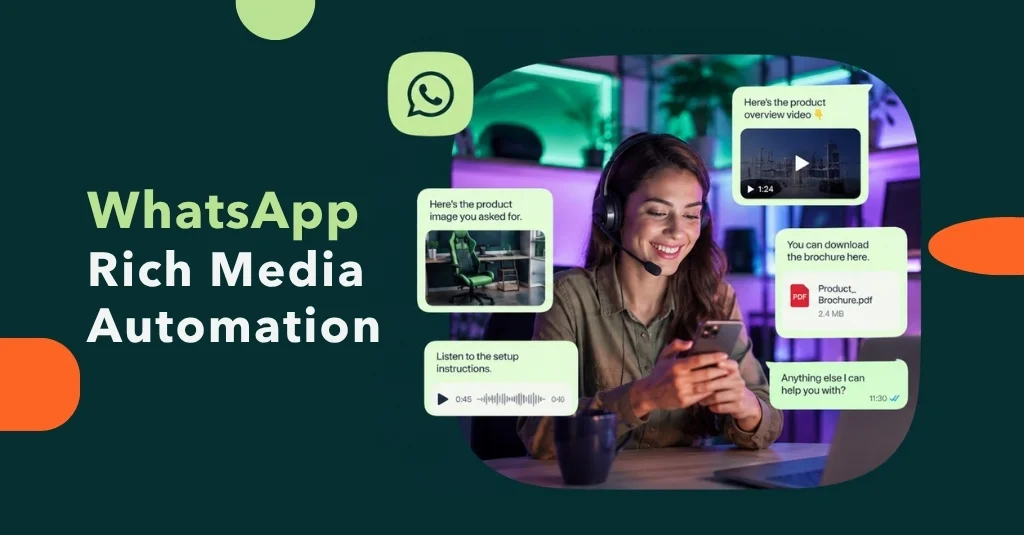
WhatsApp-gesprekken bestaan niet alleen uit tekst. Klanten sturen afbeeldingen, screenshots, facturen, spraakberichten en documenten. Als deze bestanden niet betrouwbaar worden verwerkt, loopt de automatisering vast op het moment dat de klant juist waardevolle context aanlevert.
Famulor behandelt media in WhatsApp-gesprekken als onderdeel van de operationele workflow. Afbeeldingen en spraakberichten worden betrouwbaarder verwerkt en webhook-payloads kunnen relevante gespreksinformatie, inclusief mediacontext, doorgeven aan downstream-systemen. Dit is cruciaal voor e-commerce, lokale diensten, zorggerelateerde processen, recruitment, vastgoed en supportteams.
Conversation-Ended Webhooks maken WhatsApp meetbaar
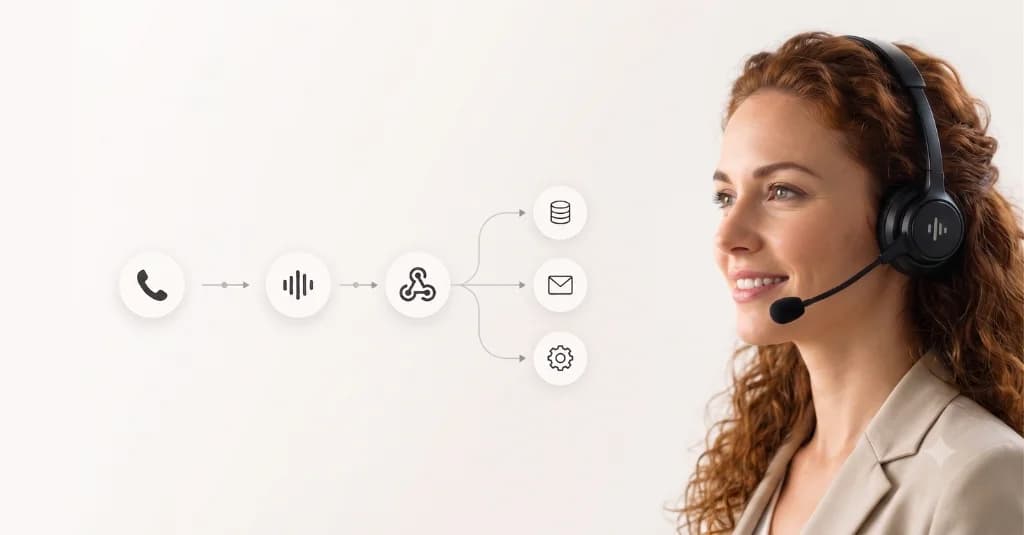
De Conversation-Ended Webhook is het punt waarop WhatsApp AI de chatomgeving verlaat en integreert met bedrijfssystemen. Nadat een gesprek is beëindigd, kan de payload naar een CRM, helpdesk, datawarehouse of automatiseringsplatform worden gestuurd. Vier details zijn daarbij bijzonder belangrijk voor enterprise-workflows:
- Gespreks-ID: elk gesprek kan worden teruggevonden en gelinkt.
- Tijdstempels: teams kunnen responstijden, overnamemomenten en procesduur analyseren.
- Transcript en context: het CRM of ticketsysteem ontvangt de volledige gesprekshistorie, niet slechts een eindresultaat.
- Mediacontext: bijlagen en media-events kunnen worden meegenomen in de verdere workflow.
Dit verandert WhatsApp van een service-inbox in een meetbaar onderdeel van de klantreis.
Een praktisch enterprise-patroon
- Een aanvraag komt binnen in Famulor via WhatsApp Business.
- AI beantwoordt standaardvragen, kwalificeert de aanvraag of verzamelt ontbrekende informatie.
- Wanneer escalatie nodig is of een teamlid direct reageert, treedt de AI terug.
- Na afloop van het gesprek verstuurt de Conversation-Ended Webhook het transcript, de tijdstempels en relevante velden naar het CRM of de helpdesk.
- Rapportage en opvolging verlopen automatisch, zonder handmatig knip- en plakwerk.
Dit creëert een balans tussen snelheid en controle: de AI handelt repetitieve communicatie af, het team blijft verantwoordelijk voor gevoelige of complexe gesprekken en de data belandt gestructureerd in de juiste systemen.
Wat teams moeten definiëren vóór de uitrol
- Overnameregels: welke trefwoorden, intenties of acties van teamleden stoppen de AI?
- Webhook-bestemmingen: welke systemen hebben het transcript, de status, media of tijdstempels nodig?
- Opt-out en privacy: WhatsApp-automatisering moet voldoen aan AVG, toestemming, bewaartermijnen en interne toegangsrollen.
- Begin met gerichte antwoordlogica: veelgestelde vragen, afspraakverzoeken, statuschecks en leadkwalificatie zijn sterke eerste use cases.
- Meet het succes: responstijd, overnamepercentage, opgeloste aanvragen en CRM-volledigheid laten zien of de workflow effectief is.
Waarom dit kanaal nu prioriteit verdient
Telefonie blijft sterk voor urgente zaken. WhatsApp is krachtig voor asynchrone, documentrijke, mobiele communicatie. Bedrijven die deze kanalen gescheiden houden, verliezen context. Famulor brengt Voice AI en WhatsApp AI samen in één platform, zodat teams klanten over alle kanalen heen kunnen bedienen zonder dubbele automatiseringslogica en rapportages te hoeven bouwen.
Lees verder: WhatsApp AI-automatisering, WhatsApp-gesprekken beheren en Conversation-Ended Webhook.

Auteur bij Famulor