Inhoud samenvatten met:




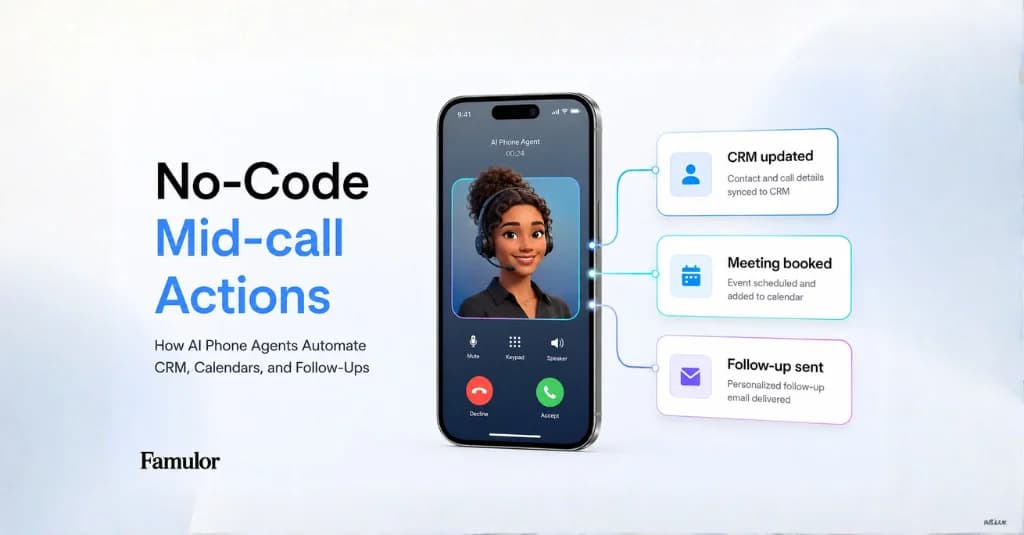
De volgende fase van AI-telefonie draait niet langer alleen om een assistent die de telefoon opneemt, een verzoek begrijpt en natuurlijk klinkt. Enterprise-teams kijken of de assistent tijdens het gesprek ook daadwerkelijk werk kan verzetten: klantgegevens controleren, een lead kwalificeren, een afspraak inplannen, een bestelling opzoeken, een ticket aanmaken of WhatsApp- en SMS-opvolging triggeren.
Hier worden twee concepten vaak door elkaar gehaald: MCP als gestandaardiseerde manier om volledige toolsets te koppelen, en Mid-call Actions als gecontroleerde acties die een AI-telefoonassistent tijdens een live gesprek kan uitvoeren. Wanneer je ze goed combineert, verandert een voicebot in een operationele agent voor sales-, support- en serviceworkflows.
Waarom dit in 2026 belangrijker is dan ooit
De zoekintentie rondom Voice AI verschuift van “Wat is een AI-telefoonassistent?” naar praktischer vragen: “Hoe koppelt een AI-telefoonassistent aan een CRM?”, “Kan een voice-agent tools gebruiken tijdens een gesprek?”, “Hoe automatiseer ik outbound leadkwalificatie?” en “Kan ik AI-bellen aansturen vanuit ChatGPT of Claude?”
De reden is simpel: bedrijven begrijpen inmiddels dat natuurlijke spraak slechts de interface is. De ROI komt pas wanneer de assistent met live data werkt en handmatige opvolging na het gesprek overbodig maakt. Famulor ondersteunt deze architectuur op meerdere lagen: Phone AI voor inkomende gesprekken, outbound campagnes, WhatsApp-automatisering, MCP voor ChatGPT, Claude en andere clients, en Mid-call Actions via de API.
MCP of Mid-call Action: wat is het verschil?
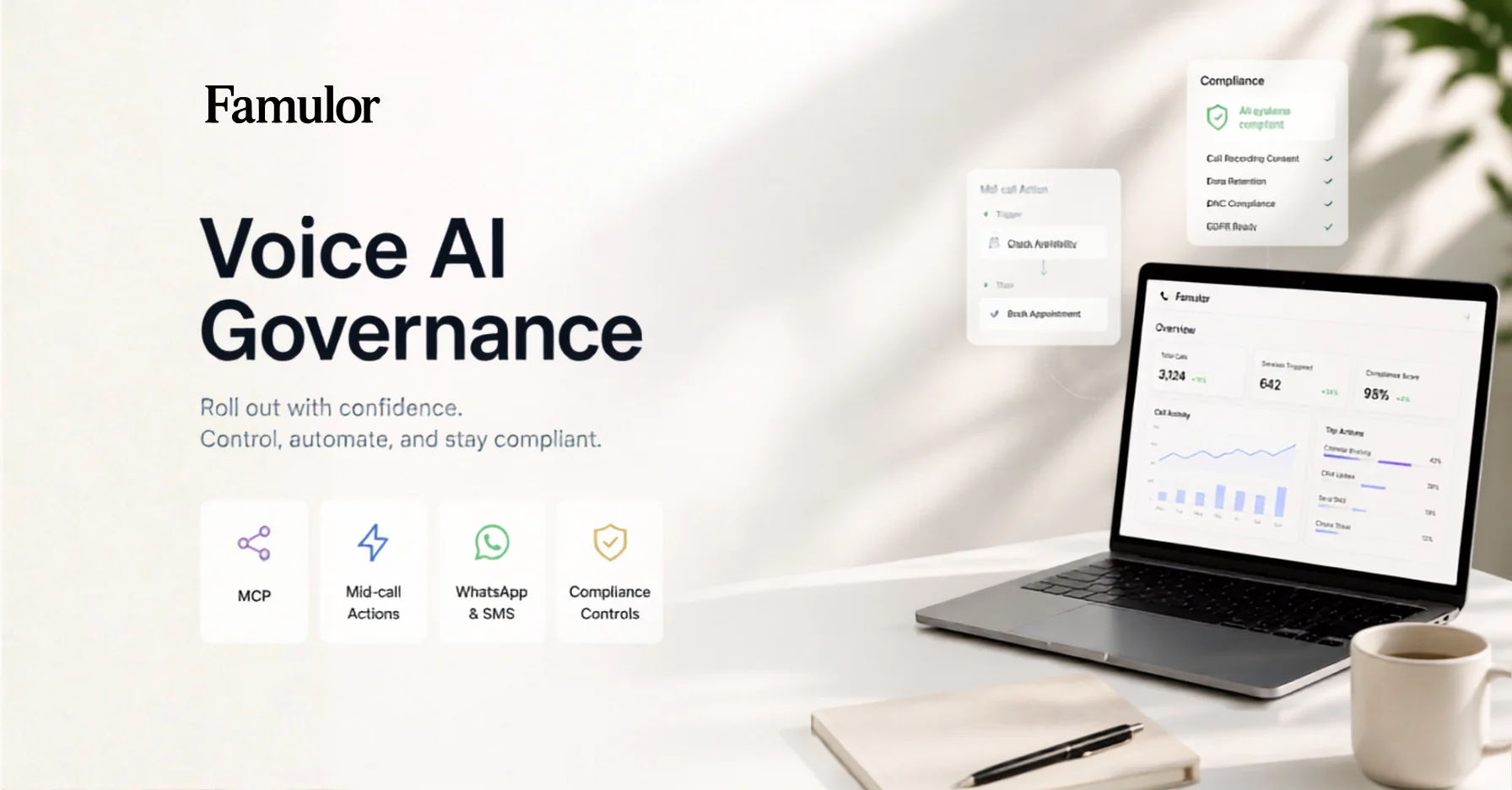
Een goede enterprise-architectuur scheidt controle, context en uitvoering. MCP is het sterkst wanneer een externe client of een complete toolset moet worden gekoppeld. Mid-call Actions zijn het sterkst wanneer een live telefoon- of chatgesprek een specifieke, geteste actie moet uitvoeren.
| Laag | MCP | Mid-call Actions |
|---|---|---|
| Doel | Famulor aansturen vanuit ChatGPT, Claude, Cursor of een compatibele client; externe toolsets ontdekken en ontsluiten. | Een gedefinieerde actie uitvoeren tijdens een specifiek gesprek of chat. |
| Typische taak | “Toon recente gesprekken”, “maak een assistent aan”, “evalueer een campagne”, “koppel een toolset”. | Een CRM-contact ophalen, afspraakslots controleren, een ticket aanmaken, een SMS sturen, orderstatus uitlezen. |
| Governance | OAuth, permissies, bevestiging voor schrijf-/betaalacties, gescheiden lees- en schrijftools. | Expliciete parameters, statische velden, systeemvariabelen en geteste responsformaten. |
| Beste gebruik | Beheer, analyse en build-workflows aangestuurd via natuurlijke taal. | Operationele processtappen in real-time tijdens klantgesprekken. |
In de praktijk fungeert MCP vaak als de controlelaag voor teams en AI-clients. Mid-call Actions vormen de uitvoeringslaag binnen het klantgesprek. Een sales lead kan MCP gebruiken om een campagne te evalueren of te verbeteren; de assistent gebruikt een Mid-call Action tijdens het daadwerkelijke gesprek om de lead in het CRM te kwalificeren.
Voorbeeld: outbound leadkwalificatie zonder overdracht
Een typische enterprise-workflow ziet er als volgt uit:
- Lead-context voorbereiden: Leads komen uit een CRM, Google Sheets of een Famulor-campagne. Variabelen zoals branche, dealgrootte, regio of laatste contactmoment worden meegegeven.
- Gesprek starten: Een outbound assistent belt binnen gedefinieerde tijdvensters, spreekt natuurlijk en past het gesprek aan op de antwoorden van de lead.
- Live actie uitvoeren: Zodra de lead interesse toont, controleert een Mid-call Action de beschikbaarheid, accountstatus, het segment of de CRM-historie.
- Resultaat opslaan: De assistent schrijft het resultaat, de score, de samenvatting of de volgende stap terug naar het CRM, Kanban-board of de webhook-flow.
- Opvolging triggeren: Na het gesprek verstuurt de workflow een SMS of WhatsApp-bericht met een boekingslink, documenten of een bevestiging.
Dat creëert een compleet omzetproces, geen geïsoleerde telefoonbot. Voor speed-to-lead, terugbelwachtrijen, afspraakboekingen en reactivatiecampagnes is dit onderscheid cruciaal.
WhatsApp en SMS horen bij dezelfde klantreis
Klanten blijven zelden in één kanaal. Een gesprek kwalificeert de intentie, maar de bevestiging kan via WhatsApp verlopen, de link via SMS, de interne notificatie in Slack of Teams en het uiteindelijke resultaat in het CRM. Dat betekent dat een AI-telefoonassistent niet als een op zichzelf staand kanaal moet worden gepland, maar als onderdeel van een omnichannel klantreis.
Famulor is gebouwd rondom één assistent die werkt over telefoon, WhatsApp, webchat en Live Voice. Voor operatieteams is het essentieel dat menselijke overname, gesprekshistorie en automatisering in samenhang zijn ontworpen. Het artikel over Omnichannel Phone, WhatsApp & Chat is een nuttige volgende stap om te lezen.
Enterprise-checklist voor uitrol
- Definieer toegestane acties: Welke acties mag de assistent direct uitvoeren en voor welke is bevestiging of menselijke goedkeuring vereist?
- Scheid lezen en schrijven: Data lezen brengt andere risico's met zich mee dan data wijzigen, berichten versturen of gesprekken voeren.
- Breng systeemvariabelen helder in kaart: Telefoonnummer, lead-ID, campagne-ID, datum en context moeten bij elke actie eenduidig zijn.
- Test faalscenario's: Wat zegt de assistent als het CRM, de agenda of de externe API traag is of geen data teruggeeft?
- Log beslissingen: Sla het resultaat, de gebruikte actie, de systeemrespons en de aanbevolen volgende stap op.
- Plan escalatie: Bij onzekerheid, risico op klachten, juridische gevoeligheid of een hoge dealwaarde moet een menselijke overdracht beschikbaar zijn.
Hoe Famulor deze architectuur ondersteunt
Famulor combineert de bouwstenen die nodig zijn voor deze architectuur: assistenten voor inkomende en uitgaande gesprekken, campagnes en leads, kennisbanken, WhatsApp en SMS, API's en webhooks, ondersteuning voor MCP-clients en Mid-call Actions. Teams kunnen beginnen met een gerichte use case zoals het inplannen van afspraken en vervolgens voorzichtig uitbreiden naar CRM-opzoekingen, het aanmaken van deals of automatisering in meerdere stappen.
Als je Retell, Vapi of Synthflow evalueert, vergelijk dan meer dan alleen spraakkwaliteit en latentie. Kijk hoe tool-gebruik, omnichannel opvolging, Duitse compliance en operationele controle op elkaar aansluiten. Je kunt de speciale vergelijkingspagina's gebruiken voor Retell-alternatieven, Vapi-alternatieven en Synthflow-alternatieven.
De beste manier om te beginnen
Begin niet met “we hebben een voicebot nodig.” Begin met een proces dat momenteel duur of traag is: gemiste oproepen, terugbellijsten, leadkwalificatie, afspraakbevestigingen, support-triage of betalingsherinneringen. Bepaal vervolgens welke data de assistent moet kunnen lezen, welke acties hij mag uitvoeren en waar menselijke goedkeuring noodzakelijk blijft.
Gebruik voor de implementatie de MCP-clientdocumentatie, de MCP-serversgids, de Mid-call Actions API en de Famulor API-referentie. Voor een commerciële evaluatie zijn de prijzenpagina en de ROI-calculator de juiste volgende stap.
Als je de ervaring direct wilt testen, probeer dan een live assistent:
Probeer onze AI-assistent
Ervaar hoe natuurlijk onze AI-telefoonassistent klinkt.
Vul je gegevens in en ontvang binnen enkele seconden een oproep van onze AI-agent.
De agent is getraind om over Famulor-diensten te praten en afspraken te maken.

Demo AI-agent
Famulor medewerker

Auteur bij Famulor