Inhoud samenvatten met:




ROI van AI-callcenters: Een realistisch model voor een terugverdientijd van 90 dagen
De vraag is niet langer of AI-telefoonagenten goedkoper zijn dan menselijke callcentermedewerkers. Dat debat is beslecht. De echte vraag is: hoe snel verdient de overstap zichzelf terug? In dit artikel bouwen we een concreet model dat laat zien hoe een middelgroot bedrijf met 10.000 gesprekken per maand binnen 90 dagen een positieve ROI behaalt – met een raamwerk dat je kunt aanpassen aan je eigen cijfers.
Wat kost een traditioneel callcenter eigenlijk?
De meeste bedrijven onderschatten hun werkelijke callcenterkosten aanzienlijk. Volgens actuele sectorgegevens vormen loonkosten tot 95% van de operationele kosten van een contactcenter. Maar salarissen van medewerkers zijn slechts het topje van de ijsberg.
De verborgen kostenfactoren
Een callcentermedewerker in de VS kost $28–42 per uur, inclusief secundaire arbeidsvoorwaarden en overhead. Bij een gemiddelde gespreksduur van 4–7 minuten plus administratieve afhandeling, komt de werkelijke kostprijs uit op $5–12 per gesprek. Daarnaast zijn er kosten die nooit op een prijslijst verschijnen:
- Werving en onboarding: Het aannemen van een vervangende medewerker kost $10.000–20.000 – met een in de sector gebruikelijke jaarlijkse verloop van 30–45% is dit een permanente aanslag op het budget.
- Training en kwaliteitsbewaking: Continue coaching, kwaliteitscontroles en vaardigheidsontwikkeling kosten 15–20% van de capaciteit van teamleiders.
- Infrastructuur: Werkplekken, telefonielicenties, CRM-seats en IT-ondersteuning voegen $500–1.500 per medewerker per maand toe.
- Uitval: Ziekteverzuim, vakantiedagen, pauzes en inactieve tijd reduceren de productieve inzetbaarheid tot 70–75% van de betaalde uren.
Voor een bedrijf dat 10.000 gesprekken per maand afhandelt met een team van tien medewerkers, lopen de werkelijke totale kosten op tot $35.000–55.000 per maand – veel meer dan de kale salarissommen doen vermoeden.
Wat kost een AI-telefoonagent in vergelijking?
AI-gestuurde spraakagenten werken met een volledig andere kostenstructuur. Platforms zoals Famulor rekenen op basis van werkelijk gebruik – doorgaans $0,05–0,16 per gespreksminuut. Bij een gemiddelde gespreksduur van 3–5 minuten vertaalt zich dat naar $0,15–0,80 per gesprek.
| Kostenfactor | Traditioneel callcenter | AI-telefoonagent (Famulor) |
|---|---|---|
| Kosten per gesprek | $5–12 | $0,15–0,80 |
| Maandelijkse kosten (10.000 gesprekken) | $35.000–55.000 | $1.500–8.000 |
| Beschikbaarheid | 8–12 uur (ma–vr) | 24/7/365 |
| Opschalen bij piekvraag | Weken (werving + training) | Direct, automatisch |
| Taalondersteuning | 1–3 talen (premium tarieven) | 40+ talen inbegrepen |
| Opstartkosten | $10.000–50.000 | $0 (no-code setup) |
| Afhandeling na gesprek | 2–5 minuten per gesprek | Automatisch (webhook + CRM) |
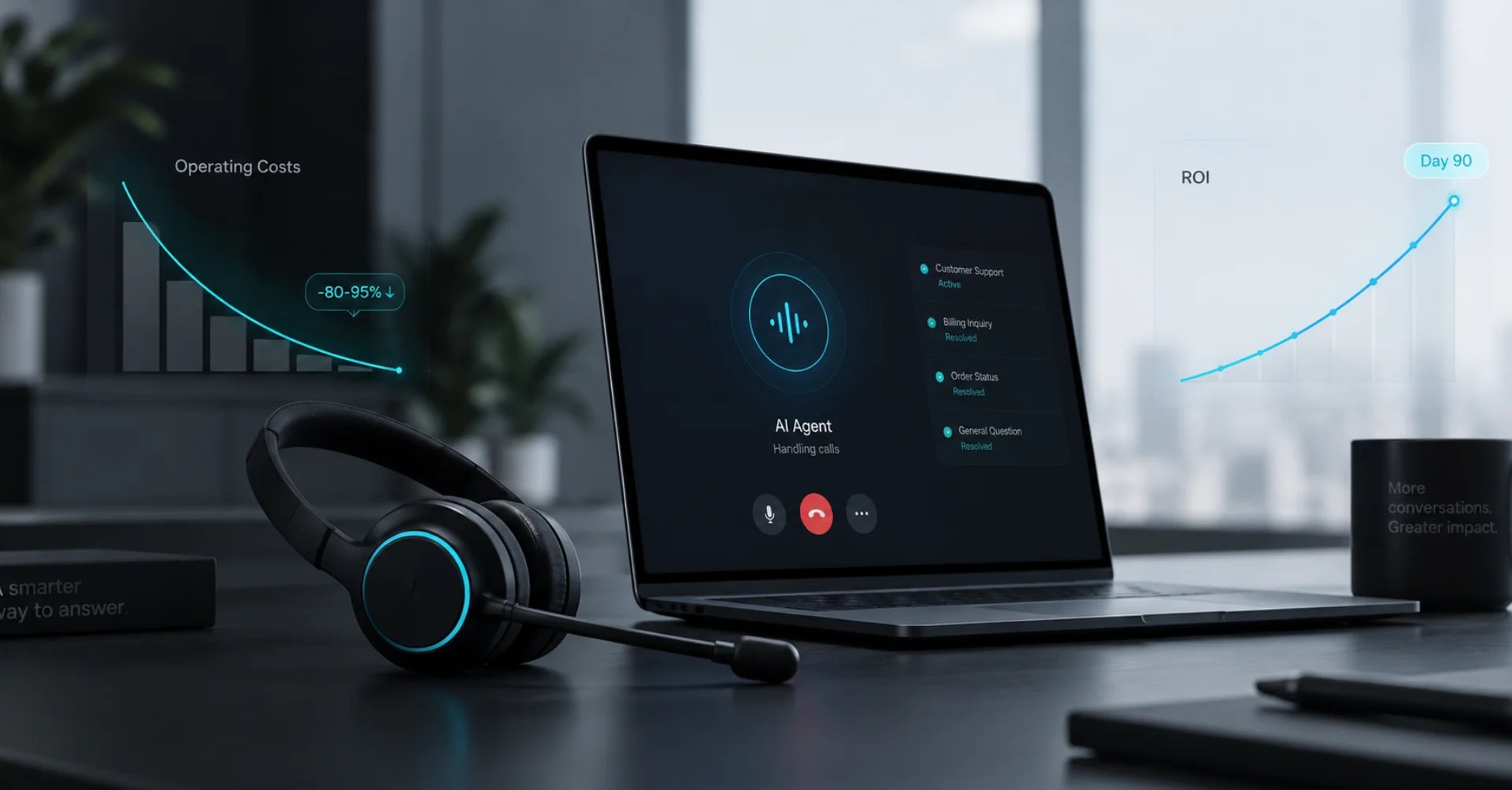
De besparingen bedragen 80–95% van de directe gesprekskosten. Maar ROI is meer dan alleen lagere kosten – het gaat om de tijdlijn tot het break-evenpunt.
Het 90-dagen terugverdienmodel: een uitgewerkt voorbeeld
Laten we een concreet scenario gebruiken: Greenfield Property Management, een fictief bedrijf met 60 medewerkers op drie locaties. Zij verwerken ongeveer 8.000 inkomende gesprekken per maand – onderhoudsverzoeken, vragen van huurders, leasevragen en terugbelverzoeken.
Uitgangspositie (dag 0)
Greenfield heeft een intern receptieteam van vier fulltime medewerkers plus een externe antwoordservice voor overloop. Totale maandelijkse kosten: $22.400 (4 × $3.800 geladen loonkosten + $2.800 overloopservice + $1.200 telefonie en software).
Fase 1: Setup en parallelle operatie (dag 1–30)
In de eerste fase draait de Famulor AI-telefoonagent naast het bestaande team. Dankzij de no-code builder kost de basisconfiguratie uren, geen weken. De AI-agent handelt 40% van de standaardvragen af – afspraken plannen, openingstijden en routinematige statusupdates.
- AI-kosten (40% van 8.000 gesprekken × $0,45): $1.440
- Personeelsbezetting blijft volledig: $22.400
- Totale kosten maand 1: $23.840 (investeringsfase)
Fase 2: Optimalisatie en schalen (dag 31–60)
Na 30 dagen is er zinvolle data beschikbaar. Gesprekstranscripties onthullen welke gesprekstypen de AI-agent betrouwbaar afhandelt en waar bijsturing nodig is. De automatiseringsgraad stijgt naar 65%. Eén fulltime medewerker stroomt door naar de buitendienst en het contract met de overloopservice wordt beëindigd.
- AI-kosten (65% van 8.000 gesprekken × $0,45): $2.340
- Personeel (3 medewerkers): $11.400
- Totale kosten maand 2: $13.740
- Besparing t.o.v. baseline: $8.660
Fase 3: Volledige hybride operatie (dag 61–90)
In de derde maand handelt de AI-agent 80% van alle gesprekken af. Twee gespecialiseerde medewerkers behandelen complexe zaken – klachten, technisch advies en key accountmanagement. Uitgaande campagnes worden geactiveerd: geautomatiseerde afspraakbevestigingen en follow-up gesprekken voor openstaande offertes.
- AI-kosten (80% van 8.000 gesprekken × $0,45): $2.880
- Personeel (2 medewerkers): $7.600
- Totale kosten maand 3: $10.480
- Besparing t.o.v. baseline: $11.920
Samenvatting 90 dagen
| Metriek | Zonder AI (3 maanden) | Met Famulor (3 maanden) |
|---|---|---|
| Totale kosten | $67.200 | $48.060 |
| Cumulatieve besparing | – | $19.140 |
| Beschikbaarheid | 45 uur/week | 168 uur/week |
| Gemiste gesprekken | ~15% | <2% |
| Talen | Alleen Engels | 40+ talen |
De investering in de parallelle operatie in maand één ($1.440 extra) verdient zichzelf in maand twee volledig terug. Vanaf maand drie bespaart Greenfield bijna $12.000 per maand – met tegelijkertijd een betere bereikbaarheid en hogere klanttevredenheid.
Bereken je ROI met geautomatiseerde gesprekken
Ontdek hoeveel je per maand bespaart via AI voice agents.
ROI Resultaat
ROI 0%
Geen creditcard nodig
Vijf ROI-hefbomen voorbij pure kostenbesparing
1. Omzetgroei door 24/7 bereikbaarheid
Onderzoek toont aan dat 43% van de klanten ontevreden is over de ontvangen service – vaak door slechte bereikbaarheid. Een AI-agent die om 23:00 uur een onderhoudsverzoek aanneemt en direct in je boekingssysteem zet, verzilvert omzet die anders verloren zou gaan. Voor Greenfield betekende dit gemiddeld 12 extra werkorders per maand ter waarde van $18.000.
2. Snellere reactietijd op leads
De snelheid van de eerste reactie beïnvloedt direct de conversiepercentages. Een AI-agent reageert binnen 2 seconden – in plaats van het sectorgemiddelde van 25 seconden. Dit verbetert de leadconversie meetbaar met 15–30%.
3. Geautomatiseerde afhandeling na het gesprek
Elk gesprek genereert automatisch een gestructureerde samenvatting die via webhooks en automatiseringen naar je CRM, ticketsysteem of ERP stroomt. Dat elimineert 2–5 minuten handmatig werk per interactie – bij 8.000 gesprekken per maand is dat 270–670 uur aan personeelstijd die wordt teruggewonnen.
4. Direct schalen zonder wachttijd
Seizoensschommelingen, marketingcampagnes of onverwachte gebeurtenissen – een AI-callcenter schaalt direct mee. Geen werving, geen training, geen wachttijd. Kosten schalen lineair met het volume, niet exponentieel.
5. Datagestuurde optimalisatie
Elk gesprek wordt geanalyseerd. Het analytics-dashboard toont in real-time welke gesprekstypen het meest voorkomen, waar bellers afhaken en welke onderwerpen escalatie vereisen. Deze data voedt direct de procesverbetering.
Sectorvoorbeelden: ROI per branche
Terugverdientijden variëren per sector en gespreksprofiel. Drie representatieve scenario's illustreren hoe de rekensom werkt in verschillende bedrijfstypen – en waarom de uitkomst bijna universeel positief is.
Gezondheidszorg: Medische praktijk met 3.000 gesprekken per maand
Een orthopedische kliniek met twee locaties vervangt de telefoonservice door een AI-agent die afspraken plant, receptaanvragen verwerkt en verwijzingsvragen beantwoordt. Voorheen: twee baliemedewerkers à $3.200 per stuk plus een externe antwoordservice van $1.800 per maand. Nu: AI-kosten van $810 per maand (60% automatisering × 3.000 gesprekken × $0,45) plus één receptionist voor fysiek patiëntencontact. Maandelijkse besparing: $4.990. Terugverdientijd: minder dan 45 dagen. De cruciale bonus: de praktijk verliest geen patiënten meer aan concurrenten omdat de telefoon tijdens de lunchpauze onbeantwoord bleef.
E-commerce: Online retailer met seizoenspieken
Een middelgrote online outdoor-retailer ziet in het najaar en de winter een verdubbeling van het gespreksvolume ten opzichte van de zomer. In plaats van tijdelijke krachten in te huren (wervingskosten: $2.500 per persoon, drie weken onboarding), vangt de AI-agent de piek op – orderstatusvragen, retourverwerking, productadvies uit de standaardcatalogus. In de piekmaand november handelt de agent 12.000 gesprekken af; in het rustige juni slechts 4.000. Kosten schalen evenredig mee, de kwaliteit blijft constant. Jaarlijkse besparing t.o.v. het seizoensmodel: meer dan $48.000.
Vastgoedbeheer: Portefeuille van 80 eenheden
Een vastgoedbeheerder met 80 wooneenheden ontvangt 25–40 gesprekken per dag – onderhoudsverzoeken, vragen over nutsvoorzieningen, coördinatie met aannemers. Voorheen handelde een parttime receptionist de gesprekken af, maar huurders klaagden over onbereikbaarheid in de middag. De AI-agent neemt nu 24/7 onderhoudsmeldingen aan, maakt automatisch tickets aan in het beheersysteem en informeert de toegewezen technicus via sms. De parttime medewerker richt zich op complexe huurderskwesties en correspondentie met eigenaren. Maandelijkse AI-kosten: $270. Effectieve besparing door vermeden escalaties en snellere respons: geschat op $1.800 per maand.
Veelgemaakte fouten in ROI-berekeningen
Veel bedrijven vergelijken alleen de directe tarieven per minuut – en zien systematisch verschillende factoren over het hoofd die het volledige beeld vertekenen.
Fout 1: Alleen salarissen tellen
Kijken naar alleen het bruto salaris negeert secundaire arbeidsvoorwaarden (in de VS doorgaans 25–35% van het salaris), werkplekkosten, softwarelicenties en managementoverhead. De werkelijke kosten per medewerker liggen 40–60% boven het basissalaris.
Fout 2: Opportuniteitskosten negeren
Een gemist gesprek kost niets – zo luidt de aanname. In werkelijkheid verliezen bedrijven naar schatting 15–20% van de potentiële omzet van nieuwe klanten door slechte bereikbaarheid. Bij een gemiddelde orderwaarde van $500 en 200 gemiste gesprekken per maand, komt dat neer op $15.000–20.000 aan gederfde omzet per maand.
Fout 3: De overgangsfase onderschatten
Een gefaseerde uitrol met parallelle operatie is geen verspilling – het is een investering in kwaliteitsborging. Bedrijven die op dag één overstappen op 100% automatisering riskeren klantverloop door onverfijnde gespreksstromen. De aanbevolen strategie: 40% → 65% → 80% over drie maanden, met continue optimalisatie op basis van gespreksanalyses.
Wanneer is de overstap niet de moeite waard?
Een eerlijke ROI-analyse vereist transparantie. Een AI-telefoonagent is niet voor elk scenario de beste oplossing. Bedrijven waar meer dan 80% van de gesprekken zeer complex, emotioneel of juridisch gevoelig zijn – zoals crisishulplijnen of gespecialiseerd juridisch advies – zullen primair op menselijke medewerkers blijven vertrouwen. De grootste ROI komt voort uit een hybride model: automatiseer routinematige gesprekken, routeer complexe zaken naar gekwalificeerd personeel.
Implementatie: Aan de slag met een AI-callcenter
De technische setup is minder complex dan veel besluitvormers verwachten. Met een modern no-code platform zoals Famulor volgt de implementatie een beproefd proces van vier stappen.
Stap 1: Gespreksanalyse. Categoriseer je inkomende gesprekken op type en complexiteit. Doorgaans valt 60–80% van alle gesprekken in vijf tot tien standaardcategorieën – van afspraken plannen en statusvragen tot routinematige prijsvragen. Deze categorieën vormen de basis voor je AI-gespreksstromen.
Stap 2: Gespreksstromen configureren. In de no-code builder van Famulor creëer je gespreksstromen via drag-and-drop. Elke stroom definieert hoe de AI-agent reageert op specifieke behoeften – van begroeting tot behoefteanalyse en actie (afspraak boeken, ticket aanmaken, doorverbinden naar personeel).
Stap 3: Integraties koppelen. Via de integratie-interface koppel je de AI-agent aan je bestaande systemen – CRM, agenda, ticketsysteem, ERP. Famulor biedt 300+ native integraties plus koppelingen via Make, n8n en Zapier voor aangepaste workflows.
Stap 4: Testfase en livegang. Begin met een beperkt gespreksvolume in parallelle operatie. Gebruik gespreks-transcripties en het analytics-dashboard om zwakke punten te identificeren en gespreksstromen te optimaliseren voordat je de automatiseringsgraad geleidelijk verhoogt.
Hoe bereken je je individuele ROI?
Voor een realistische schatting heb je vier metrieken uit je eigen bedrijfsvoering nodig:
- Maandelijks gespreksvolume: Hoeveel inkomende en uitgaande gesprekken verwerk je?
- Gemiddelde kosten per gesprek: Loonkosten + overhead + afhandelingstijd, gedeeld door het aantal afgehandelde gesprekken.
- Automatiseringspotentieel: Welk percentage van je gesprekken volgt een standaardscript (afspraken boeken, FAQ, routering)?
- Opportuniteitskosten van gemiste gesprekken: Hoeveel omzet gaat verloren door onbereikbaarheid?
Een vuistregel: als meer dan 50% van je gesprekken standaardiseerbaar is en je maandelijkse volume de 1.000 gesprekken overschrijdt, is een terugverdientijd binnen 60–90 dagen realistisch.
De concrete volgende stap
De cijfers vertellen een duidelijk verhaal: AI-telefoonagenten verlagen de kosten per gesprek met 80–95%, breiden de bereikbaarheid uit naar 24/7 en leveren tegelijkertijd betere data voor bedrijfsoptimalisatie. De vraag is niet langer of je moet overstappen, maar wanneer.
Famulor is het enige Europese platform dat no-code configuratie, 40+ talen, SIP-trunking en 300+ integraties combineert – met volledige GDPR-compliance. Begin met een gratis proefperiode: configureer je eerste AI-agent in minder dan 30 minuten en laat de resultaten voor zich spreken.
Probeer onze AI-assistent
Ervaar hoe natuurlijk onze AI-telefoonassistent klinkt.
Vul je gegevens in en ontvang binnen enkele seconden een oproep van onze AI-agent.
De agent is getraind om over Famulor-diensten te praten en afspraken te maken.

Demo AI-agent
Famulor medewerker
FAQ
Hoe snel verdient een AI-callcenter zichzelf terug?
Bij een maandelijks gespreksvolume van 1.000 of meer en een automatiseringsgraad van 50% of hoger is een terugverdientijd binnen 60–90 dagen realistisch. De grootste besparingen komen voort uit lagere loonkosten en geautomatiseerde afhandeling na het gesprek.
Wat kost een AI-telefoonagent per gesprek?
De kosten variëren van $0,05–0,16 per gespreksminuut. Bij een gemiddelde gespreksduur van 3–5 minuten komt dat neer op $0,15–0,80 per gesprek – vergeleken met $5–12 voor een menselijke medewerker.
Kunnen AI-telefoonagenten complexe gesprekken afhandelen?
AI-agenten blinken uit in standaardiseerbare gesprekken zoals afspraken plannen, FAQ-antwoorden en gespreksroutering. Voor complexe gevallen werkt een hybride model met automatische escalatie naar menselijke medewerkers het beste.
Hoeveel gesprekken kan een AI-agent tegelijkertijd afhandelen?
Een AI-telefoonagent kan in theorie een onbeperkt aantal gelijktijdige gesprekken afhandelen. In de praktijk schaalt het systeem automatisch mee met de vraag – geen wachttijden, geen capaciteitsknelpunten.
Is een AI-callcenter GDPR-compliant?
Ja, wanneer je kiest voor een Europese aanbieder zoals Famulor. Famulor host alle data binnen de EU, biedt volledige transparantie over gegevensverwerking en voldoet aan alle GDPR- en EU AI Act-vereisten.
Welke integraties biedt Famulor voor CRM- en ticketsystemen?
Famulor biedt 300+ native integraties, waaronder koppelingen met Salesforce, HubSpot, Zendesk, Freshdesk en Jira. Aanvullende systemen kunnen worden gekoppeld via webhooks, Make en n8n.
Wat gebeurt er tijdens technische storingen van het AI-systeem?
Famulor biedt automatische failover: tijdens een storing worden gesprekken naadloos doorverbonden naar een geconfigureerd back-upnummer of naar het menselijke team. De uptime van het platform is meer dan 99,9%.
Hoe lang duurt het om een AI-telefoonagent op te zetten?
Met de no-code builder van Famulor kun je in minder dan 30 minuten een functionele AI-agent configureren. Voor complexere opstellingen met meerdere gespreksstromen en integraties moet je rekenen op 1–3 dagen.

Auteur bij Famulor