Summarize Content With:




Outbound campaigns with AI phone agents rarely fail because the AI cannot start enough calls. They fail because capacity planning is weak: too many leads at the wrong time, overly aggressive retries, unclear minute budgets, poor visibility into daily limits, or a telephony setup that does not match the campaign goal.
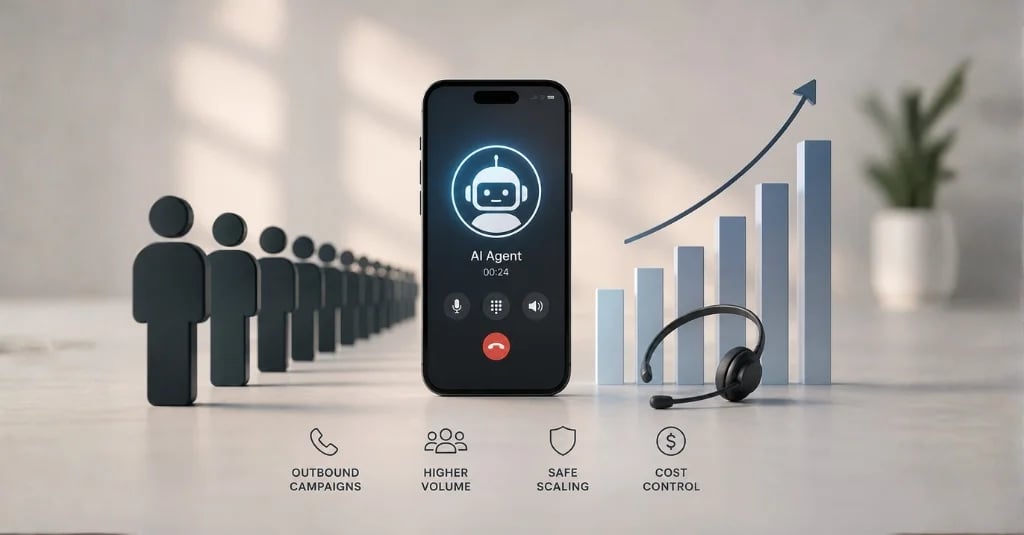
For SEO and for real projects, one topic ties this together: call volume planning. Teams using AI phone agents for sales, recruiting, appointment booking, or collections need more than a strong script. They need a model that turns lead volume, answer rates, average call duration, parallel calls, business hours, retry logic, WhatsApp or SMS follow-ups, and cost control into a manageable campaign.
Why call volume comes before the prompt
A single test call proves that an assistant can speak. A campaign with 5,000 leads proves whether the operating model holds. Small assumptions quickly compound: a three-minute average conversation, ten parallel calls, and six available calling hours create a very different throughput profile than eight-minute conversations, three retries, and a narrow local time window.
Famulor separates these layers deliberately: in the dashboard, you plan campaigns, leads, business hours, retry rules, and maximum concurrency; the docs cover campaigns, parallel dialing, outbound limits, and costs. The strategic point is simple: capacity is not just a telephony topic. It sits at the intersection of demand, conversation design, compliance, and downstream work.

The planning framework: six numbers are enough to start
You do not need a complex simulation for a reliable first plan. Start with six numbers and compare them with real campaign data after the first few hours:
- Lead volume: How many contacts should be reached in the first run, and how many are actually callable?
- Reachability window: On which days and during which hours may the assistant place calls?
- Maximum concurrency: How many parallel calls are operationally and legally reasonable?
- Average call duration: How long do successful conversations, voicemails, hangups, and unanswered attempts take?
- Retry logic: How often, and after what delay, should the assistant retry, and when is a lead considered complete?
- Follow-up channel: What happens after the call: CRM update, post-call webhook, WhatsApp, SMS, email, or human handoff?
These numbers decide whether a campaign feels controlled or like an uncontrolled dialer. Especially with cold lists, a measured ramp-up usually beats maximum speed from minute one.
Plan minutes, peak load, and plan fit
Estimate the Voice AI capacity your use case needs and the plan that fits the math.
Famulor
Voice AI
Monthly AI minutes
11,088
Best-fit plan
Agency
Concurrent peak calls
3
Automated hours
185
Integrated carrier or your own SIP trunk?
A common misconception is that an “outbound limit” automatically applies to every Famulor call in the same way. According to Famulor’s documentation, the daily integrated outbound quota applies to calls that leave through the integrated carrier. Inbound PSTN, web calls, and outbound traffic through your own SIP trunk are not subject to that same integrated-carrier daily cap; your carrier’s own limits and billing apply instead.
For small and medium campaigns, the integrated path is often the fastest way to start. For very high volumes, existing carrier contracts, or specific caller ID requirements, a dedicated SIP trunk may be the better operating model. The decision is less technical than operational: who owns carrier cost, number reputation, country routing, verification, and limit management?
Retry windows are a conversion lever
Retries do not automatically improve conversion. They first increase contact probability and cost. A good model distinguishes unanswered, voicemail, wrong contact, bad timing, interested, objection, and objective reached. In Famulor, campaigns can be controlled with business hours, retry intervals, retry-on-voicemail options, and objective-based completion. The key is to avoid making the logic more aggressive than the market can tolerate.
Practically, that means starting with limited concurrency, watching answer rate and conversation quality, pausing when patterns look unhealthy, and improving the script, audience, or calling window before increasing parallel calls. The best AI phone agent does not feel like a mass dialer. It feels like a consistent, well-paced team member.
What belongs in the operating checklist
| Area | Planning question | Famulor connection |
|---|---|---|
| Leads | Are phone numbers normalized, deduplicated, and segmented? | Lead import, campaigns, Kanban status |
| Capacity | How many parallel calls fit the audience and time of day? | Max parallel calls, business hours |
| Telephony | Is the integrated carrier enough, or does the team need SIP? | Limits, SIP integration, number pool |
| Cost | How many minutes are created by success, voicemail, and retry scenarios? | Pricing, wallet, carrier cost |
| Automation | Which data needs to be written after the conversation? | Post-call webhooks, Mid-call Actions, CRM integrations |
| Governance | Who may start campaigns, pause them, and request higher limits? | Dashboard, roles, manual review process |
From volume plan to safe rollout
An enterprise-grade rollout starts small: 100 to 300 leads, clear segmentation, a defined success metric, limited concurrency, dashboard monitoring, and daily review. Scaling does not simply mean “call more.” It means scaling deliberately: better time windows, cleaner lead sources, sharper objection handling, automated follow-ups, and only then higher concurrency.
When teams also use MCP, Mid-call Actions, or the Automation Platform, the assistant can act during or after the conversation: update a CRM record, check appointment availability, create a deal, send an SMS, or trigger a WhatsApp follow-up. Capacity planning then becomes more than “How many calls can we handle?” It becomes “How many complete customer processes can we finish reliably?”
Try our AI Assistant
Experience how natural our AI phone assistant sounds.
Enter your details and receive a call from our AI agent within seconds.
Agent is trained to discuss Famulor services and book appointments.

Demo AI agent
Famulor representative
Conclusion
Call volume planning is the difference between an AI phone agent test and a scalable outbound system. Teams that plan lead volume, concurrency, call duration, limits, SIP options, retries, and follow-ups together reduce cost risk and improve campaign quality. Famulor provides the building blocks: campaign control, limits, SIP options, integrations, post-call automation, and omnichannel follow-ups.

Writer at Famulor