Your business phone. Inside the workspace.
Softphone, extension, recall. The agent answers, connects you, and books the slot.
AI-native business calling. For the whole team.
The agent answers, connects you, and books the slot. One number for the workspace.
Softphone in the workspace
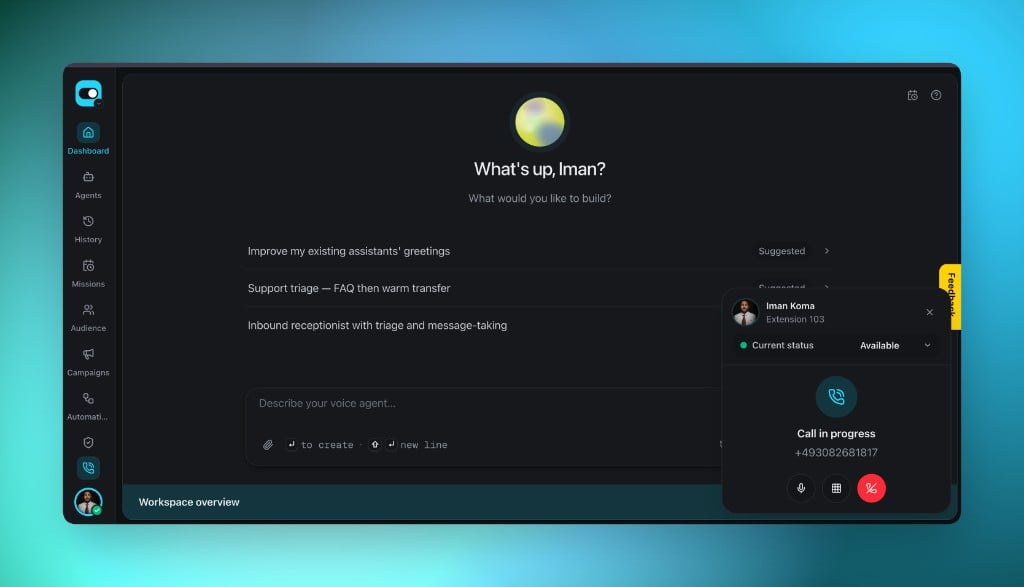
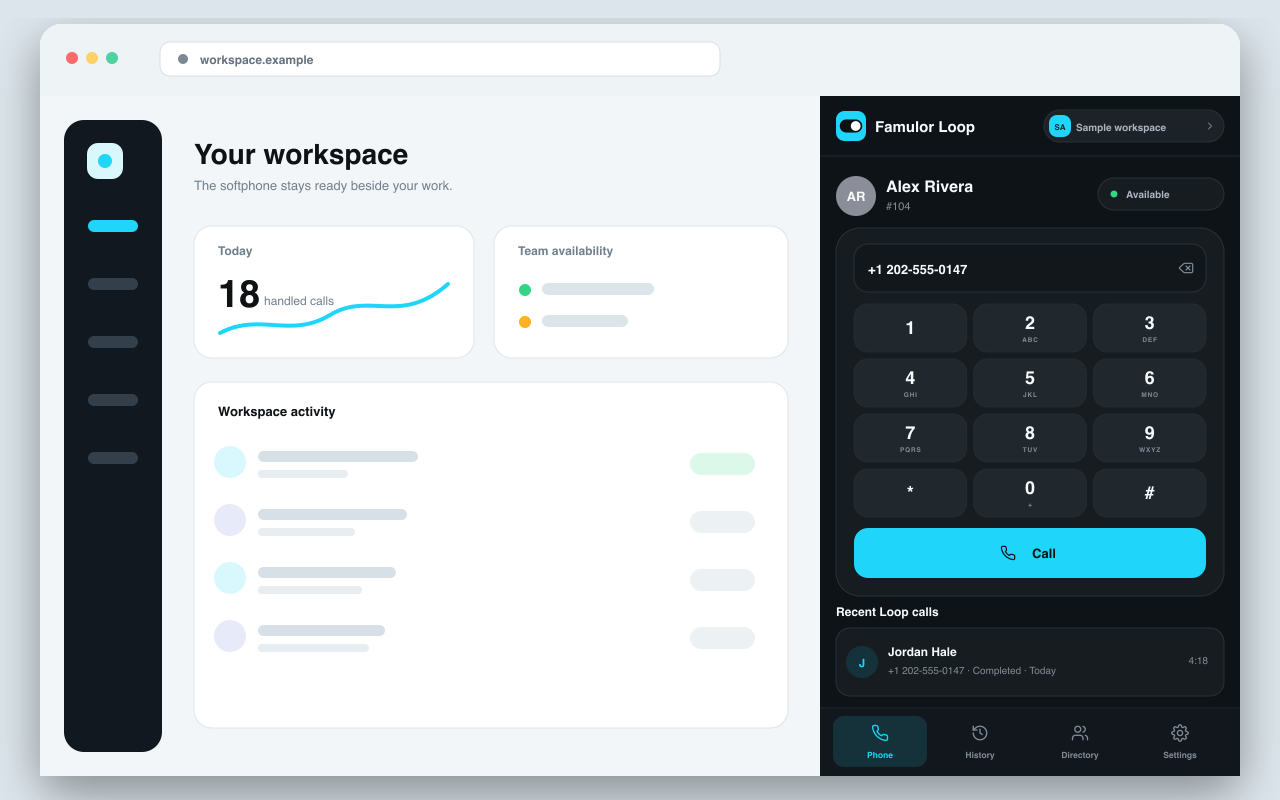
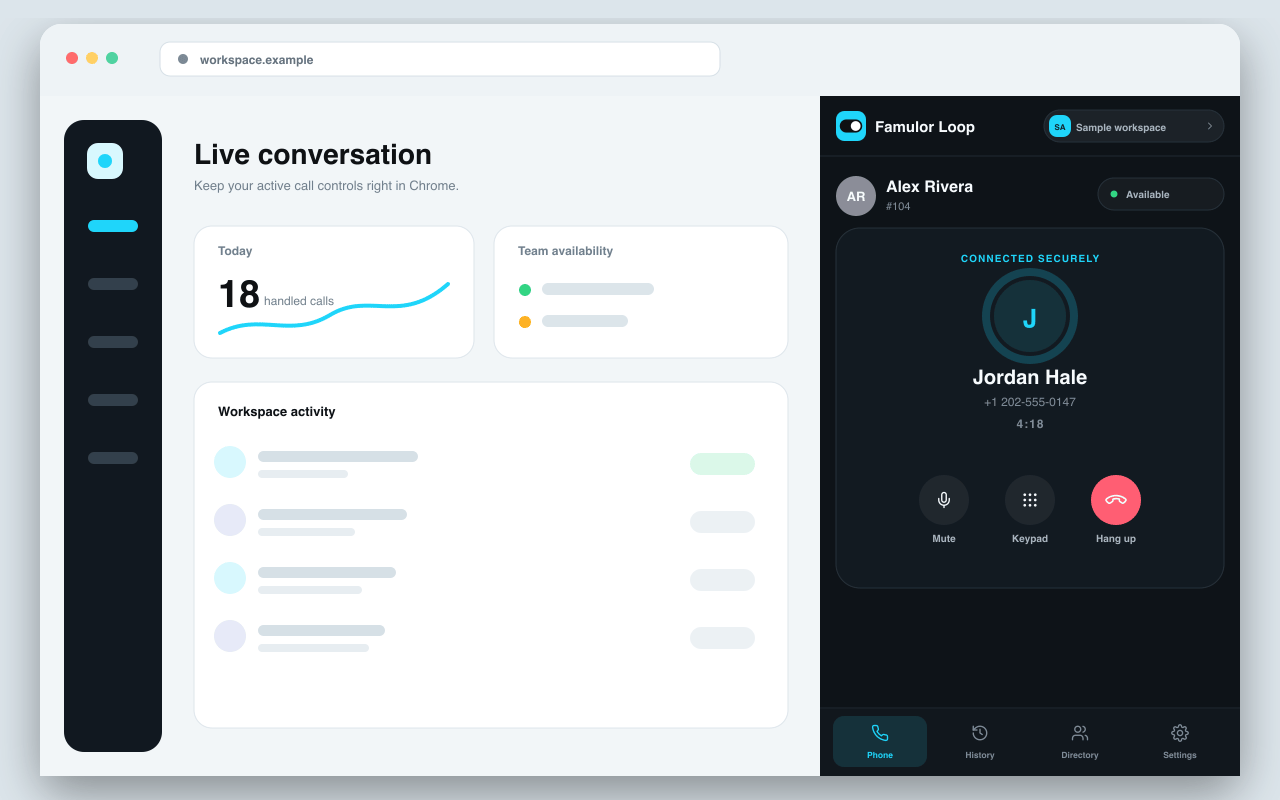
Dial, answer, mute. The phone sits bottom-right, on every screen.
Extension per teammate
Every member gets an extension. Presence decides who rings.
Recall the team can close
Missed transfer? The agent connects you or books the slot.
Same number in the app
Loop tab on iOS and Android. CallKit takes the call natively.
Agent hands off to people
Warm or cold. Target is the extension, the group, or the queue.
Recall books the slot
Calendar from Booking. The assistant checks slots and writes the entry.
Record when you need it
Start and stop recording mid-call in the web softphone, Chrome or the mobile app.
Know before you answer
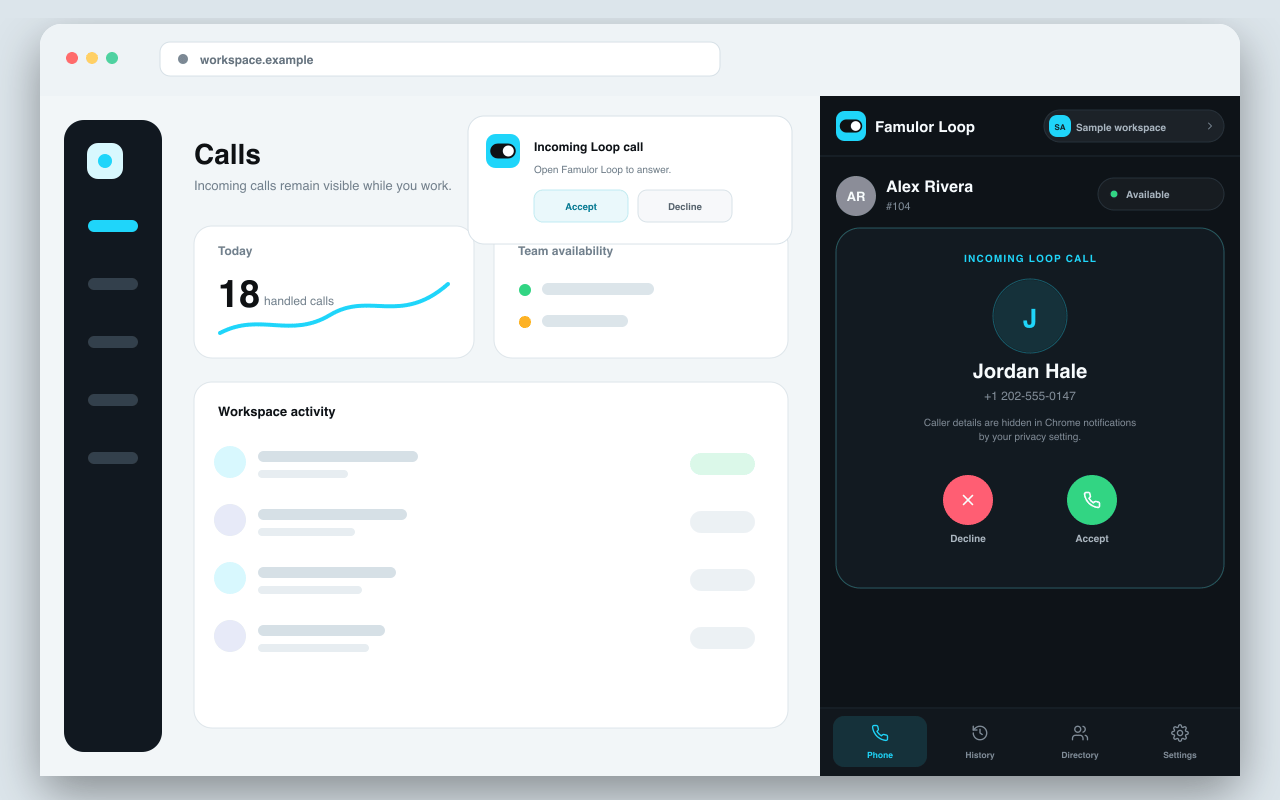
AI transfers show why the caller is coming and what they need. Then answer or decline.
Every Loop call in History
History → Loop calls lists your conversations and plays available recordings.
Milian · Loop
Inbound call
The agent answers now
A customer calls the business number. Milian greets them and reads the intent.
- Business line
- Answered now
Every call rings where someone is free.
- Ring groups and queues
- Send calls to an extension, a ring group or a queue.
- Presence decides
- Available, Busy, Do not disturb or Offline: the status sets who rings.
- Routing rules
- Rules lead every call to the right person or the right assistant.
Read first, then answer. You know what it is about.
- Reason and need up front
- When the AI transfers a caller, you see why they call and what they need before you pick up.
- Answer or decline
- Pick up in the softphone, the Chrome side panel or the app.
- Warm or cold transfer
- Hand the call to a teammate with an intro or straight through.
Record when it matters. Play it back in History.
- Start and stop mid-call
- Start and stop recording in the web softphone, in Chrome or in the app.
- Sections stay together
- Record more than once and every section stays with the same call.
- History → Loop calls
- Every Loop call shows in History and plays back available recordings.
Missed is not lost. The agent brings the caller back.
- Recall queue in the softphone
- Missed transfers and callback requests land in one list your team works through.
- Call yourself or get connected
- You dial yourself, or the agent calls the customer and connects you.
- Booked straight on the calendar
- The agent checks open slots from Booking and writes the appointment.
The same work number. Wherever you work.
Dock in the workspace. Tab in the Famulor app. One presence, one extension.
iOS
Android
Web

Famulor Loop
+49 171 482 1903
01:24

CallKit on iOS, Telecom on Android. The call arrives natively.
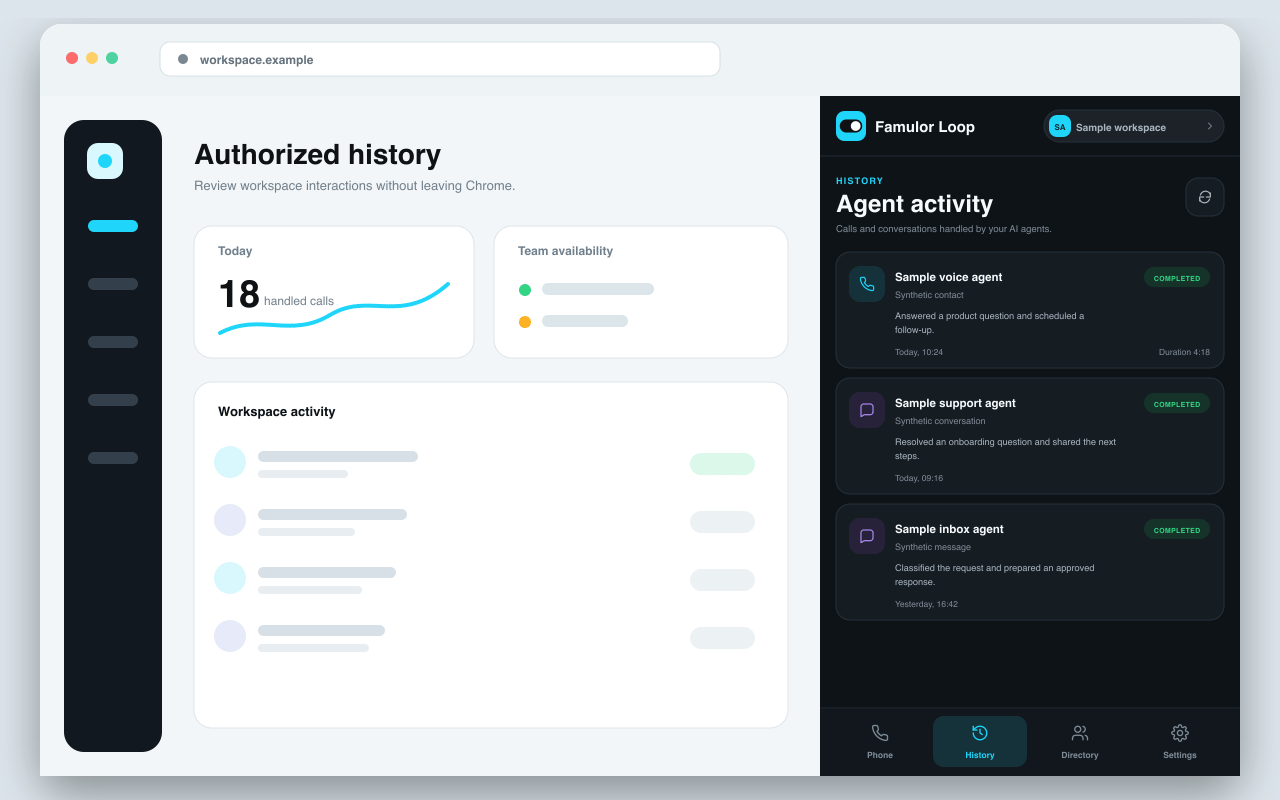
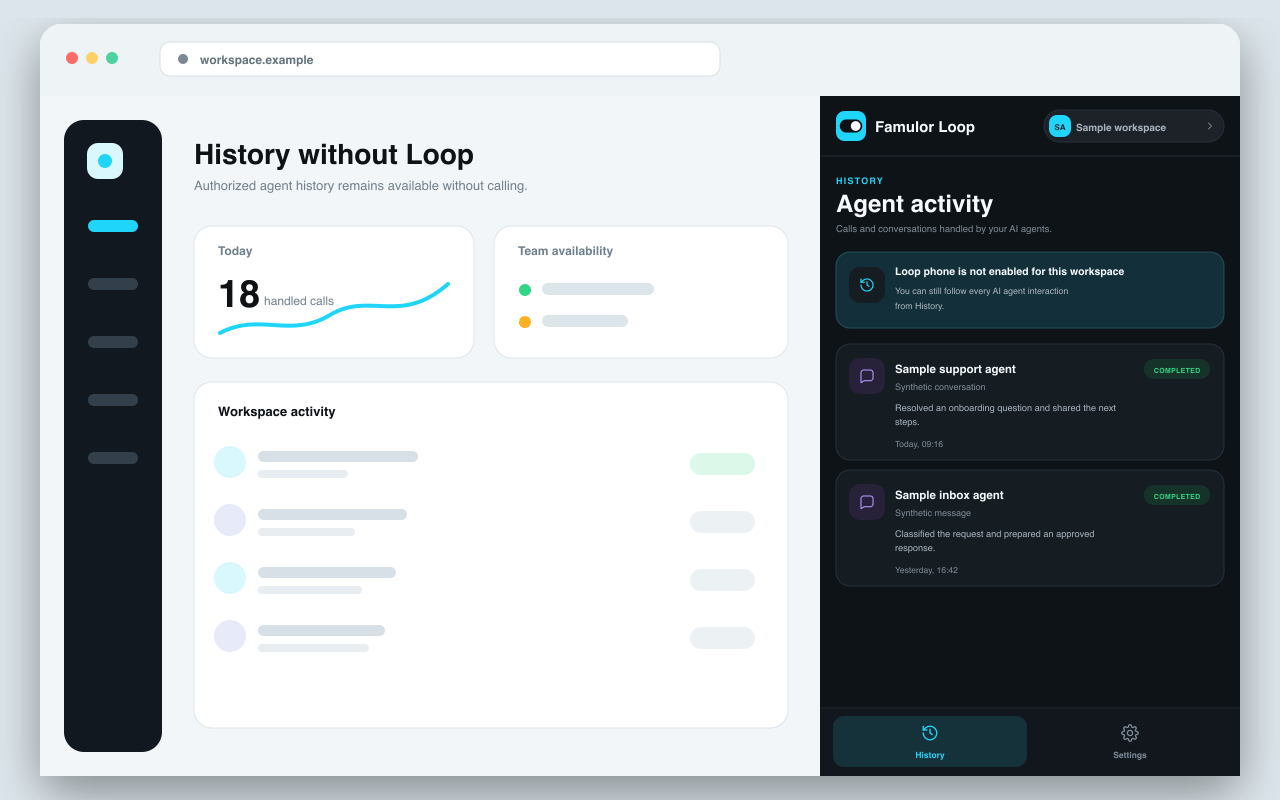
Famulor Loop, right in your browser.
Accept and place calls without leaving your tab, plus the authorized call and AI agent history you need to follow up, right in the side panel.

Common questions about Loop
Loop is the business phone inside Famulor. Personal extensions, a web and mobile softphone, SIP desk phones, and recall that can connect you or book a slot.
Put the team on one business line
Open Loop. Your extension is already in the workspace.