 4.8
4.8Move calls forward.
In real time.
Transfer calls with full context: warm, cold or agent-to-agent. Warm transfers brief your colleague first and retry when nobody picks up.
- GDPR compliant
- EU hosted
- Live in 1 week
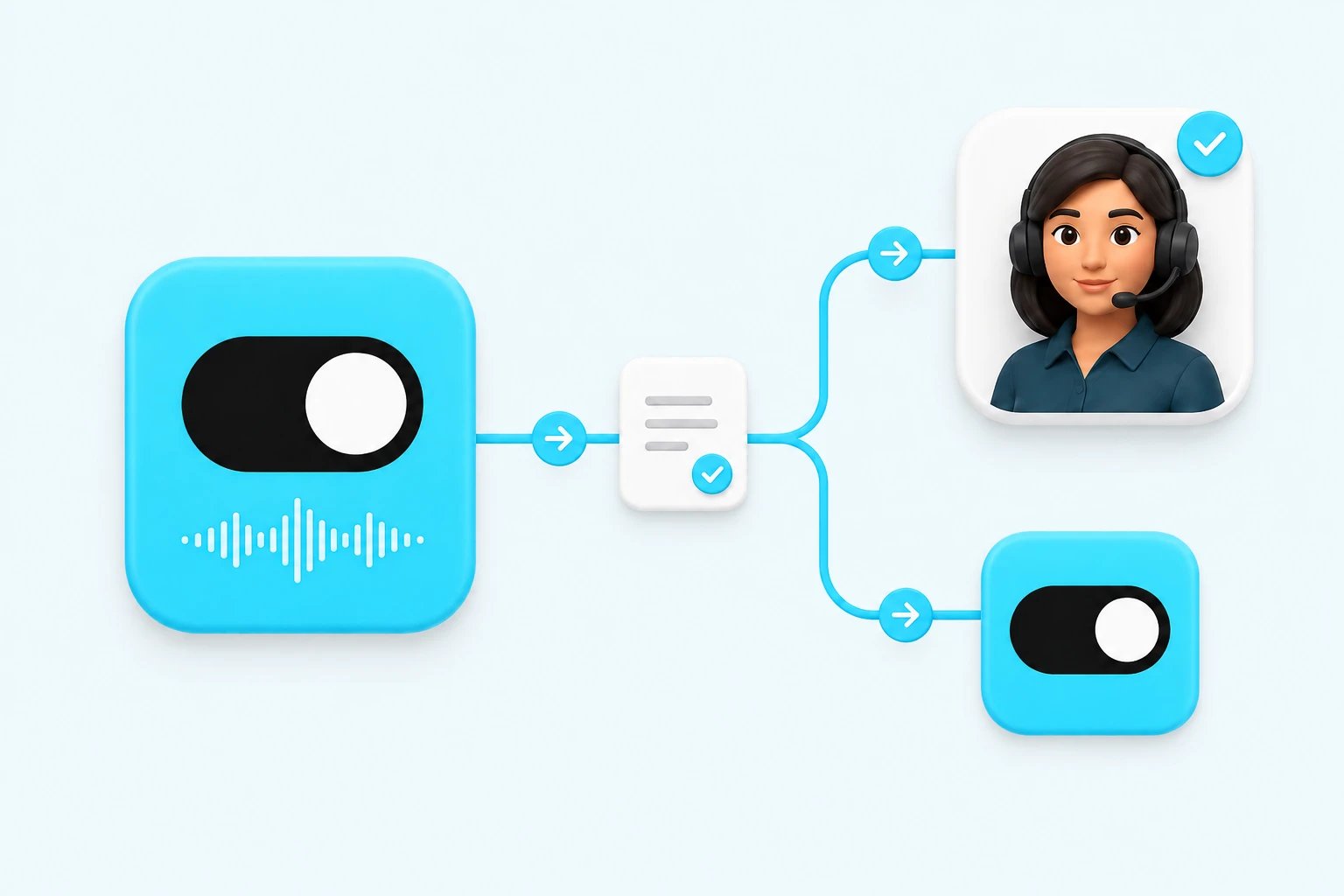
One call. The right destination.
- Warm transfer
- Direct transfer
- Agent to agent
Powered by
















- Anthropic
- OpenAI
- ElevenLabs
- Deepgram
- Cartesia
- Twilio
- Gladia
- Soniox
- xAI Grok
- AWS
- Microsoft Azure
- Cloudflare
- Google Gemini
What the agent does here
The parts of this feature teams use first on a live call.
Warm handoff with context
Your colleague hears the caller’s name and request first. The call connects only after their yes.
Cold transfer
Connects the caller to the right destination at once, no extra step.
Agent-to-agent handoff
Route by topic, language, or intent: the caller lands with the right agent.
Numbers that matter
context preserved
100%
transfer time
<2 sec
handoff quality
warm
simultaneous transfers
∞
Customer story
“Our team gets every call with full context, no more repetition. Customer satisfaction has noticeably improved.”
What ships with this feature
Each part of this feature, ready to run together from day one.
Warm handoff with context
Your colleague hears the caller’s name and request first. The call connects only after their yes.
Cold transfer
Connects the caller to the right destination at once, no extra step.
Agent-to-agent handoff
Route by topic, language, or intent: the caller lands with the right agent.
Reach the right extension
Up to 32 keypad tones and pauses after answer dial the extension, before the briefing starts.
Retries when nobody answers
No answer, busy line or voicemail? The agent calls again while the caller stays connected.
Message back to the caller
Busy or declined? The agent knows why, relays your colleague’s message and can offer a callback.
Live in a few steps
No lengthy setup: most teams are live the same week.
- 01
Set transfer rules
Decide when a call transfers: intent, keywords, or CRM conditions. No code.
- 02
Define routing & experience
Choose warm or cold, what your colleague hears first, hold music and message, and whether to retry when nobody answers.
- 03
Test, refine & go live
Run test calls, check transfer quality in the dashboard, and go live: usually within a day.
Live Demo
Sounds unreal? Try it now with a free test call
Curious how our AI agents work?
Get a hands-on experience by trying a free demo call. Fill in your details, and our AI representative will call you instantly.
Agent is trained to discuss Famulor services and book appointments.

Demo AI agent
Famulor representative
More from the platform
Other building blocks teams usually pair with this one.
Questions before you go live
Yes. Transfer to any number: internal extensions, landline, mobile, or SIP. You can also send to other Famulor agents or external call-center software.
No dropped calls. No lost context.
Start with Call Transfer and hand off calls with full context.
No credit card required · GDPR compliant · first agent live in under a week