Summarize Content With:




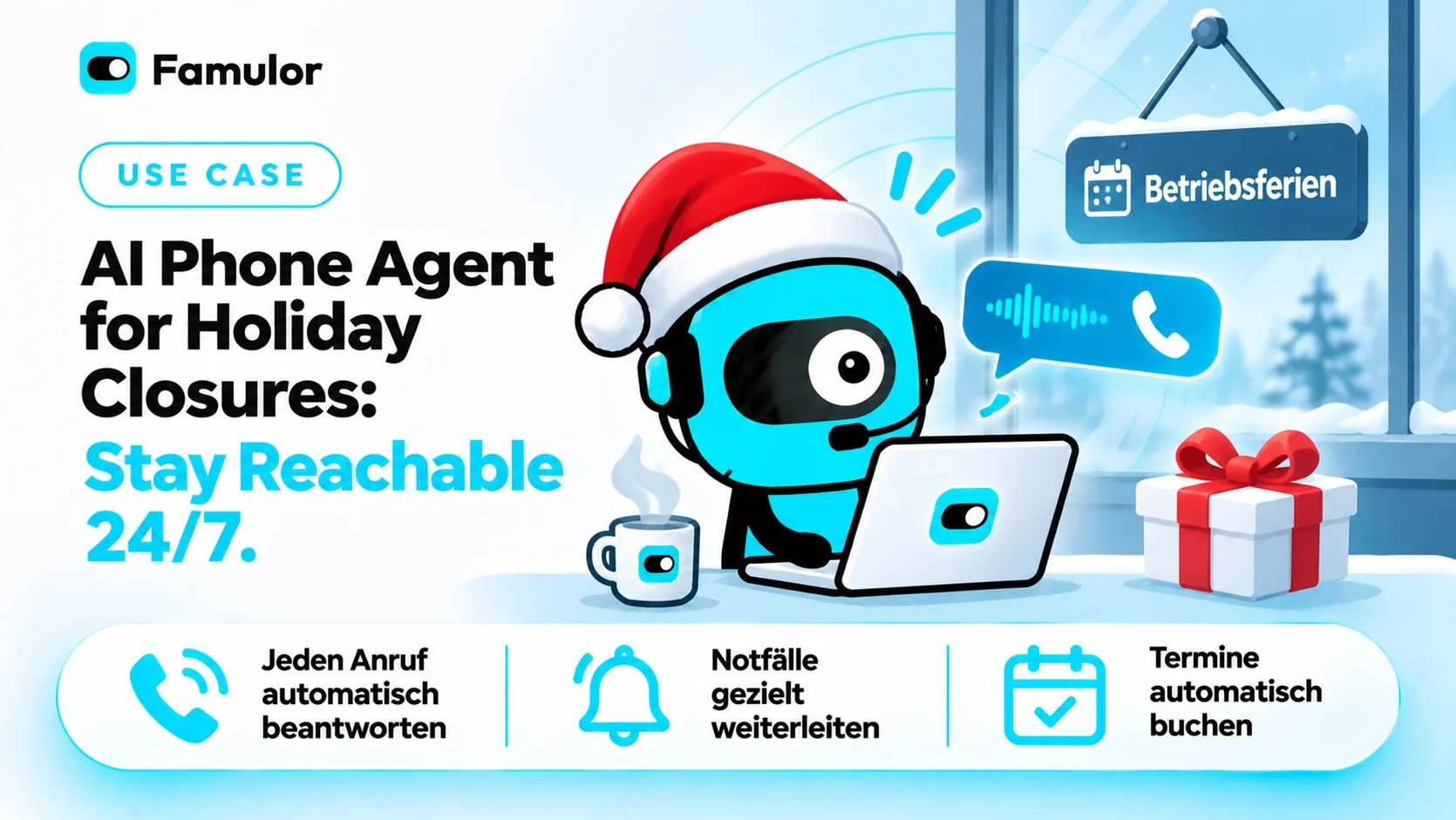
AI Phone Agent for Holiday Closures: How to Stay Reachable 24/7
When your business closes for the holidays, customer calls don't stop. An AI phone agent handles every incoming call during your holiday shutdown — answering common questions, routing emergencies, booking callbacks for the new year, and sending follow-up messages. Here's how to set up your AI voice agent for holiday closures in 30 minutes.
Why Holiday Closures Create a Reachability Problem
Between Christmas and New Year, thousands of small and mid-size businesses shut down completely. For a typical dental practice seeing 40 patients per day, that means 15–25 incoming calls daily going unanswered — appointment requests, prescription refills, emergency inquiries. A dental practice in Augsburg, Germany documented 187 missed calls during 10 days of holiday closure, including 23 potential new patients who never called back.
The problem extends across industries. Plumbing companies lose emergency jobs, law firms miss potential clients, and e-commerce businesses can't handle return requests. Traditional solutions — voicemail, forwarding to a personal cell phone, outsourced answering services — each come with significant drawbacks that an AI phone agent eliminates.
Traditional Solutions vs. AI Phone Agent
| Solution | Monthly Cost | 24/7 Available | Personalized | Can Take Action |
|---|---|---|---|---|
| Voicemail | $0 | Yes | No | No |
| Outsourced answering service | $200–800 | Limited | Limited | Limited |
| Forward to personal phone | $0 | No | Yes | Manual |
| AI phone agent (e.g., Famulor) | From $49 | Yes | Fully | Automated |
An AI phone agent like Famulor combines the advantages of every solution: it's available around the clock, responds individually to every caller, and can independently take action — book appointments, pull information from your calendar, send emails, or forward WhatsApp messages.
Step-by-Step: Setting Up Your AI Phone Agent for Holiday Closures
Configuring an AI voice agent for holiday closures takes about 30 minutes with Famulor's setup wizard. Here's the complete process:
Step 1: Configure Your Holiday Greeting
Create a specific greeting for your holiday closure period. Example for a dental practice:
Hello, you've reached Dr. Weber's dental practice. We are closed for the holidays from December 23rd through January 6th. I'm your AI assistant and I'm happy to help. Do you have a dental emergency, would you like to book an appointment for the new year, or do you have another question?
In Famulor, you define this greeting directly in the assistant editor. You can set up different greetings for different time periods — the assistant automatically switches between holiday mode and regular operation.
Step 2: Build Your Holiday Knowledge Base
Upload all relevant information to Famulor's knowledge base:
- Exact holiday closure dates and first day back in the office
- Emergency contact information (e.g., emergency dental service, on-call plumber)
- Coverage arrangements and partner businesses
- Common questions about ongoing orders or projects
- Return and exchange deadlines over the holidays
Step 3: Set Up Automated Actions
This is where an AI phone agent truly outperforms voicemail. Using Famulor's 300+ integrations, configure these automations:
- Appointment booking for January: Connect your Google Calendar, Microsoft 365, or practice management software. The assistant books available slots starting from your first day back.
- Emergency routing: When the agent detects a genuine emergency, it transfers the call to your designated emergency number — no waiting.
- Email summary: After every call, you receive an email with a conversation summary, caller name, and callback request.
- WhatsApp fallback: If the caller prefers, the assistant sends key information via WhatsApp as a text message.
Step 4: Define Emergency Routing Rules
Not every call can wait until January. Define clear escalation rules:
- Level 1 — Standard: Assistant answers the question, books an appointment, or takes a message.
- Level 2 — Urgent: Assistant sends an immediate push notification to the business owner.
- Level 3 — Emergency: Direct transfer to the emergency number or on-call service.
Famulor detects urgency through keywords and speech patterns — "severe pain," "burst pipe," "urgent" — and escalates automatically.
Step 5: Test and Activate
Call your assistant before the holiday closure begins. Verify:
- Does the holiday greeting play correctly?
- Does appointment booking work for the right date range?
- Are emergencies detected and routed correctly?
- Are email summaries arriving?
Advanced Configuration: Multi-Location Setup and Voice Customization
For businesses with multiple locations, Famulor allows you to set up location-specific holiday assistants. A bakery chain with five stores can configure different holiday hours for each location. The downtown store closes from December 24 to January 2, while the suburban location only closes December 24–27 — the assistant knows which location the caller means and provides the correct information.
The assistant's voice can be fully customized in Famulor. Choose from over 30 professional voices or clone your own voice so regular patients or loyal customers hear a familiar voice. For international businesses, the assistant automatically detects the caller's language and switches seamlessly — an English-speaking customer receives the holiday information in English, a French caller in French, a Spanish caller in Spanish.
You can also configure conditional routing based on the caller's phone number. VIP clients or high-value accounts get transferred directly to the owner's cell phone, while standard inquiries are handled by the AI. This ensures your most important relationships are never neglected, even during a shutdown.
What Happens After the Holidays? Call Analysis and Follow-Up
The real value of an AI phone agent becomes apparent on your first day back in the office. Instead of an overflowing voicemail box, you find a structured overview of every call in your Famulor dashboard:
- Prioritized callback list: Sorted by urgency — emergencies at the top, general inquiries below.
- Call transcripts: Every call is documented with a transcription and AI summary. You know exactly what it was about without having to call back to find out.
- Booked appointments: All appointments automatically booked during the holidays are already in your calendar.
- Analytics: How many calls came in, how many emergencies were routed, what the resolution rate was, and which hours saw peak call volume.
A tax advisor in Stuttgart reported: "On January 2nd, I had 43 callback requests — but they were all sorted by urgency and accompanied by summaries. Instead of two days of callback chaos, I had everything handled in four hours."
Industry Examples: How Different Businesses Use the Holiday Assistant
Dr. Becker's Dental Practice, Munich — 60 Patients/Day
The AI assistant handles all calls during the two-week Christmas break. Dental emergencies are routed to the emergency service, appointment requests are booked directly for January. Result from the previous year: 94% of callers received an immediate solution, and 12 new patient appointments were automatically booked.
Mueller Plumbing Inc., Kempten — 15 Employees
The plumbing company closes from December 23 to January 6. The assistant distinguishes between genuine pipe-burst emergencies (immediate transfer to on-call service) and regular inquiries about bathroom renovations or heating maintenance (appointment booking for January). Emergency detection prevents the owner from being constantly called during vacation.
Schmidt & Partners Tax Advisory, Stuttgart — 8 Employees
Client inquiries about year-end filing deadlines are answered automatically. The assistant knows the deadlines and can book individual callback appointments for the first week of January. Urgent tax questions (e.g., charitable donations before year-end) are forwarded via push notification to the partner on duty.
Cost Comparison: What a Holiday AI Assistant Saves
An outsourced answering service costs between $400 and $1,200 for a two-week holiday period — depending on call volume and service level. An AI phone agent through Famulor starts at $49/month and covers not just the holiday period but works year-round, 24/7.
Here's the math for a typical practice receiving 20 calls per day during the holiday shutdown:
| Item | Outsourced Service | Famulor AI Assistant |
|---|---|---|
| Monthly base fee | $350 | $49 |
| Cost per call | $1.80–3.50 | ~$0.15 |
| 14 days × 20 calls | $504–980 | ~$42 |
| Total holiday cost | $854–1,330 | ~$91 |
| Appointment booking | Limited | Yes, fully automated |
| Availability | Mon–Fri 8am–6pm | 24/7/365 |
Estimate your ROI from automating calls
See how much your business could save by switching to AI-powered voice agents.
ROI Result
ROI 0%
No credit card required
Best Practices: Avoid Common Holiday Setup Mistakes
- Mistake 1 — Setting up too late: Configure your holiday assistant at least one week before the closure and test it with real calls. This gives you time to optimize the knowledge base.
- Mistake 2 — No emergency escalation: An assistant without emergency routing frustrates callers in genuine crisis situations. Always define at least one escalation level.
- Mistake 3 — Forgetting to switch back: Reset your assistant to normal mode on the first working day. In Famulor, you can set the holiday mode with start and end dates — it switches back automatically.
- Mistake 4 — No callback prioritization: After the holidays, a mountain of callback requests awaits. Have your assistant tag urgency levels so you handle the most important callbacks first.
- Mistake 5 — Not informing backup staff: If the assistant routes emergencies, your on-call service needs to know they'll receive calls from an AI assistant.
Security and Data Privacy During Holiday Closures
When your office is closed, data security becomes even more critical. Famulor stores all conversation data exclusively on servers in the European Union and meets all GDPR requirements. A Data Processing Agreement (DPA) is included as standard for every customer.
Additional security measures for your holiday configuration:
- Call recordings: Only activated when the caller explicitly consents. Without consent, the assistant creates only a text summary of the conversation.
- Data retention: You decide how long call data is stored — 30, 60, or 90 days. Data is automatically deleted after the retention period.
- Access controls: Determine who can access the dashboard during the holidays. An on-call doctor sees only the emergencies routed to them, not all calls.
- Encryption: All data is encrypted in transit and at rest — both conversation content and caller contact information.
Holiday Mode vs. Year-Round: Why It Pays to Keep the Assistant Running
Many businesses discover the AI phone agent through the holiday use case — and then keep it running year-round. The reason: the same benefits that convince during holiday closures apply every day. After business hours, during team meetings, at lunch, or during high call volumes, the assistant steps in seamlessly.
A physiotherapy practice in Nuremberg started with the holiday assistant and now uses Famulor permanently: "We used to miss 15 calls daily because we were in sessions with patients. Now the assistant takes those calls, books appointments, and notifies us via push message only for urgent matters. It saves us a half-time receptionist position."
The Famulor ROI calculator shows you in a few clicks how much an AI phone agent can save for your specific business — not just during the holidays, but throughout the entire year.
Integrating With Your Existing Phone System
One of the most common concerns businesses have is whether an AI phone agent works with their existing phone infrastructure. The answer is almost always yes. Famulor supports SIP trunking for every major VoIP and PBX provider, including Telekom, Vodafone, sipgate, Placetel, 3CX, and Asterisk. You can either forward your existing business number to Famulor during the holidays, or configure a parallel ring setup where the AI picks up only when no one answers within a set number of rings.
For businesses using Microsoft Teams or Zoom Phone, Famulor integrates directly — your holiday routing happens within the same platform your team already uses. No additional hardware, no contract changes with your phone provider, and you can activate or deactivate the forwarding with a single click.
Checklist: Holiday-Ready in 30 Minutes
- Create a Famulor account or adapt your existing assistant
- Configure the holiday greeting with exact dates
- Fill the knowledge base with holiday FAQs and emergency information
- Activate calendar integration for bookings starting on your first day back
- Set up emergency routing with your backup number
- Enable email and WhatsApp notification summaries
- Run test calls and activate holiday mode with an end date
Conclusion
Holiday closures no longer mean your business goes dark for customers. An AI phone agent like Famulor professionally handles every call — answers questions, books appointments, routes emergencies, and summarizes everything via email. Setup takes 30 minutes, and the cost is a fraction of an outsourced answering service. Start now so your assistant is tested and ready before Christmas.
Try our AI Assistant
Experience how natural our AI phone assistant sounds.
Enter your details and receive a call from our AI agent within seconds.
Agent is trained to discuss Famulor services and book appointments.

Demo AI agent
Famulor representative
FAQ
How much does an AI phone agent for holiday closures cost?
Famulor plans start at $49/month. For a two-week holiday closure with approximately 20 calls/day, total costs come to about $91 — a fraction of outsourced answering services.
Can the AI assistant detect and route emergencies?
Yes. The assistant detects emergencies through keywords and speech patterns and immediately transfers the call to your designated emergency number.
Does appointment booking work during the holiday closure?
Yes. The assistant connects to your calendar and books appointments starting from your first working day. Callers receive instant confirmation via SMS or WhatsApp.
How quickly can I set up the holiday assistant?
With Famulor's setup wizard, configuration takes about 30 minutes. Plan an additional half hour for test calls.
Do I need to manually switch the assistant back after the holidays?
No. In Famulor, you can set holiday mode with start and end dates. The assistant automatically switches back to regular operation.
What languages does the holiday assistant support?
Famulor supports over 40 languages. The assistant automatically detects the caller's language and responds in the same language — ideal for internationally operating businesses.
Can the assistant send WhatsApp messages?
Yes. After a call, the assistant can send a summary or information via WhatsApp to the caller — such as the emergency service address or an appointment confirmation.
Is the AI phone agent GDPR compliant?
Yes. Famulor is fully GDPR compliant, stores data in the EU, and provides a Data Processing Agreement (DPA) for all customers.

Writer at Famulor