Summarize Content With:




Connect Your AI Voice Agent to an Existing PBX: Step-by-Step Guide for 3CX, STARFACE and Asterisk
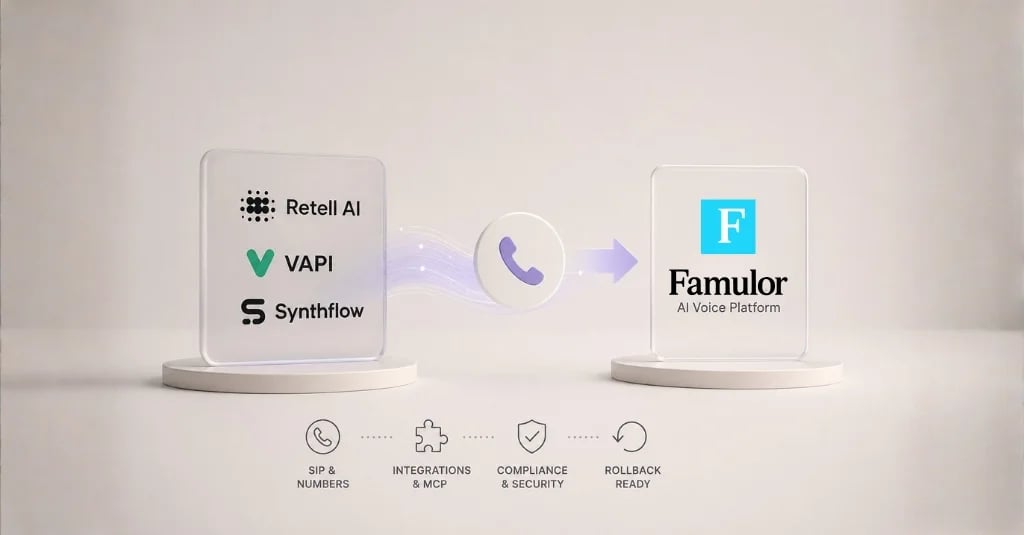
Most businesses already operate a phone system — whether 3CX, STARFACE, Asterisk, or FreePBX. When introducing an AI voice agent, the central question is: does the entire infrastructure need to be replaced, or can an AI assistant seamlessly connect to the existing PBX? The answer: a modern voice AI platform like Famulor connects to any SIP-capable phone system via SIP trunk or BYOC (Bring Your Own Carrier) in minutes — no hardware swap, no number porting, and no downtime.
This guide shows you exactly how to connect your AI voice agent to 3CX, STARFACE, Asterisk, and other PBX systems, which routing scenarios make sense, and which common mistakes to avoid.
Why PBX Integration Instead of a Complete Replacement?
A common misconception is that adopting AI telephony requires replacing the entire phone system. In reality, an AI voice agent acts as an intelligent extension of your existing infrastructure. The PBX remains the core — the AI assistant takes over specific tasks that previously tied up staff: answering calls outside business hours, scheduling appointments, handling FAQs, or qualifying calls before transferring them.
The business case is compelling: instead of investing tens of thousands into new hardware and enduring weeks of migration downtime, you add an AI layer on top of your existing system in a single afternoon. Your team keeps using the phones, softphones, and desk setups they already know, while the AI handles the repetitive call volume that consumes the most time.
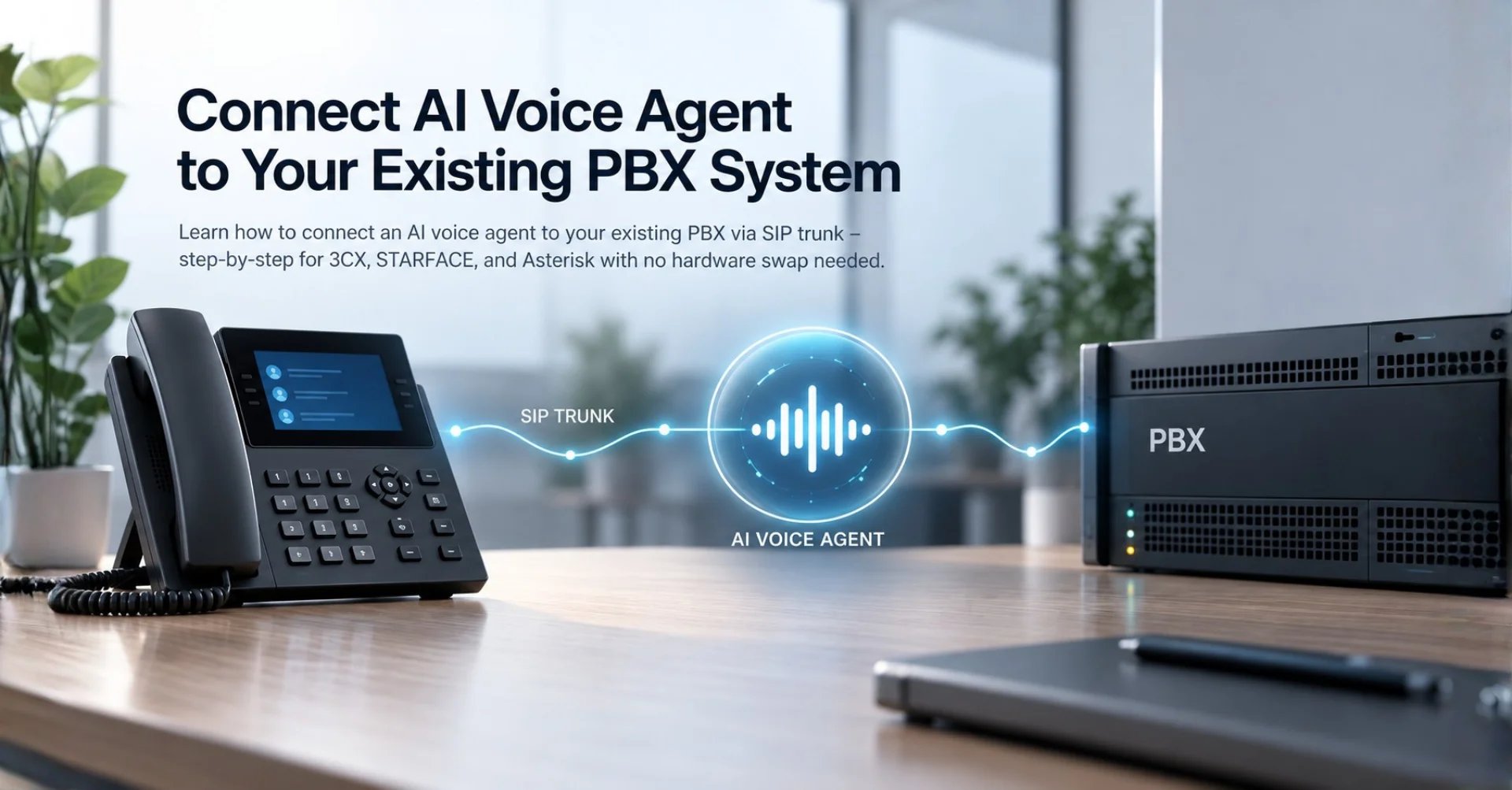
The technical bridge is typically a SIP trunk. SIP (Session Initiation Protocol) is the standard supported by virtually every modern phone system. Through this trunk, the PBX routes incoming calls to the AI assistant based on rules — and receives the qualified call back when needed.
Prerequisites for Integration
Before getting started, check three things:
- SIP trunk capability: Your phone system must support configuring outbound SIP trunks. This is standard on 3CX, STARFACE, Asterisk, FreePBX, Yeastar, and Avaya. Older ISDN systems require a SIP gateway.
- Network configuration: SIP typically uses port 5060 (UDP/TCP) or 5061 (TLS). RTP media streams run on ports 10000–20000. Your firewall must allow these ports for the voice AI endpoint.
- Number planning: Decide whether all calls, only specific numbers, or only overflow calls should be routed to the AI assistant.
Connecting to 3CX: Step-by-Step Guide
3CX is one of the most widely used software-based phone systems in Europe. Connecting an AI voice agent involves configuring an outbound trunk and setting up inbound routing rules.
Step 1: Create a SIP trunk. Open the 3CX administration console and navigate to SIP Trunks → Add Trunk. Select "Generic SIP Trunk" and enter the SIP endpoint address of your voice AI provider. With Famulor, you get the SIP URI and credentials directly in the dashboard under Channels.
Step 2: Configure authentication. Enter the username and password, or set up IP-based authentication. Famulor supports both methods — with BYOC connections, IP whitelisting is sufficient.
Step 3: Create an inbound routing rule. Under Inbound Rules, create a new rule for the desired DID number. Set the destination to the SIP trunk you created in Step 1. A critical point many overlook: for 3CX to forward an incoming call to an external number, it requires a matching outbound rule with a caller ID that points to the SIP trunk.
Step 4: Choose a routing scenario. Configure when the AI assistant takes over:
- Direct forwarding: Every call goes straight to the assistant — ideal for initial qualification or a pure AI reception.
- No-answer forwarding: The assistant picks up only when no one answers within 15–20 seconds.
- Business hours routing: Outside defined working hours, the AI takes over automatically.
- Holiday routing: On public holidays or company shutdowns, the assistant handles all calls.
Step 5: Test. Call the configured number from an external phone — not from the browser client. Check audio quality, latency, and whether the transfer back to internal extensions works.
Connecting to STARFACE
STARFACE is a widely used PBX in Germany, especially among mid-sized companies with 20 to 200 employees. The integration process is similar to 3CX:
In the STARFACE administration interface, navigate to Telephony → SIP Trunks. Create a new trunk with the SIP endpoint of your AI provider. STARFACE supports both registration-based and IP-based trunks. Then configure call forwarding under Number Configuration → Inbound Rules to the external SIP trunk. STARFACE offers a "module chain" concept — you can place the AI assistant as the last link in a module chain, so the IVR runs first, then the queue, and only when no one answers does the voice agent activate.
A concrete example: Dr. Becker's dental practice in Stuttgart with 12 employees has been using STARFACE since 2019. The practice receives 80–120 calls daily — 60% of which are appointment requests. Through a Famulor SIP trunk integration, the AI phone assistant handles these appointment requests automatically, books directly into the practice management system, and only routes medical inquiries to staff.
Connecting to Asterisk and FreePBX
Asterisk and the FreePBX interface built on top of it have the largest installation base worldwide. Configuration is done through config files or the FreePBX web interface.
Asterisk method (CLI): Edit sip.conf or pjsip.conf to define a new peer for the voice AI endpoint. Create a dialplan context in extensions.conf that routes incoming calls to the SIP trunk as needed. The typical configuration includes codec settings (G.711 u-law as the safe default), NAT handling, and DTMF mode.
FreePBX method (GUI): Under Connectivity → Trunks → Add Trunk → SIP (pjsip), create the trunk to the voice AI provider. Then define the forwarding logic under Connectivity → Inbound Routes.
Particularly with self-hosted Asterisk installations, the fundamental question arises: should you also self-host the voice AI component? Open-source projects like AVA demonstrate that it is technically possible — but the effort required for maintenance, scaling, and production-grade speech quality is substantial. A platform like Famulor handles STT, LLM, and TTS as a no-code solution, while your Asterisk server continues to manage routing.
Comparison of Integration Methods
| Criterion | SIP Trunk (Standard) | BYOC (Bring Your Own Carrier) | API-Based (Webhook) |
|---|---|---|---|
| Setup effort | Medium (15–30 min) | Low (5–10 min) | High (developer required) |
| PBX compatibility | All SIP-capable systems | Twilio, Telnyx, Vonage | Only with API gateway |
| Number porting required | No | No | Usually yes |
| Audio quality | High (direct media streams) | High | Variable |
| Cost | Voice AI costs only | Voice AI + carrier costs | Voice AI + development |
| Best choice for | 3CX, STARFACE, Yeastar | Existing Twilio/Telnyx customers | Custom integrations |
Famulor supports all three methods. For most businesses with an existing PBX, the SIP trunk approach is the fastest path since neither phone numbers nor carriers need to change.
Common Mistakes and How to Avoid Them
Mistake 1: Missing firewall rules. SIP and RTP require open ports. Blocked RTP ports cause "one-way audio" — you can hear the assistant, but it cannot hear you. Solution: explicitly allow the RTP port range (e.g., 10000–20000 UDP) for the voice AI endpoint's IP address.
Mistake 2: NAT traversal not configured. When your PBX sits behind a NAT router, SIP packets can lose their return address. Enable STUN or manually configure the external IP in your PBX.
Mistake 3: Codec incompatibility. Use G.711 u-law (PCMU) as your primary codec — it is universally compatible and delivers the best voice quality for AI processing. Avoid compressed codecs like G.729, as they can reduce STT accuracy.
Mistake 4: No outbound rule in 3CX. One of the most common causes of "No Route Exists" errors: in 3CX, every call forwarding to an external number requires a matching outbound routing rule. Without this rule, the call is blocked even if the inbound rule is correctly configured.
Mistake 5: Testing only in the browser. The 3CX web client and real SIP phones behave differently. Always test with a real incoming call from a mobile phone or landline.
Real-World Examples: How Businesses Use PBX Integration
Elektro Schuster Electrical Services, Regensburg (35 employees): The company operates a FreePBX system and receives 40–50 calls daily while technicians are in the field. Via a SIP trunk to Famulor, the AI assistant answers every call, qualifies the request (emergency, appointment, callback), and books appointments directly in the calendar. Result: 90% of calls are handled without human intervention, freeing the office staff to focus on creating quotes.
Berger & Partner Law Firm, Munich (8 attorneys): The firm uses 3CX with business hours routing. During office hours, phones ring normally. After 5:30 PM and on weekends, the Famulor assistant takes over — recording client matters, checking deadline urgency, and sending a structured summary via email to the responsible attorney. Confidential information is stored contextually using the Memory feature.
Haus & Grund Property Management, Cologne (120 managed units): Through a STARFACE system, tenant inquiries are routed to the AI assistant via no-answer forwarding. The assistant handles standard questions (utility bills, maintenance appointments, caretaker contact) automatically and only escalates emergencies (burst pipes, heating failures) via immediate transfer to the emergency number. Famulor's Knowledge Base feature stores FAQ content for each property.
Estimate your ROI from automating calls
See how much your business could save by switching to AI-powered voice agents.
ROI Result
ROI 0%
No credit card required
Conclusion: Keep Your Existing Phone System, Add AI Power
You do not need to replace your proven phone system to benefit from AI telephony. Whether 3CX, STARFACE, Asterisk, or FreePBX — via a SIP trunk, you connect your PBX to an AI voice agent in minutes. Famulor offers the most flexible integration: SIP trunk, BYOC, and direct carrier integration — all without code, with 40+ languages and 300+ integrations.
Next step: create a free Famulor account, configure your SIP trunk in under 10 minutes, and test the AI assistant with your real call scenarios. Book a free demo now and see how your phone system becomes an AI-powered communication hub.
Try our AI Assistant
Experience how natural our AI phone assistant sounds.
Enter your details and receive a call from our AI agent within seconds.
Agent is trained to discuss Famulor services and book appointments.

Demo AI agent
Famulor representative
FAQ
Do I need to replace my phone system to use an AI voice agent?
No. Any SIP-capable phone system — 3CX, STARFACE, Asterisk, FreePBX, Yeastar — can be connected to a voice AI platform via SIP trunk. Your existing hardware and phone numbers remain unchanged.
What is a SIP trunk and how does it connect my PBX to the AI assistant?
A SIP trunk is a virtual phone line over the internet. It connects your phone system to the voice AI server, allowing incoming calls to be routed to the AI assistant based on rules and transferred back when needed.
How long does it take to set up an AI voice agent on my 3CX system?
The technical SIP trunk connection typically takes 15–30 minutes. Configuring the assistant itself (greeting, conversation logic, integrations) requires 1–3 hours depending on complexity.
Does the integration work with a STARFACE system?
Yes. STARFACE supports SIP trunks natively. You create a new trunk to the voice AI endpoint and configure forwarding via module chains — for example, as the last link after IVR and queue.
What does it cost to connect an AI voice agent to my existing PBX?
The SIP trunk connection itself is free. You only pay usage costs to the voice AI provider per conversation minute. Famulor offers pay-as-you-go pricing with no base fee.
Which ports do I need to open in my firewall?
SIP requires port 5060 (UDP/TCP) or 5061 (TLS). For audio streams (RTP), open the range 10000–20000 UDP. All ports must be allowed for the voice AI endpoint's IP address.
Can the AI assistant transfer calls back to internal extensions?
Yes. Via SIP REFER or a callback mechanism, the assistant can transfer qualified calls to any internal extension on your PBX — for example, to the responsible case handler.
Is the connection between PBX and AI assistant encrypted?
Famulor supports TLS for SIP signaling and SRTP for media streams. Enable the TLS option on port 5061 in your PBX and select SRTP as the media protocol for end-to-end encryption.
What happens if the AI assistant goes down — do callers get a busy signal?
No. Configure a failover rule in your PBX: if the SIP trunk does not respond, the PBX routes the call to a mobile number, voicemail, or alternative extension.
Can I activate the AI assistant only for specific numbers or times?
Yes. All common PBX systems support time-based and number-based routing. You can activate the assistant only for specific DIDs, only outside business hours, or only after no answer within X seconds.

Writer at Famulor