Summarize Content With:




UCaaS AI Add-On vs. Dedicated Voice AI Platform – Which One Fits Your Business?
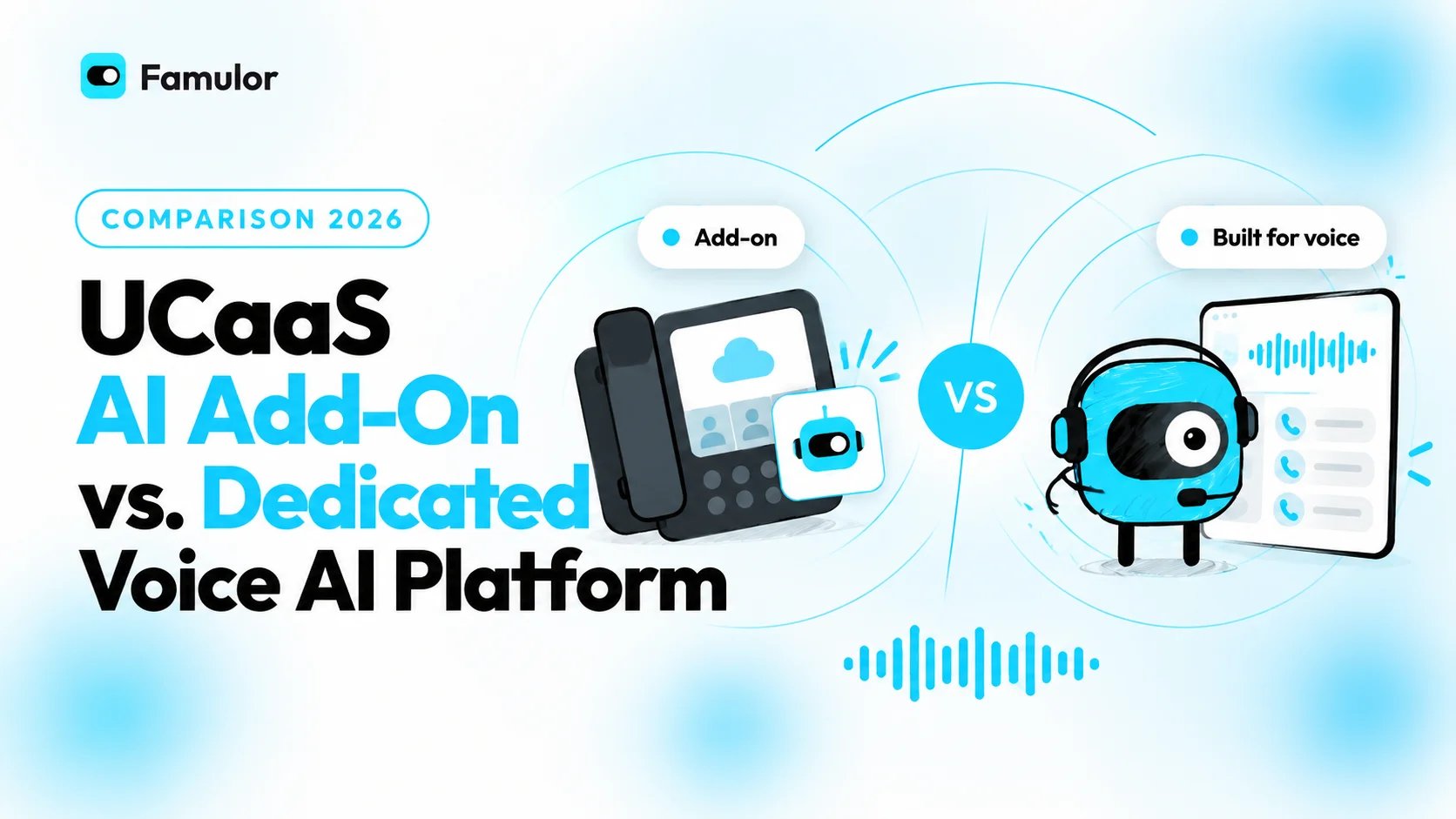
Businesses evaluating AI-powered phone automation face a pivotal choice: should they activate the AI features built into their existing UCaaS provider, or deploy a dedicated voice AI platform? The short answer: a UCaaS AI add-on offers quick activation within a familiar ecosystem but limits flexibility, language coverage, and integration depth. A dedicated voice AI platform like Famulor works independently of any single vendor, supports 40+ languages natively, and connects to any existing phone system via SIP trunking.
This comparison breaks down both approaches across the criteria that actually matter — cost, integration depth, language support, conversation complexity, and scalability — so you can make an informed decision for 2026 and beyond.
What Is a UCaaS AI Add-On?
UCaaS stands for Unified Communications as a Service — platforms like RingCentral, Microsoft Teams Phone, and Zoom Phone that bundle telephony, video, and messaging into a single subscription. Over the past year, these providers have layered AI modules on top: RingCentral launched AIR Pro, an agentic voice AI suite unveiled at Enterprise Connect 2026 that combines its AI Receptionist, Virtual Agent, and Contact Experience tools into a unified studio. Microsoft has embedded Copilot features into Teams Phone, and Zoom offers an AI Companion for call summaries.
The pitch is straightforward: if you already pay for a UCaaS platform, you can flip a switch and get AI phone capabilities without onboarding a new vendor. It sounds convenient — but convenience comes at a cost when your needs outgrow the ecosystem.
What Is a Dedicated Voice AI Platform?
A dedicated voice AI platform is a standalone system built from the ground up for AI-driven voice communication. Rather than existing as a module inside a larger communications bundle, voice AI is the core product. Platforms like Famulor are vendor-agnostic: they connect to any existing phone system — whether it is a Fritz!Box, 3CX, Asterisk, or any cloud PBX — via SIP trunking. Your current telephony infrastructure stays in place while the AI layer handles automation on top.
Key differentiators include: multiple TTS (Text-to-Speech) engine options for natural-sounding voices, a visual flow builder for designing conversation logic without code, knowledge bases for context-aware answers, and an open integration architecture with 300+ connections — from CRMs and calendars to industry-specific software.
Head-to-Head Comparison: UCaaS AI Add-On vs. Dedicated Platform
The table below compares both approaches across the decision criteria that matter most:
| Criterion | UCaaS AI Add-On | Dedicated Voice AI Platform |
|---|---|---|
| Vendor Lock-In | High — works only within the provider's ecosystem (e.g., RingCentral numbers only) | None — vendor-agnostic, works with any SIP provider and any PBX |
| Language Support | Limited — typically 5–15 languages, often only English fully supported | Comprehensive — 40+ languages with native speech recognition and TTS |
| Integrations | Primarily own marketplace apps, limited third-party connections | 300+ integrations via no-code automation (CRM, ERP, calendars, industry software) |
| Conversation Logic | Pre-built templates with limited customization | Visual flow builder with variables, conditions, webhooks, and knowledge bases |
| Inbound + Outbound | Inbound-focused; outbound campaigns often only in expensive enterprise tiers | Full inbound and outbound automation including campaign manager |
| Pricing Model | Per-seat bundle pricing, AI features often gated behind premium tiers | Usage-based (pay-per-use), no minimum contract, transparent per-minute pricing |
| Setup Time | Fast if UCaaS is already deployed (minutes to hours) | Also fast thanks to no-code tools (hours to a few days for complex flows) |
| Compliance | Provider-dependent; often US-centric (HIPAA, SOC 2) | GDPR-compliant, EU hosting, industry-specific compliance options |
| Scalability | Scalable within the ecosystem, but no multi-provider setups | Unlimited scaling across any SIP trunks and number pools |
Step-by-Step: How to Choose the Right Solution
The right choice depends on your specific starting point. Follow these five steps to determine which approach fits your organization:
Step 1: Audit your telephony infrastructure. What PBX or cloud phone system are you running today? If you are deeply invested in a single UCaaS ecosystem and plan to stay, an add-on is the fastest path. If you operate multiple locations with different phone systems — say, a Fritz!Box at one office and a 3CX at another — you need a platform that connects via SIP trunking to all of them without requiring migration.
Step 2: Define your language requirements. Do you serve customers in multiple languages? A company with customers across Germany, France, Spain, and Turkey needs a platform that natively understands all four languages — not one that offers AI agents only in English and relies on machine translation as a fallback for everything else.
Step 3: Map your integration landscape. List every system your voice agent needs to interact with: CRM (Salesforce, HubSpot, Pipedrive), calendars (Google Calendar, Cal.com, Calendly), and industry software (practice management, PMS, ERP). Check whether the UCaaS add-on connects to these natively or via Zapier/Make — or whether a platform with 300+ integrations reduces the friction.
Step 4: Assess conversation complexity. Is a simple receptionist that answers calls and transfers them sufficient? Then a UCaaS add-on may work. But if you need multi-step conversation flows with appointment booking, qualification questions, conditional routing, and follow-up via SMS or WhatsApp, you need a visual flow builder with variables, webhooks, and knowledge base lookups.
Step 5: Calculate total cost of ownership. Do not compare list prices alone. UCaaS providers bundle AI features into premium tiers that include unused capabilities. A dedicated platform with pay-per-use pricing can be cheaper at high call volumes — and even cheaper at low volumes, because there are no monthly minimums.
Best Practices and Common Mistakes
Best Practice 1: Avoid vendor lock-in. The biggest strategic mistake is tying your entire AI telephony capability to a single provider. When all your AI call flows live inside RingCentral or Microsoft, you lose negotiation leverage and the ability to switch. A platform that works via SIP trunking with any carrier lets you change providers without rebuilding your AI configuration from scratch.
Best Practice 2: Start with a pilot, then scale. Begin with a contained use case — automating appointment scheduling for one department, for example. Measure pickup rate, customer satisfaction, and time saved over four weeks before expanding to additional workflows.
Best Practice 3: Keep your knowledge base current. A voice agent is only as good as its knowledge. Schedule regular updates for FAQs, product information, and process documentation. Famulor offers automated web crawling and Google Drive synchronization to keep knowledge bases up to date without manual uploads.
Common Mistake 1: Confusing AI analytics with AI automation. When a UCaaS provider advertises "AI telephony," they often mean call summaries and sentiment analysis — not autonomous call handling. Verify whether the module can actually conduct calls independently or only offers passive analytics features.
Common Mistake 2: Overlooking compliance. In regulated industries (healthcare, financial services, legal), a blanket SOC 2 certification from the UCaaS provider is not enough. Check whether AI processing is GDPR-compliant, where conversation data is stored, and whether a data processing agreement (DPA) can be signed.
Common Mistake 3: Underestimating outbound needs. Many businesses start with inbound automation and only later realize they need outbound campaigns — for appointment confirmations, no-show follow-ups, or lead qualification. UCaaS add-ons rarely offer outbound AI, or only in expensive enterprise packages.
Industry Examples: Where the Difference Shows
Dental practice with three locations (inbound focus): The practice runs a local 3CX phone system and handles 80–120 calls daily. A UCaaS AI add-on is not an option because it cannot connect to the existing PBX — the practice would have to migrate its entire phone system. With Famulor, the voice agent connects to the 3CX via SIP trunk, books appointments through the practice management software, and answers questions about office hours, services, and insurance acceptance. Front-desk staff only handle complex cases.
E-commerce company with international customer service: An online retailer serves customers across Germany, France, Italy, and Turkey. Their existing RingCentral contract offers AI features only in English and German. A dedicated voice AI platform handles all four languages with native speech recognition, automatically looks up the order number from the shop system for return requests, and sends a return label via email — all within a single call.
Property management with outbound campaigns: A property management company with 2,000 rental units needs to regularly inform tenants about maintenance appointments, utility bills, and lease changes. Their UCaaS system has no outbound AI capability. With a dedicated platform, they set up an automated campaign that calls tenants, confirms appointments, and sends an SMS or WhatsApp message with a callback link when tenants are unreachable.
Law firm with intake qualification: A law firm receives 30 inquiries daily, of which only 40% match the firm's practice areas. The voice agent qualifies inquiries by asking about the legal area, urgency, and prior steps taken, books qualified initial consultations directly into the assigned attorney's calendar, and politely redirects non-matching inquiries to the right resource.
Estimate your ROI from automating calls
See how much your business could save by switching to AI-powered voice agents.
ROI Result
ROI 0%
No credit card required
Conclusion: A Dedicated Voice AI Platform Wins in Most Scenarios
UCaaS AI add-ons serve a purpose: for businesses already deeply embedded in one ecosystem that need only basic AI features like call summaries or a simple receptionist, they offer the fastest onramp. But the moment you need multiple languages, complex conversation logic, outbound automation, or connections to industry-specific software, they hit a wall.
A dedicated voice AI platform like Famulor delivers the flexibility that UCaaS add-ons cannot: vendor-agnostic SIP trunking, 40+ languages, 300+ integrations, and a no-code flow builder that handles complex call flows without a developer. Add a usage-based pricing model with no hidden costs, and the decision becomes clear for most growing businesses. Investing in a vendor-independent solution today lays the strategic foundation for modernizing your phone communication — regardless of how the UCaaS market evolves over the coming years.
Try Famulor for free and experience the difference: compare pricing or book an enterprise demo today.
Try our AI Assistant
Experience how natural our AI phone assistant sounds.
Enter your details and receive a call from our AI agent within seconds.
Agent is trained to discuss Famulor services and book appointments.

Demo AI agent
Famulor representative
FAQ
What is the main difference between a UCaaS AI add-on and a dedicated voice AI platform?
A UCaaS AI add-on only works within its provider's ecosystem. A dedicated voice AI platform operates independently and connects to any phone system via SIP trunking — no vendor switch required.
Can I keep my existing phone system when using a voice AI platform?
Yes. Platforms like Famulor connect via SIP trunk to any PBX — whether Fritz!Box, 3CX, Asterisk, or cloud solutions. Your existing infrastructure stays in place.
How many languages do UCaaS AI add-ons support compared to dedicated platforms?
Most UCaaS providers support 5–15 languages for AI features. Dedicated platforms like Famulor offer 40+ languages with native speech recognition and text-to-speech.
Is a dedicated voice AI platform more expensive than a UCaaS add-on?
Not necessarily. UCaaS add-ons bundle AI into expensive premium packages that include unused features. Dedicated platforms often use pay-per-use models with no minimums, which can be cheaper for many usage patterns.
How long does it take to set up a dedicated voice AI platform?
With no-code flow builders and pre-configured integrations, a basic receptionist agent goes live in a few hours. More complex workflows with qualification logic and CRM integration take one to three days.
Can UCaaS AI add-ons automate outbound calls?
Most UCaaS providers offer outbound AI only in expensive enterprise packages, or not at all. Dedicated platforms include outbound campaign managers as standard — including follow-ups via SMS and WhatsApp.
Which industries benefit most from a dedicated voice AI platform?
Healthcare, real estate, legal, e-commerce, and service businesses with high call volumes, multilingual customers, or complex booking processes benefit most from the flexibility of a specialized platform.
Is Famulor GDPR-compliant?
Yes. Famulor offers EU hosting, data processing agreements, and industry-specific compliance options. Unlike US-centric UCaaS providers, the platform is natively designed for European data protection requirements.
What happens to my AI configurations if I switch UCaaS providers?
With a UCaaS add-on, all AI configurations are lost when you switch providers. With a dedicated platform, flows, knowledge bases, and integrations remain intact — only the SIP trunk is redirected to the new carrier.
Can a voice AI platform also handle live chat and web widgets?
Yes. Famulor offers live chat integration and a customizable web widget for websites alongside phone AI — all managed from a single platform, without needing a separate chatbot solution.

Writer at Famulor