Inhoud samenvatten met:




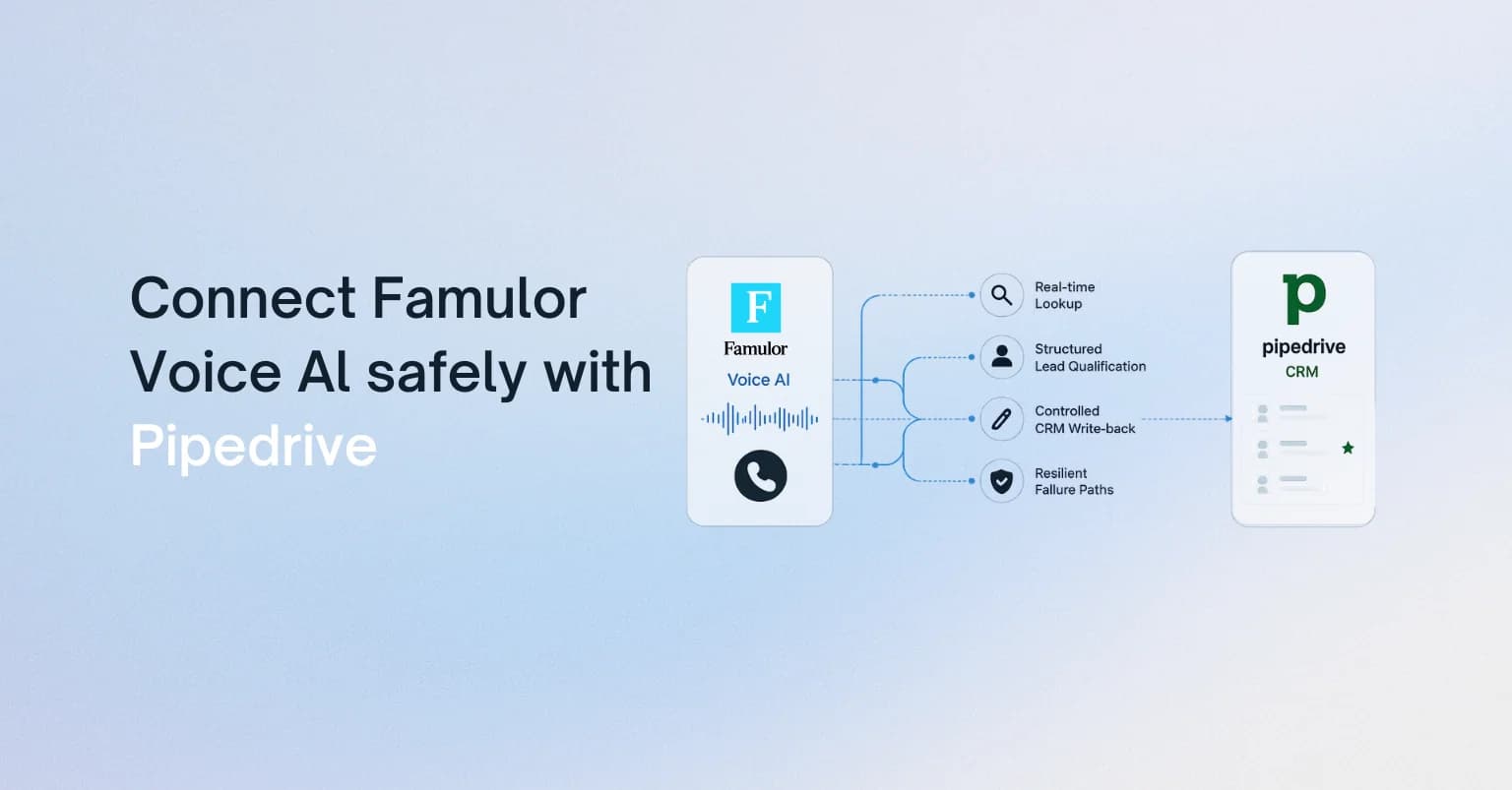
Veel voice AI-projecten falen niet tijdens het gesprek zelf. Ze falen bij de overdracht daarna: een klant vraagt om een terugbelverzoek, een offerte moet worden voorbereid, een supportcase heeft context nodig, en ergens tussen het transcript, het CRM en het projectmanagement verliest het team momentum. Dat is de concrete SEO- en zakelijke use case achter een Asana AI-telefoonagent-integratie: elk relevant gesprek wordt een overzichtelijke taak met een eigenaar.
Met Famulor-integraties, Mid-call Actions, webhooks en de MCP-connector kunnen teams dit bouwen zonder een zwaar maatwerktraject. De assistent spreekt met klanten, legt gestructureerde velden vast, activeert acties tijdens of na het gesprek en draagt het werk over aan Asana, CRM, WhatsApp of interne API's.
Waarom Asana meer is dan een takenbord voor AI-voice-workflows
In veel bedrijven is Asana al de operationele bron van waarheid voor opvolging: taken hebben eigenaren, deadlines, projecten, statusvelden en afhankelijkheden. Als een AI-telefoonagent alleen een gespreksverslag schrijft, blijft er handmatig werk over. Als de agent een Asana-taak met context aanmaakt, wordt een gesprek een uitvoerbaar proces.
- Leadkwalificatie: De assistent maakt een Sales Ops-taak aan wanneer budget, behoefte of timing overeenkomen met jouw regels.
- Support-triage: Product, prioriteit, klantnummer en de gewenste terugbeltijd belanden in het juiste project.
- Afspraak- en offerteopvolging: Openstaande beloftes worden ingepland als taken in plaats van dat ze opnieuw moeten worden ontdekt in transcripten.
- Accountmanagement: Escalaties, contractvragen of signalen voor verlenging krijgen een eigenaar en SLA.
De architectuur: Van stem naar verantwoordelijk werk
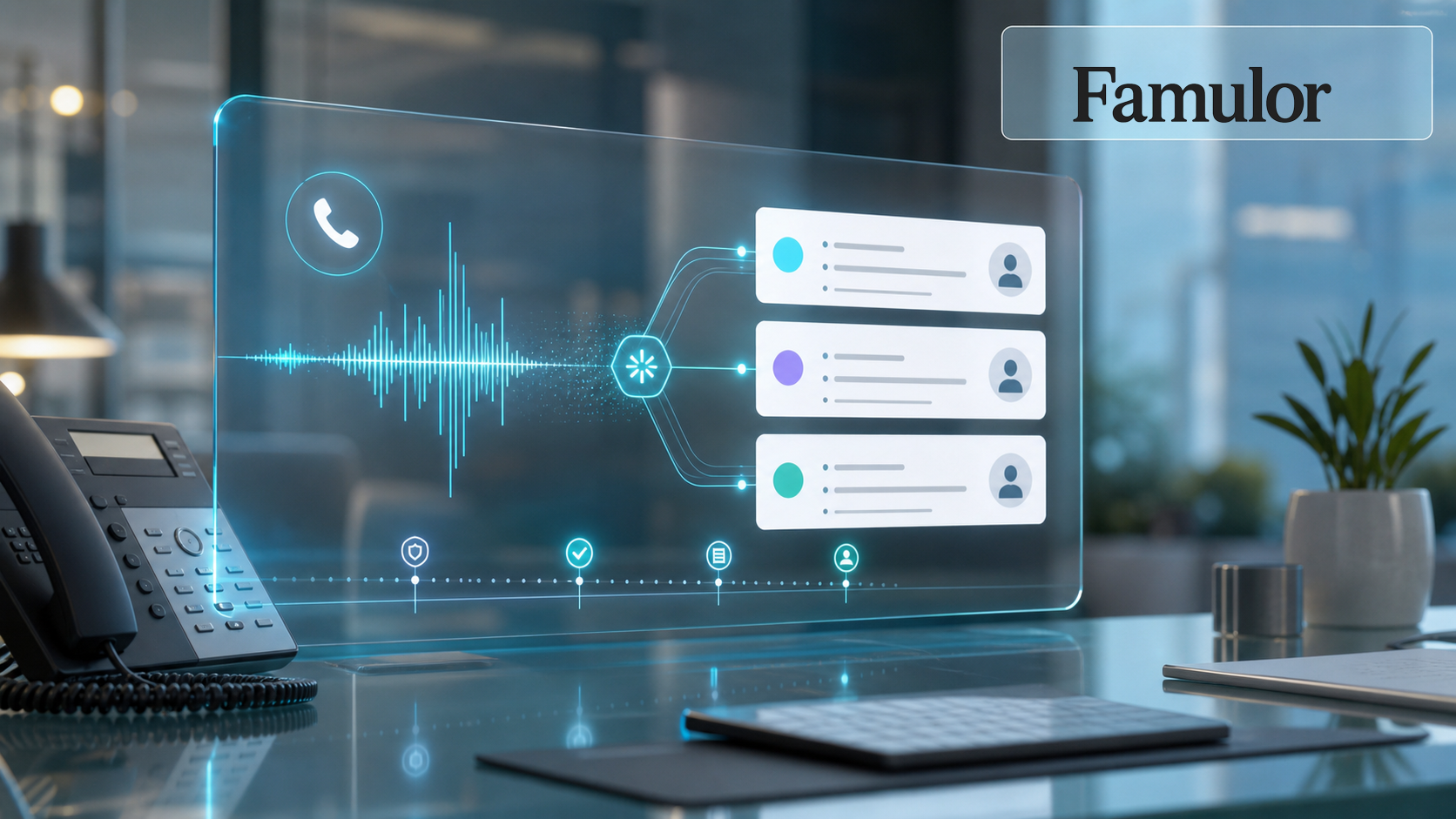
Een betrouwbare workflow bestaat uit vier lagen. Ten eerste voert de Famulor-assistent het gesprek en verzamelt relevante informatie. Ten tweede normaliseert Famulor die informatie naar velden zoals intentie, prioriteit, klanttype, deadline of voorkeurskanaal. Ten derde bepaalt een Mid-call Action of downstream webhook of er een Asana-taak moet worden aangemaakt, bijgewerkt of simpelweg gelogd. Ten vierde belandt de taak in het juiste project met een eigenaar, deadline en een link naar het gesprek.
Voor eenvoudige opstellingen kan een automatisering via Zapier, Make of een directe Asana API-actie volstaan. Enterprise-opstellingen vereisen meestal een combinatie: CRM-opzoeking tijdens het gesprek, het aanmaken van een Asana-taak na het gesprek, een bevestiging via WhatsApp of sms naar de klant en een audittrail in de Famulor-gespreksgeschiedenis.
Welke systemen moet Voice AI verbinden?
Selecteer je tools en krijg een snelle integratieroute.
Famulor
Voice AI
Geselecteerde integraties: 4
Wat hoort er in de Asana-taak thuis
De meest gemaakte fout is het versturen van te veel ongestructureerde tekst. Een taak moet kort genoeg zijn voor teams om direct actie te ondernemen en volledig genoeg zodat niemand het hele gesprek opnieuw hoeft te lezen.
| Veld | Aanbeveling | Waarom het ertoe doet |
|---|---|---|
| Titel | Gespreksresultaat + klant | Teams zien prioriteit en context in de lijstweergave. |
| Beschrijving | Korte samenvatting, volgende stap, gesprekslink | Vermindert vragen en voorkomt contextverlies. |
| Aangepaste velden | Prioriteit, funnel-fase, productonderwerp, terugbeltijd | Maakt rapportage en SLA-controle mogelijk. |
| Eigenaar | Teamregel in plaats van vrije tekst | Voorkomt werk zonder eigenaar. |
| Deadline | Geëxtraheerd uit het gesprek of berekend op basis van SLA | Maakt opvolging meetbaar. |
Waar Famulor verder gaat dan eenvoudige transcript-automatisering
Tools voor vergadertranscriptie en voice-to-task lossen slechts een deel van het probleem op. Klantgesprekken hebben vaak live context nodig: staat de klant al in het CRM? Hoe belangrijk is het account? Moet de assistent een terugbelverzoek inplannen, een offerte starten of overdragen aan een mens? Met Mid-call Actions kan Famulor tijdens het gesprek API's aanroepen. Met de MCP-connector kunnen teams assistenten, campagnes, leads en analyses beheren vanuit Claude of ChatGPT.
Dit is vooral belangrijk voor outbound-campagnes. Een campagne kan honderden gesprekken voeren, maar alleen gekwalificeerde resultaten moeten taken worden. Famulor kan resultaat, bezwaar, interesse, terugbelverzoek en kanaalvoorkeur vastleggen en vervolgens alleen een Asana-taak aanmaken wanneer er daadwerkelijk werk volgt.
Governance: Voorkom dat automatisering verandert in taak-spam
Een sterke integratie heeft duidelijke regels nodig. Maak niet standaard voor elk gesprek een taak aan. Definieer in plaats daarvan drempelwaarden: maak alleen een taak aan voor gekwalificeerde leads, openstaande supportcases, contractrisico's, terugbelverzoeken of mislukte overdrachten. Gebruik vaste projecten en aangepaste velden in plaats van te vertrouwen op vrije tekst als enige routeringslogica.
- Idempotentie: Controleer of er al een taak bestaat voor dezelfde klant en hetzelfde probleem.
- Eigenaarsregels: Routeer op regio, segment, productlijn of accountstatus.
- Privacy: Verstuur alleen de informatie die het team nodig heeft om het werk te voltooien.
- Review-loop: Controleer steekproeven tijdens de eerste twee weken en stem prompts, velden en routering af.
Uitrolplan voor de eerste week
Begin met één duidelijke use case: terugbeltaken van inkomende verkoopgesprekken of opvolgtaken van een outbound-campagne. Bouw eerst de Asana-doeltaak, daarna de Famulor-assistent en vervolgens de overdrachtslogica. Test met realistische maar gecontroleerde scenario's: complete lead, ongekwalificeerde lead, supportcase, verkeerd nummer en menselijke overdracht.
Controleer na de pilot niet alleen of er taken zijn aangemaakt. De belangrijke vraag is of ze bruikbaar waren: was de eigenaar correct? Was de deadline realistisch? Was de volgende stap duidelijk? Werd de klant sneller gecontacteerd?
Probeer onze AI-assistent
Ervaar hoe natuurlijk onze AI-telefoonassistent klinkt.
Vul je gegevens in en ontvang binnen enkele seconden een oproep van onze AI-agent.
De agent is getraind om over Famulor-diensten te praten en afspraken te maken.

Demo AI-agent
Famulor medewerker
Conclusie
Een Asana-integratie voor AI-telefoonagenten is geen leuke extra rapportage-tool. Het dicht het gat tussen klantgesprek en operationele uitvoering. Voor bedrijven die al met Asana werken, wordt Famulor het systeem dat niet alleen gesprekken beantwoordt of voert, maar werk betrouwbaar vooruithelpt.
Het beste startpunt is een smalle workflow met een hoge opvolgingswaarde: gekwalificeerde leads, terugbelverzoeken, support-escalaties of offerteaanvragen. Zodra die taken netjes in Asana belanden, kan hetzelfde proces worden uitgebreid naar CRM, WhatsApp, sms en de rest van je stack.

Auteur bij Famulor