Summarize Content With:




Fonio Alternative 2026: What to Check Before You Switch
If you search for a fonio alternative, you usually do not hate fonio. You hit a limit. Maybe your phone line needs more than one call at a time. Maybe the bill grows faster than your call volume. Or you want one platform for inbound, outbound, WhatsApp and your own integrations. This guide shows where fonio fits, where it gets tight, and how Famulor compares on pricing, scaling and setup.
This is a neutral comparison. We built Famulor, so we say where we see an edge and where fonio is a good choice. Competitor prices come from the public fonio price page and can change. Check the date in the chart sources.
Who fonio is built for
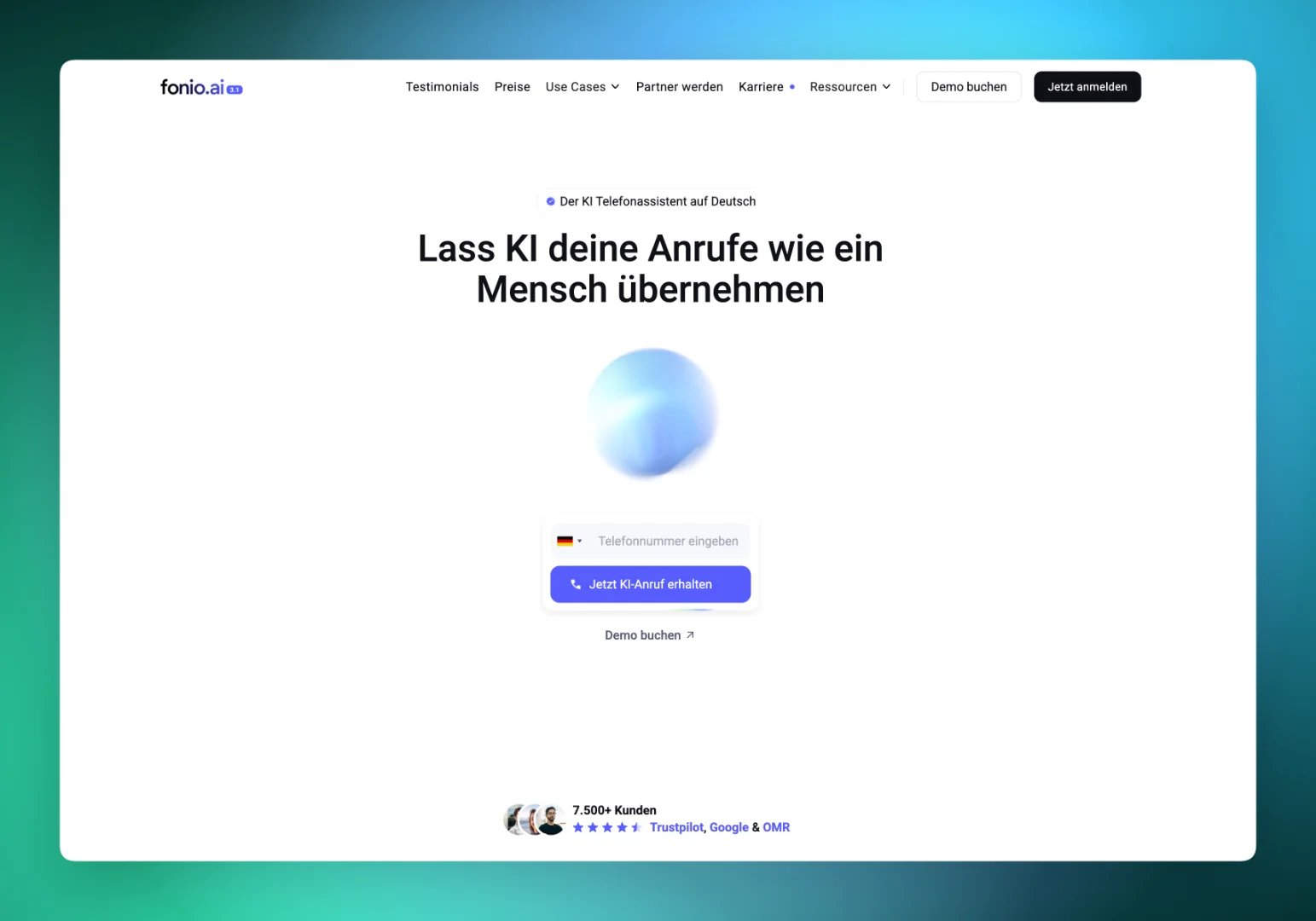
fonio positions itself as an AI phone assistant for small and mid-sized businesses in the German-speaking market. On its public price page it lists 120+ voices, 60+ languages and unlimited assistants on every voice plan. Calendar and booking integration is part of the entry plan. That covers a lot of everyday cases: a dentist who wants after-hours calls answered, a plumber who wants appointment requests captured, a salon that wants fewer missed calls.
The setup is plan based. You pick Solo, Team or Scale, you get a monthly block of minutes, and extra minutes are added in packs. For teams that know their volume, this is easy to budget. The friction starts when volume swings, when several customers call at the same time, or when you need outbound campaigns and custom integrations.
fonio plans and prices at a glance
The table below uses the public fonio price page for the voice assistant. All prices are net, excluding VAT. The page shows a monthly price and a lower price for annual billing.
| Plan | Monthly billing | Annual billing (per month) | Included minutes | Parallel calls | Phone numbers |
|---|---|---|---|---|---|
| Solo | 119 euros | 99 euros | 1000 | 0 listed | 1 |
| Team | 359 euros | 299 euros | 3600 | 3 | 3 |
| Scale | from 599 euros | from 539 euros | from 6000 | individual | individual |
Extra phone numbers on Solo and Team cost 9 euros per month each. Team adds a dedicated SIP trunk and outbound calls, with carrier costs per minute on top. Scale adds a custom voice and no data storage. Solo and Team add 100-minute packs automatically at 15 euros per pack once the included minutes are used.
What one minute really costs on fonio
A plan price divided by its included minutes gives the effective price per minute, as long as you use every minute. The chart shows this for each plan. We calculated the values ourselves from the public list prices: plan price divided by included minutes.
The chart says two things. Annual billing lowers the price per minute by about 15 percent. And the Team plan is the cheapest per minute, but only if you actually use its 3600 minutes. If you use 1200 minutes, you pay for 2400 you never speak.
The real cost test: 1500 minutes a month
Take a practice with 1500 call minutes per month. On Solo you pay the base price plus five packs of 100 minutes. On Team you pay the base price and use less than half of the block. The chart shows the monthly bill for both plans and both billing modes.
For this volume, Solo is far cheaper, even with overage. With annual billing, Team only becomes cheaper than Solo with packs at roughly 2400 minutes a month. Below that, you buy Team for its features, not for its price: parallel calls, a SIP trunk and outbound.
Where teams outgrow a fixed plan
Most switches happen for one of five reasons.
- Parallel calls. Marketing campaigns, a mailing or a lunch rush create call peaks. One line means the second caller hears busy or waits.
- Outbound. Reminders, no-show recovery and lead callbacks need outbound calling. On fonio this starts with the Team plan.
- Uneven volume. Seasonal businesses pay for a block they only use in spring and autumn.
- Integrations. If your CRM, ticket tool or calendar is not on the list, you need webhooks, an API or an automation layer.
- Resale. Agencies who want to offer AI phone agents under their own brand need white-label options and sub-accounts.
How Famulor compares
Famulor is a voice AI platform for phone, WhatsApp and chat. You build agents in a no-code builder, connect them to your calendar and CRM, and run inbound and outbound calls from the same workspace. The pay-as-you-go rate is €0.15 per minute. If you want a predictable block, the Plus plan costs €35 per month with 100 minutes included and extra minutes at €0.12.
That model suits two types of buyers. If your volume is low or uneven, pay-as-you-go means you pay for talk time and nothing else. If your volume is high, a plan lowers the price per minute. You do not have to guess in advance.
| Question | fonio | Famulor |
|---|---|---|
| Pricing model | Monthly or annual plans with included minutes and packs | Pay as you go per minute, or plans with included minutes |
| Entry price | 99 euros per month (annual billing, net) | €0.15 per minute, no base fee |
| Parallel calls | None on Solo, 3 on Team | Set by your workspace limits and plan |
| Outbound calls | From the Team plan | Outbound agents and batch calls |
| Voices and languages | 120+ voices, 60+ languages | Large voice library with multiple TTS providers |
| Integrations | Calendar and booking, more on higher plans | Calendar, CRM, webhooks, API and automations |
| White label | Not listed on the price page | White-label and agency plan available |
The table is a starting point. Features change, so confirm the details on both websites before you decide.
Setup effort: from first call to go-live
Pricing is only half of the decision. The other half is how fast you get a reliable agent. A typical go-live for a small business has five steps.
- Define the job. Write down the three calls you want to automate first, such as appointment booking, opening hours and callback requests.
- Build the agent. In the Famulor agent builder you describe the flow and the agent speaks in your language and tone.
- Connect your tools. Link your calendar so the agent can book appointments directly.
- Test with real calls. Call the agent yourself, with background noise, dialects and interruptions.
- Go live with a fallback. Route unclear calls to a person and review transcripts in the first week.
Our guide on how to set up an AI phone assistant walks through these steps in detail. The same logic applies when you test fonio or any other platform.
Inbound only, or inbound plus outbound?
Many small businesses start with inbound: answer every call, book the appointment, send a confirmation. After a few weeks the next question appears. Can the agent call back the people who did not show up? Can it confirm tomorrow's appointments? Can it follow up on web leads within five minutes?
If the answer is yes, check how each platform handles outbound before you sign. On Famulor you can run batch calls to a list of contacts, and the same agent logic applies. For a larger team that wants to replace a classic contact center, our AI call center page shows the setup.
A fair test plan for any fonio alternative
Do not decide from a feature list. Run a seven-day pilot with the same script on each platform.
- Pick 30 real call scenarios from your call log.
- Measure how many are solved without a human.
- Count calls that failed at the peak hour.
- Check the transcript quality and the summary you receive.
- Calculate the total cost for your real minutes, including numbers, overage and carrier fees.
The platform that wins this test is the right one, no matter what a comparison article says, including this one.
Record the results in a simple table: scenario, outcome, duration, cost and the caller's impression. Ask two colleagues who did not build the agent to call it as well. They ask different questions than you and find gaps in the conversation flow that you never notice. Repeat the test after every larger change to the prompt, so you can tell improvements from regressions.
Cost scenarios for three business types
Three examples show how the choice changes with volume. Use your own numbers in the calculator below.
- Solo practice with 400 minutes. A fixed plan with 1000 included minutes leaves most of the block unused. Pay-as-you-go matches the real talk time.
- Service desk with 1500 minutes and daily peaks. Parallel calls matter more than the minute price. Check concurrency limits first.
- Agency with five client accounts. You need separate workspaces, billing and branding. This is where plans with white label make the difference.
Estimate your ROI from automating calls
See how much your business could save by switching to AI-powered voice agents.
ROI Result
ROI 0%
No credit card required
Privacy and data: what belongs on every checklist
An AI phone assistant processes voices, names and appointment requests. In the German-speaking market, privacy is therefore not a side topic. Ask every provider in writing about four points: Where does the data run? Is there a data processing agreement? How long are recordings and transcripts stored? Can storage be switched off?
fonio lists "no data storage" on its price page as a feature of the Scale plan. Ask each provider which options are included in which plan. Also, do not cancel anything before you know the deletion periods for existing recordings. Tell callers at the start of the conversation that they are speaking with an AI assistant.
Verdict: when to stay and when to switch
Stay with fonio if you have one location, steady volume of about 1000 minutes, calls that arrive one at a time and no need for outbound. The Solo plan is simple and fair for that.
Consider Famulor if you want to pay for talk time only, need parallel calls without a plan jump, plan outbound campaigns, or want to connect your own systems through an API. For a closer look at the product, read our direct comparison Famulor as a fonio alternative or the earlier article Famulor AI vs. fonio.ai. For a wider view of small-business phone agents, see AI Secretary: Virtual Phone Assistant for Small Business.
Next step: create an account, build your first agent in under an hour and call it yourself. Then compare the result with your current setup.
Try our AI Assistant
Experience how natural our AI phone assistant sounds.
Enter your details and receive a call from our AI agent within seconds.
Agent is trained to discuss Famulor services and book appointments.

Demo AI agent
Famulor representative
FAQ
What is the best fonio alternative in 2026?
It depends on your volume and needs. For uneven volume, outbound calling, parallel calls or white label, Famulor is built for it. For one line with steady volume, fonio Solo can be enough. Run a pilot with your own calls.
How much does fonio cost?
The public price page lists Solo at 119 euros per month, or 99 euros with annual billing, for 1000 minutes. Team costs 359 or 299 euros for 3600 minutes. Scale starts at 599 or 539 euros. All prices are net.
Does fonio support parallel calls?
The price page lists no parallel calls for Solo and three for Team. If several customers call at the same time, check this limit before you choose a plan.
How much do extra minutes cost on fonio?
Solo and Team add packs of 100 minutes automatically for 15 euros once the included minutes are used. That equals 0.15 euros per extra minute.
Can I use Famulor without a monthly plan?
Yes. Pay-as-you-go charges €0.15 per minute with no base fee. You can move to a plan later when your volume grows.
Does Famulor support German?
Yes. You can build agents in German and many other languages and choose from a large library of voices. Test the voices with your own script before go-live.
Can I keep my phone number when I switch?
Often yes, through number porting or by forwarding calls to a new number or SIP trunk. Ask your carrier about the process and timing before you cancel anything.
Which one is better for agencies?
Agencies need separate workspaces, client billing and their own branding. Famulor offers a white-label and agency plan for this. The fonio price page does not list a white-label option.

Writer at Famulor