Summarize Content With:




How to Test and Evaluate an AI Voice Agent Before It Goes Live in 2026
You test an AI voice agent by checking its behavior across four layers before launch — infrastructure, execution, user behavior, and business outcome — and then keeping those same checks running as production monitoring after go-live. The mistake most teams make is grading a voice agent like a text bot: right answer or wrong answer. But a phone call runs through speech recognition, a language model, and speech synthesis at the same time. If any one layer fails, the customer experience breaks — no matter how smart the prompt is.
This guide walks through the metrics that matter, how to build realistic test cases, the target numbers treated as the 2026 industry standard, and how to turn testing, regression protection, and live monitoring into a repeatable process. With Famulor, you already have transcripts, automatic post-call evaluation, and a no-code environment to make quality measurable.
Why testing voice agents is different from testing chatbots
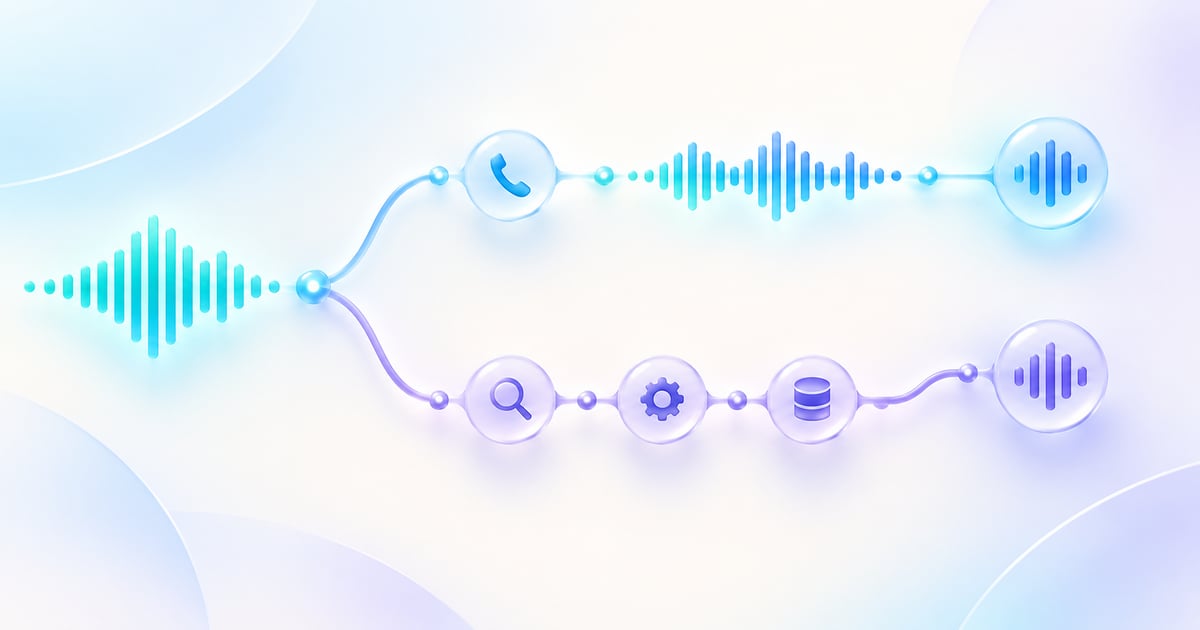
A text bot has a single point of failure: its answer logic. A voice agent has at least four. Every call flows through a chain of speech-to-text (STT), a large language model (LLM), and text-to-speech (TTS), plus telephony and the network. Each stage introduces its own failure class:
- STT failures: background noise, accents, crosstalk, or misheard numbers and names produce a wrong transcript — and a wrong transcript cascades into wrong intent classification.
- LLM failures: hallucinations, misclassified intent, ignored policies, or a skipped step in a multi-step flow.
- TTS failures: unnatural prosody, mispronounced proper nouns, or latency spikes that break the conversational rhythm.
The key insight: an agent that scores 95% on a text-only LLM evaluation can still fail catastrophically on the phone — for example, when a latency spike makes the caller interrupt mid-response, or when an ASR error cascades into the wrong action. That is why voice quality is measured on real audio under real conditions, not on clean transcripts.
The 4-layer framework for voice agent quality
Current voice-AI QA frameworks (2026) organize every check into four layers that build on one another. This prevents the most common mistake — optimizing only for LLM accuracy while ignoring latency or conversation flow.
| Layer | Focus | What breaks when it fails |
|---|---|---|
| Infrastructure | Audio quality, latency, STT/TTS performance | Trust is destroyed before the conversation starts — the caller hears silence or robotic speech |
| Execution | Intent classification, response accuracy, tool/function calls | Frustration, task abandonment, wrong actions (wrong appointment, wrong transfer) |
| User behavior | Interruption handling, conversation flow, sentiment | A poor experience drives hang-ups even when the task technically succeeds |
| Business outcome | Containment rate, first-call resolution, escalation patterns | Negative ROI — the project fails even though technical tests passed |
A perfectly accurate agent that takes five seconds to respond delivers worse business outcomes than a slightly less accurate agent that responds in one second. That is why no single metric is enough — you need at least one per layer.
The metrics that matter most
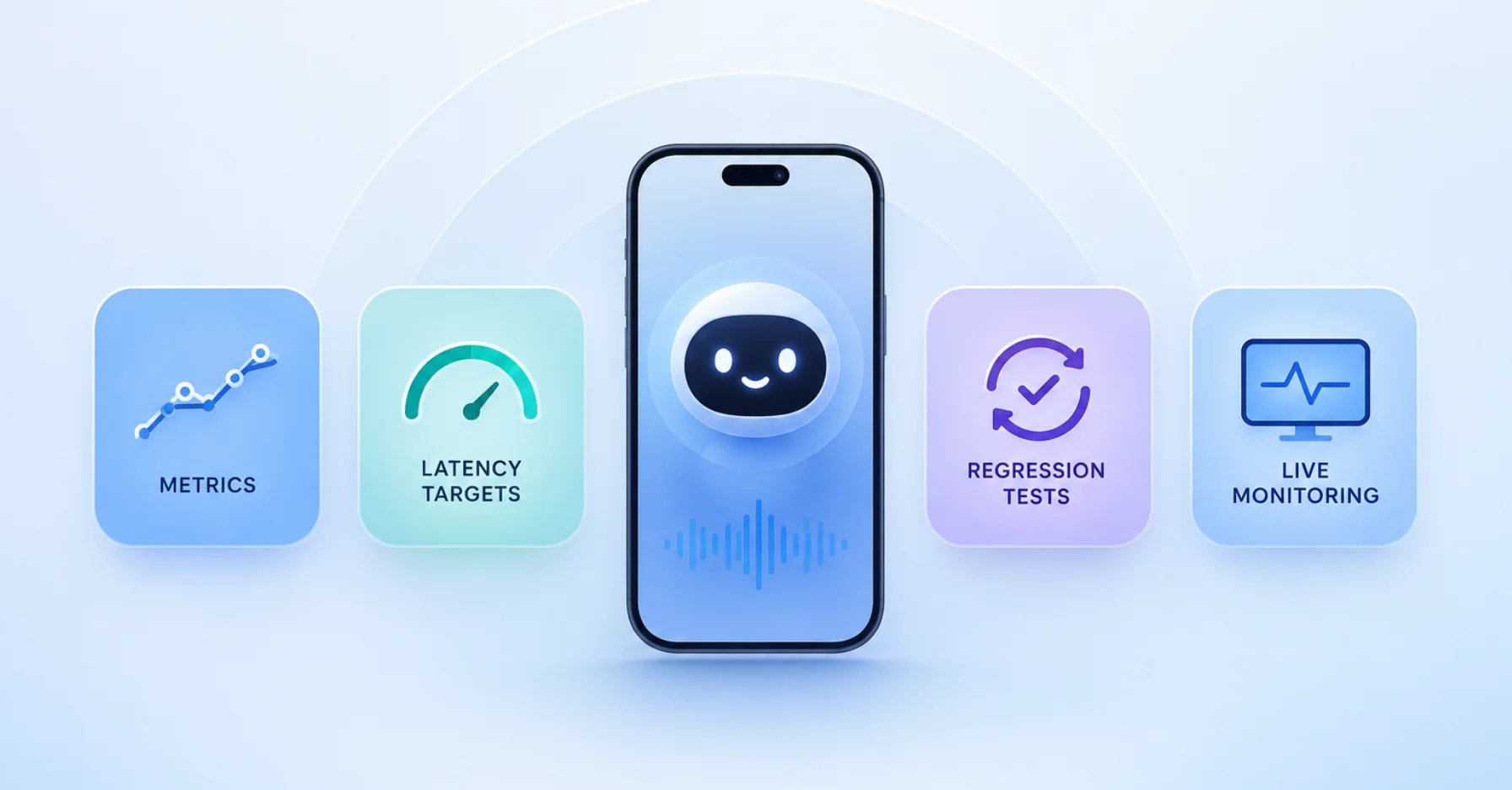
These metrics form the backbone of any evaluation. Most can be collected automatically — only edge cases need human review.
| Metric | What it measures | Why it matters |
|---|---|---|
| Time to First Audio (TTFA) | Time from caller stopping to the agent's first sound | The primary signal for perceived responsiveness |
| Word Error Rate (WER) | Speech recognition accuracy | Wrong transcript equals wrong intent |
| Barge-in recovery | How cleanly the agent handles interruptions | Decides whether the conversation feels natural |
| Task success rate | Share of tasks completed correctly | The core value (appointment booked, question answered) |
| Containment rate | Share of calls resolved without human escalation | Direct lever for relief and cost |
| Escalation rate | Share of calls handed to a human | Reveals gaps in knowledge or flows |
| Hallucination rate | Share of invented or factually wrong statements | Trust and liability risk |
On the recognition and hallucination side, accuracy and stopping hallucinations is its own topic — and a well-maintained knowledge base is the single most effective lever.
Latency targets for 2026
Latency is the silent killer on the phone: callers don't wait, they hang up. There is no "typing…" indicator to buy time. As a rough guide, anything over 800 ms feels sluggish, and beyond roughly 1.5 seconds callers start mentally checking out. Measure percentiles, not just averages — a good average can hide a bad P95.
| Percentile | Target | Warning | Critical |
|---|---|---|---|
| P50 (median) | < 1.5 s | 1.5–1.7 s | > 1.7 s |
| P95 | < 3.5 s | 3.5–5.0 s | > 5.0 s |
| P99 | < 8 s | 8–10 s | > 10 s |
It also helps to separate latency by component — STT, LLM time-to-first-token, and TTS — so you know which layer to optimize. We go deeper on how fast your bot must reply in AI voice agent latency.
Three testing methods: offline, online, and human-in-the-loop
A robust testing program combines three levels:
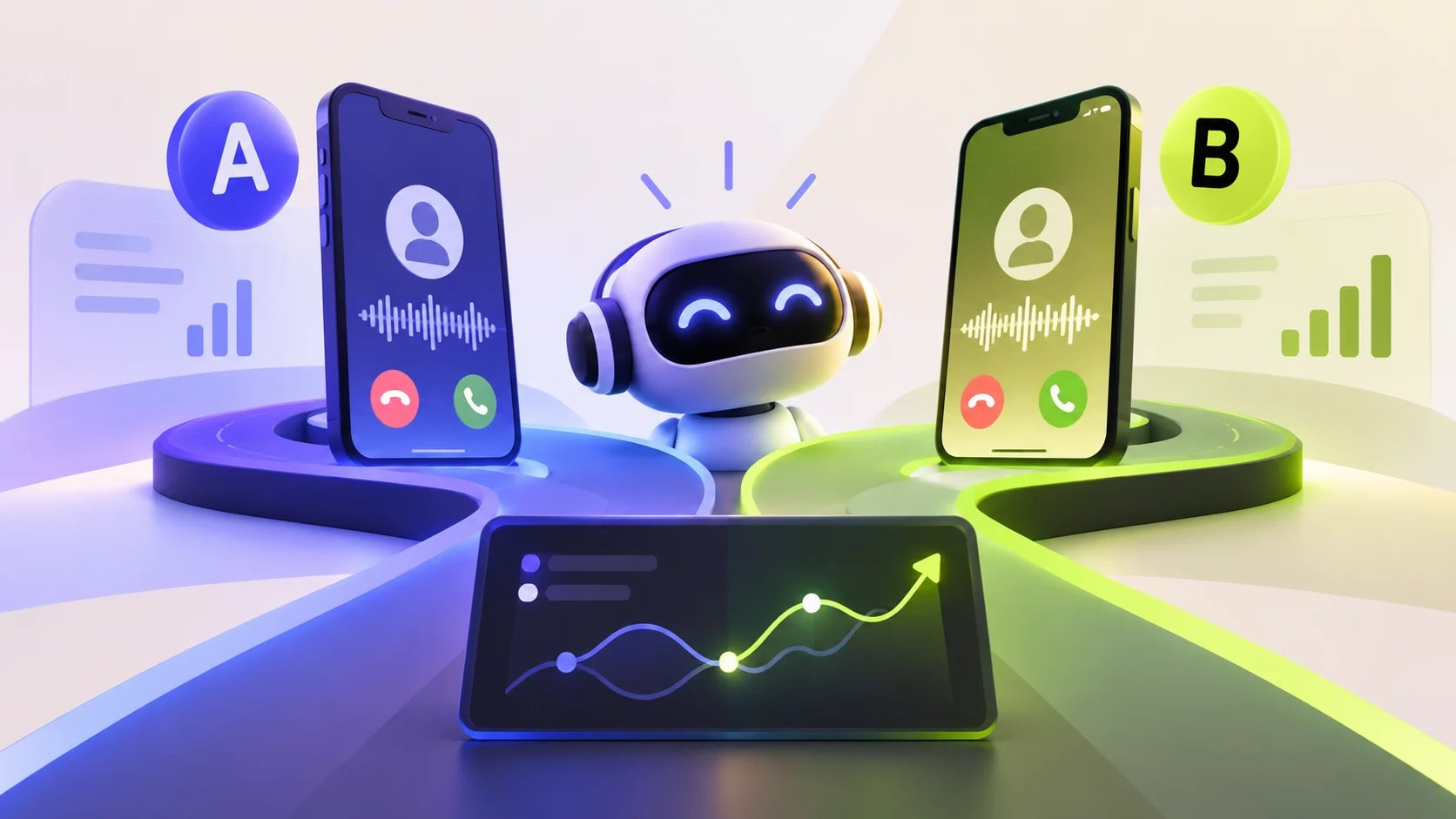
- Offline evaluation (pre-production): play simulated calls with real audio against the agent — happy paths, edge cases, and deliberately hard (adversarial) scenarios such as accents, background noise, interruptions, and uncooperative callers. Each case gets a metric with a clear threshold.
- Online evaluation (production monitoring): in live operation, continuously watch STT confidence, intent accuracy, latency percentiles, and escalation rate with threshold-based alerts.
- Human-in-the-loop: around 80% of evaluation (latency, WER, task completion) can be automated. The rest — tone, edge cases, and calibrating the automated grader — gets a human spot-check.
Step by step: testing a voice agent before go-live
- Define success criteria. For each use case, state what "success" means (for example, "appointment correctly booked in the calendar, correct confirmation read back").
- Build a test set. Collect 20–50 real scenarios: the most common requests, the trickiest edge cases, and three to five adversarial cases.
- Run automated evaluations. Play the set against the agent and measure the core metrics against your thresholds.
- Triage failures. Map each failure to the right layer (infrastructure, execution, user behavior, outcome) — that shows the root cause instead of just the symptom.
- Refine. Adjust the prompt, knowledge base, flows in the flow builder, or transfer rules — then test again.
- Controlled rollout. Start with a share of call volume or defined time windows, and expand once the metrics are stable.
For a clean switch from a legacy solution, plan it as described in the migration and cutover guide.
After go-live: regression testing and monitoring
The single most important principle for ongoing operation: every production failure becomes a regression test. Voice agents are fragile — a small prompt change, a model update, or a new voice can break flows that already worked. So:
- Re-run your test set on every change and gate releases that regress core scenarios.
- In production, monitor latency percentiles, containment and escalation rate, and unusual transcripts with alerts.
- Use post-call evaluation after every conversation to spot patterns — which questions escalate often, where callers drop off, which intents are recognized with low confidence.
This is exactly where Famulor stands out: transcripts and automatic post-call evaluation provide the data foundation, and through 300+ integrations the metrics flow straight into your CRM or dashboard.
Best practices and common mistakes
- Measuring only the average. A good mean hides a bad P95/P99 — measure percentiles.
- Testing with transcripts instead of audio. Prosody, interruptions, and accents only surface on real audio.
- Only checking happy paths. Without adversarial cases (noise, accent, interjection) you miss exactly the calls that fail live.
- Stopping testing after go-live. Without regression protection, the next prompt change silently breaks something.
- No escalation path. A clean handoff to a human belongs in the suite as a testable path.
Eight adversarial test cases you should deliberately run
Almost every agent passes the happy paths. They fail live at the edges. These eight scenarios belong in any serious test set because each exposes a typical weakness in a specific layer:
- Strong accent or dialect: tests speech-recognition (STT) robustness and word error rate.
- Background noise (street, café, job site): surfaces STT cascades that lead to wrong intents.
- Early interruption: the caller talks over the response — checks barge-in recovery and conversation flow.
- Numbers, names, and addresses: customer IDs, street names, and times are the most common transcription errors.
- Topic switch mid-flow: checks whether the agent keeps the thread or dead-ends.
- Knowledge gap: a question outside the knowledge base — the agent must escalate cleanly instead of hallucinating.
- Emergency or urgent case: must hand off to a human reliably and immediately.
- Uncooperative caller: one-word answers, silence, or provocation — tests reprompt behavior and give-up logic.
Each case gets a metric with a clear threshold. An emergency scenario with less than 100% correct routing is a go-live blocker, not a "nice to have."
Your monitoring dashboard: what must be visible in real time
After launch, the focus shifts from one-off tests to continuous monitoring. A useful dashboard shows at a glance whether quality is holding — and raises an alarm before complaints pile up. Four blocks make sense: latency percentiles (P50/P95/P99) per time window, containment and escalation rate as a trend, average STT confidence, and a list of flagged calls (early drop-off, repeated reprompts, low success score). Threshold-based alerts — for example "P95 above 5 seconds for more than ten minutes" or "escalation rate above the weekly average" — turn the dashboard into an early-warning system rather than an after-the-fact report. In Famulor, automatic post-call evaluation produces exactly these signals, and the integrations push them into the tool of your choice. Anyone planning the full operation as an AI call center should design monitoring in from day one.
Industry examples
Dr. Becker's dental practice (12 staff). Before go-live, the practice tests 30 scenarios: a Wednesday 2 p.m. appointment request, a cancellation, a prescription-refill question, an emergency (must escalate immediately), and a caller with a strong accent over street noise. Only once the containment rate holds above 80% and emergencies route correctly 100% of the time does the agent go live — at first only outside opening hours.
A trades company with 25 staff. Its outbound agent qualifies leads. Testing covers objections ("not interested," "call me later"), unclear addresses, and pricing questions. Regression tests run on every prompt change so a new script never breaks working objection handling.
E-commerce support. The agent answers "Where is my order?" across phone, WhatsApp, and chat. It is tested per channel — because latency and phrasing differ — and first-call resolution is monitored across channels.
Estimate your ROI from automating calls
See how much your business could save by switching to AI-powered voice agents.
ROI Result
ROI 0%
No credit card required
Conclusion
Voice agent testing is not a one-off step before launch — it is a loop: define success criteria, build realistic test sets, evaluate automatically, triage failures, regression-test on every change, and monitor in production. Optimizing only for LLM accuracy while ignoring latency, conversation flow, and business outcome builds an agent that shines in testing and fails on the phone. Famulor is the natural first choice here: 40+ languages, SIP trunking for any provider, a no-code flow builder, and — crucial for testing — transcripts plus automatic post-call evaluation that make quality measurable. Use the ROI calculator to see when automation pays off, and check the pricing.
Try our AI Assistant
Experience how natural our AI phone assistant sounds.
Enter your details and receive a call from our AI agent within seconds.
Agent is trained to discuss Famulor services and book appointments.

Demo AI agent
Famulor representative
FAQ
What does it mean to test an AI voice agent?
It means checking the agent's behavior with real audio scenarios across four layers — infrastructure, execution, user behavior, and business outcome — and continuing those checks as monitoring after go-live.
Which metrics matter most?
Time to First Audio (latency), speech-recognition word error rate, task success rate, containment and escalation rate, and hallucination rate. Together they cover all four quality layers.
How fast must a voice agent respond?
As a guide: P50 under 1.5 seconds and P95 under 3.5 seconds. Above 800 ms feels sluggish, and beyond 1.5 seconds callers start checking out.
Is it enough to test with transcripts instead of audio?
No. Prosody, interruptions, accents, and latency effects only surface on real audio. Text-based tests miss exactly the failures that occur live.
What is a regression test for voice agents?
A repeatable test case built from a real production failure. It re-runs on every prompt, model, or voice change so working flows don't silently break.
How much testing can be automated?
Around 80% — latency, word error rate, and task success. Tone, edge cases, and calibrating the automated grader still warrant a human spot-check.
How does Famulor help with testing?
Famulor provides transcripts and automatic post-call evaluation, a no-code flow builder for fast adjustments, and 300+ integrations to push metrics into your CRM or dashboard.
When should a voice agent hand off to a human?
For emergencies, low recognition confidence, an explicit caller request, or requests outside its knowledge. This escalation path should itself be a tested case.

Writer at Famulor