Summarize Content With:




Many Voice AI projects start with a simple question: can an AI phone agent reliably answer or place calls? For enterprise teams, that is only the first layer. The real operational value appears when the agent checks data, prepares decisions, and triggers follow-up workflows while the conversation is still happening.
That is where Famulor Mid-call Actions and the Famulor Automation Platform matter. They turn a voice agent from an isolated conversation channel into a controlled interface for CRM, calendars, help desks, WhatsApp, SMS, and internal systems.
Why no-code needs a stricter definition in Voice AI
No-code in telephony does not mean complex processes disappear. It means business and operations teams can model them visibly: what information should the assistant collect, which system is the source of truth, when is automated booking allowed, and when does a human need to approve the next step?
A production-ready AI phone agent therefore needs more than prompting. It needs a clearly bounded action model. The assistant can only run the actions assigned to it, uses defined parameters, and returns structured results into the conversation. That makes automation auditable, testable, and ready for governance.
The operating model: from call to completed workflow
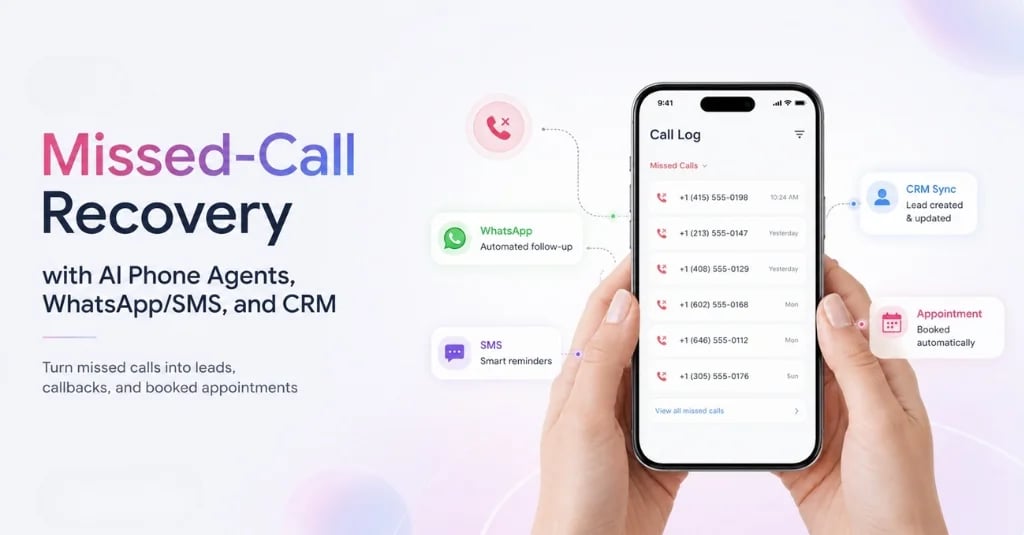
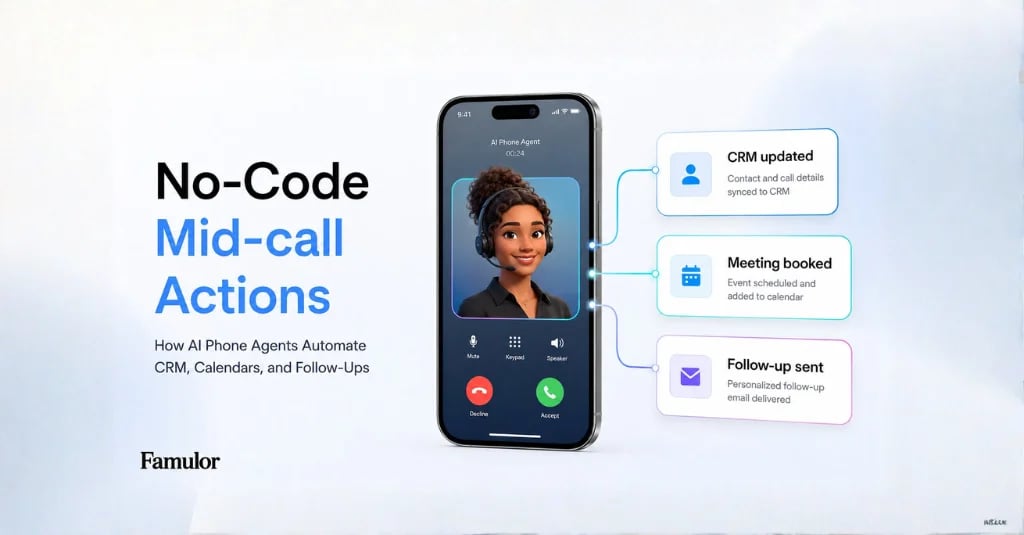
A typical enterprise workflow looks like this: a prospect calls, the assistant identifies intent and urgency, checks existing CRM data, qualifies the request, queries calendar availability, books a meeting, writes the outcome back, and sends a WhatsApp or SMS confirmation. The call does not end with a note. It ends with an updated system state.
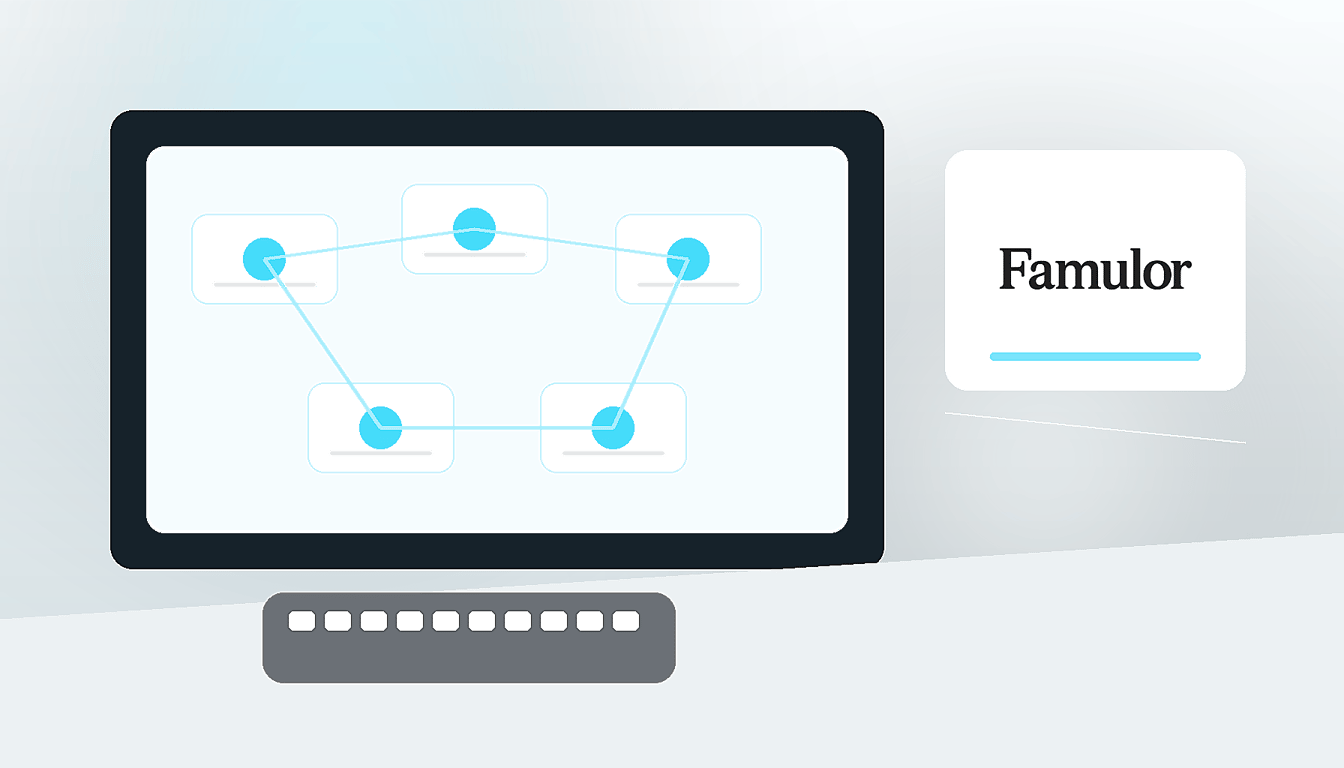
For this class of process, the combination of a Mid-call Action and the Automation Platform is stronger than a loose Zapier or Make chain. The action is available in the live conversation context. The automation behind it can orchestrate multiple systems, transform data, and return a clear result to the assistant.
Which systems should Voice AI connect?
Select your existing tools and get a fast integration path.
Famulor
Voice AI
Selected integrations: 4
Which actions should be automated first?
The best starting point is not the broadest process. It is the most measurable one. In practice, four action types are especially strong for a first rollout:
- CRM lookup and update: find contacts, avoid duplicates, change lead status, and write notes or call outcomes.
- Scheduling logic: check calendars, offer slots, book appointments, or send booking links.
- Messaging follow-up: send WhatsApp or SMS confirmations, document links, quote links, or callback details.
- Routing and escalation: transfer calls to teams, create tickets, or mark critical cases with context.
These actions create measurable impact quickly because they reduce recurring manual steps: following up, copying notes, asking for missing information, and routing requests. At the same time, they are narrow enough to validate with real test cases before go-live.
How to make a Mid-call Action enterprise-ready
For a reliable rollout, teams should treat every action like a small business process. First define the data the assistant may collect. Then decide which system owns the truth. Test failure cases: what happens if the CRM does not respond, a calendar slot is taken, or a phone number cannot receive WhatsApp messages?
Famulor supports this separation with clear action configuration, test runs, and the option to place no-code automations behind an action. Technical teams still keep the API and MCP path open: internal systems can connect through Famulor MCP, webhooks, or the REST API without taking the operational builder away from business teams.
Governance: start small, then scale cleanly
In Voice AI, governance is not a late enterprise add-on. It belongs in the first pilot. Start with one narrow process, such as appointment qualification with CRM lookup and confirmation messaging. Measure completion rate, escalation rate, incorrect system writes, and manual cleanup. Only then expand to more teams, languages, or channels.
The important boundary is between conversation logic and process logic. The prompt decides when an action is useful. The action decides what is technically allowed to happen. This separation reduces risk because changing a conversation does not automatically expand permissions in backend systems.
Try our AI Assistant
Experience how natural our AI phone assistant sounds.
Enter your details and receive a call from our AI agent within seconds.
Agent is trained to discuss Famulor services and book appointments.

Demo AI agent
Famulor representative
Conclusion: Voice AI becomes valuable when it moves systems
The next step after the first AI phone agent is no longer call volume alone. The next step is controlled process automation during the call. With Famulor Mid-call Actions, the Automation Platform, WhatsApp, SMS, MCP, and API connections, teams can start exactly where manual work appears today: between calls, CRM, calendars, and follow-up.
Teams building Voice AI as an enterprise operating layer for customer communication should therefore ask more than questions about voices, latency, and prompting. The decisive question is: which actions may the assistant execute live, how are they monitored, and how quickly can operations improve them without opening a new development project?

Writer at Famulor