Résumer le contenu avec:




Un agent téléphonique IA ne devient réellement productif que lorsqu'une action concrète succède à la conversation : le prospect est mis à jour, le rendez-vous est consigné, un suivi est envoyé via WhatsApp ou SMS, et l'équipe opérationnelle peut identifier quels appels ont été escaladés, remportés ou perdus.
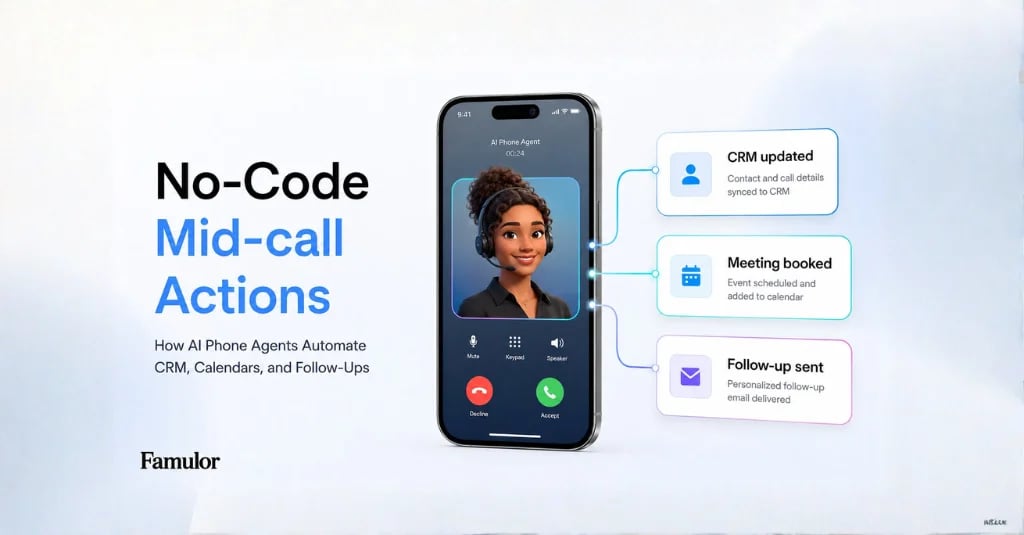
C'est précisément la raison d'être de la boucle d'automatisation post-appel. Famulor connecte les webhooks, l'historique des appels, les actions en cours d'appel (Mid-call Actions), WhatsApp, SMS et, via MCP, des clients IA tels que ChatGPT et Claude au sein d'un flux de travail qui reste actif après chaque appel.
Pourquoi l'automatisation post-appel nécessite son propre système
De nombreux projets d'IA vocale débutent par la question : l'assistant peut-il tenir une conversation ? Pour les équipes en production, la question pertinente est plutôt : que devient le résultat ? Une configuration efficace traite chaque appel comme un événement doté de données, d'un responsable et d'une action suivante.
- Ventes : le résultat, les objections, le budget et l'étape suivante sont intégrés au CRM.
- Support : le problème, la priorité et le contexte sont transmis au helpdesk ou au back-office.
- Opérations : le volume, les motifs d'abandon, les escalades et le taux d'automatisation deviennent mesurables.
- Conformité : la transcription, les horodatages et les décisions du système restent traçables.
La différence avec une simple alerte par e-mail réside dans la structure : un webhook est lisible par une machine et peut déclencher de manière fiable des systèmes en aval.
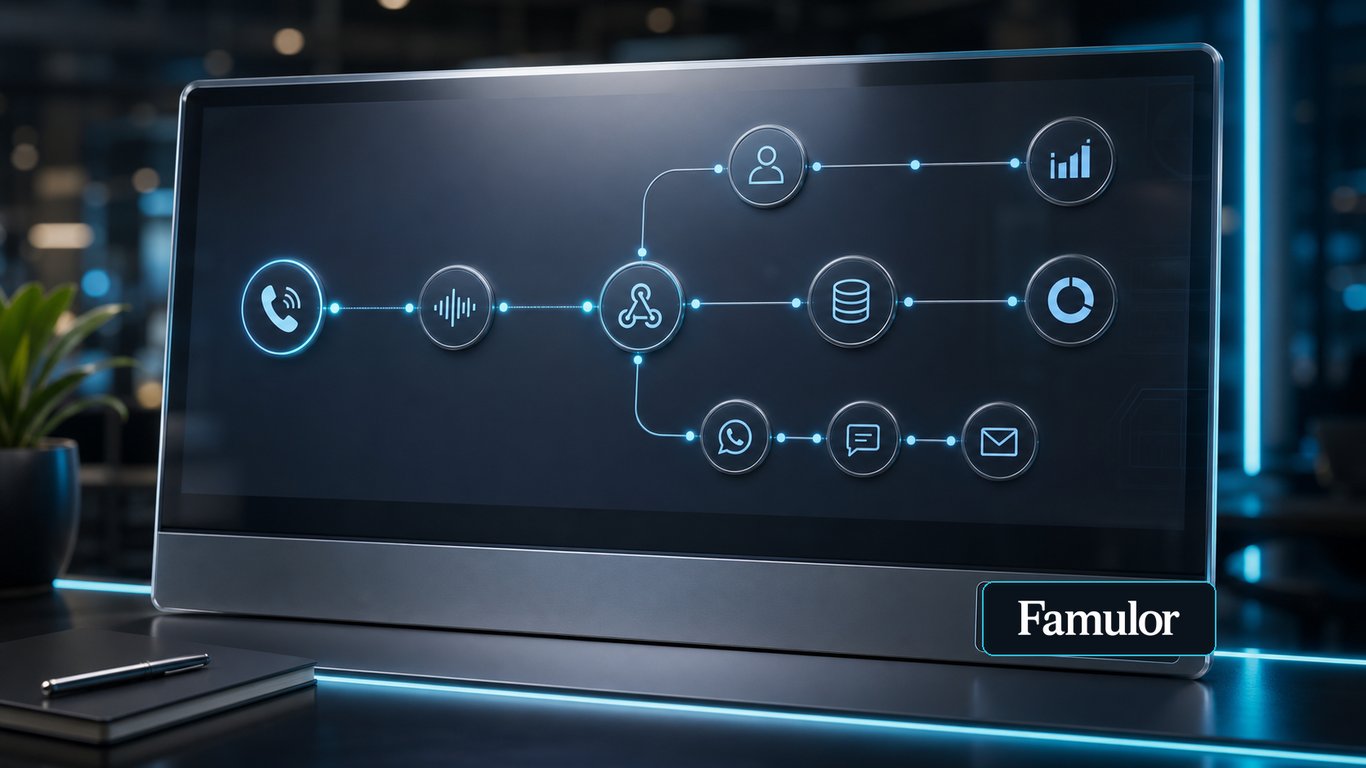
L'architecture de référence : de l'appel à l'étape suivante
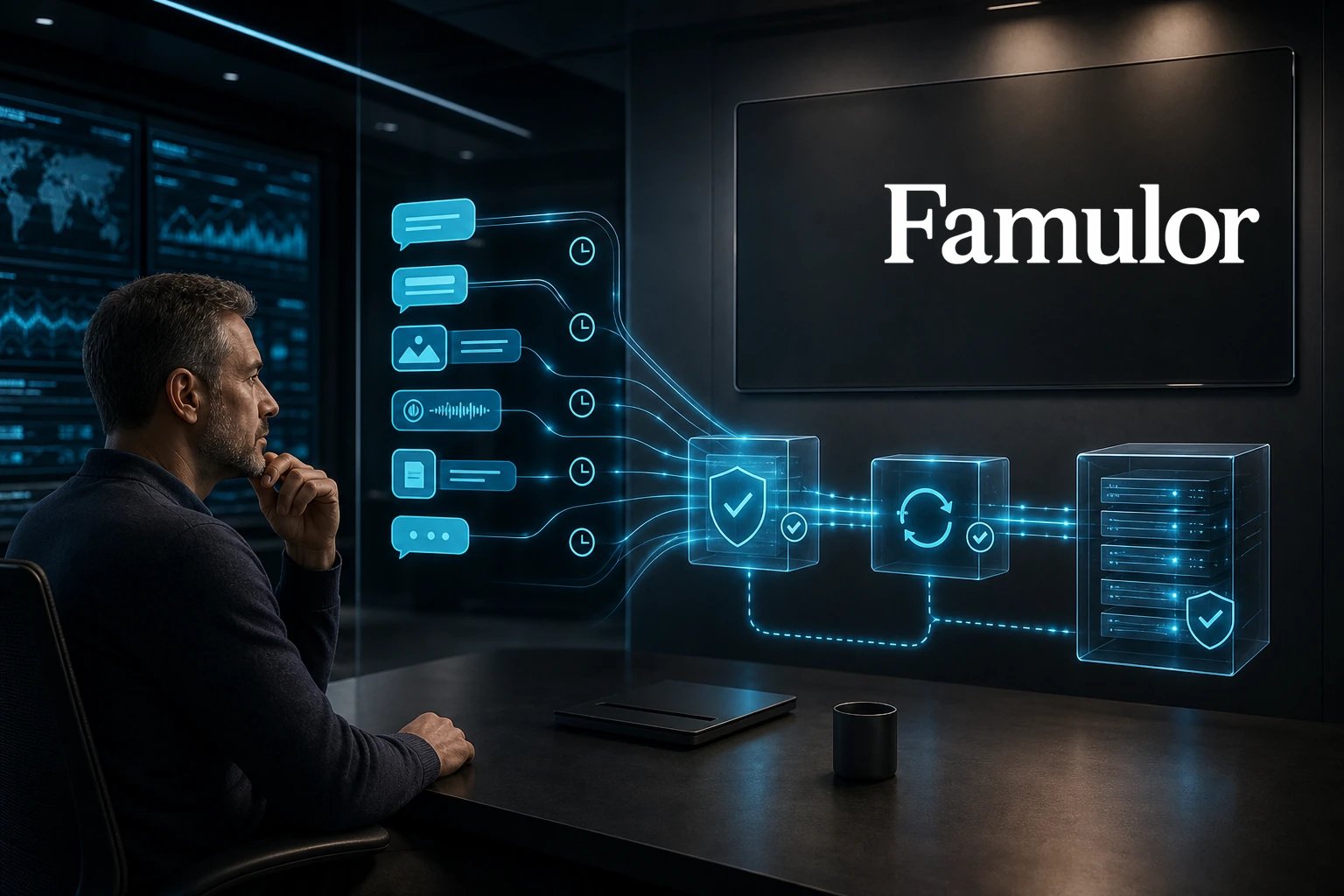
Un flux d'entreprise fiable sépare la conversation en direct du post-traitement. Pendant l'appel, l'assistant utilise les Mid-call Actions pour consulter des données ou effectuer des actions. Après l'appel, le webhook gère le suivi documenté.
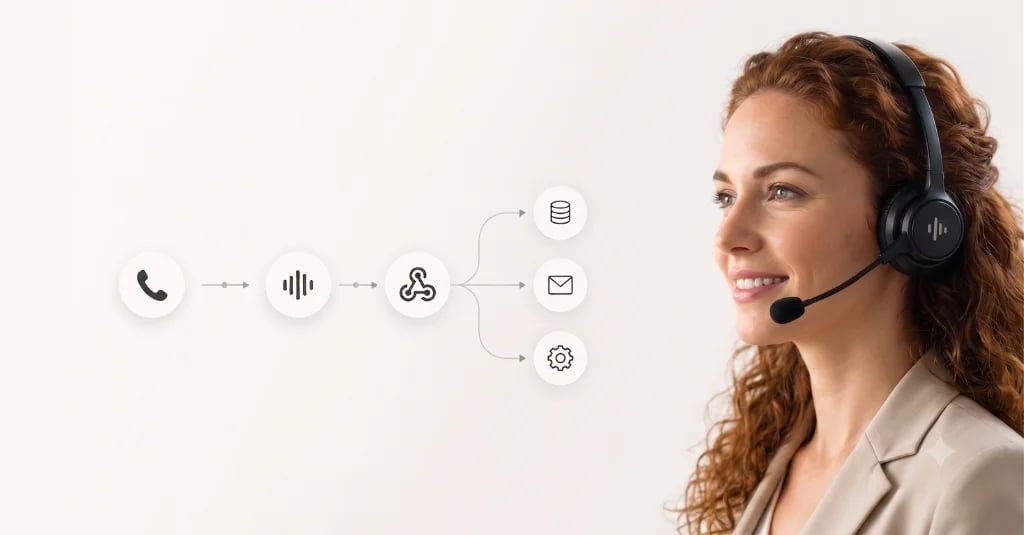
- Fin de l'appel : Famulor génère le statut de l'appel, la durée, la transcription, l'évaluation et les variables extraites.
- Événement webhook : Les données sont envoyées vers un outil d'automatisation, un backend interne ou un iPaaS.
- Normalisation : le numéro de téléphone, l'ID du prospect, la campagne, le résultat de l'appel et le statut du consentement sont mis en correspondance.
- Actions : mise à jour du CRM, création de ticket, confirmation de rendez-vous, envoi de WhatsApp/SMS ou planification d'un rappel.
- Reporting : les données de résultats alimentent les tableaux de bord, les prévisions, les revues QA ou le backlog de coaching.
Important : le webhook ne doit pas simplement transmettre des données brutes. Il doit déclencher une décision commerciale claire : qualifié, non joint, rappel, escalade, réservé, rejeté ou revue manuelle.
Quels systèmes Voice AI doit-il connecter ?
Sélectionnez vos outils et obtenez un chemin d’intégration rapide.
Famulor
Voice AI
Intégrations sélectionnées: 4
Quelles données inclure dans la boucle
La documentation et les mises à jour produit de Famulor mettent actuellement l'accent sur les données de conversation, les pièces jointes et les flux de travail répétables. Pour les équipes en entreprise, cela se traduit par une liste de contrôle pratique :
| Point de données | Pourquoi c'est important | Destinations typiques |
|---|---|---|
| ID d'appel et horodatages | Auditabilité et déduplication | Entrepôt de données, CRM, helpdesk |
| Prospect ou contact | Association à un compte existant | HubSpot, Salesforce, Pipedrive |
| Transcription et résumé | Assurance qualité sans écouter chaque appel | Tableau QA, ticket, note CRM |
| Variables extraites | Segmentation automatique et actions de suivi | Plateforme d'automatisation, Sheets, BI |
| Pièces jointes | Reconstitution de conversations chat ou WhatsApp | Helpdesk, archive de conformité |
| Évaluation et résultat | Coaching, contrôle de campagne et prévisions | Tableau de bord, Sales Ops, RevOps |
Outbound : le statut du prospect plutôt que la gestion de listes
Pour les campagnes sortantes, la boucle post-appel détermine si l'automatisation passe réellement à l'échelle. Après chaque appel, le prospect doit automatiquement basculer vers le bon statut : non joint, intéressé, rendez-vous pris, objection en cours ou non qualifié. Cela réduit la maintenance manuelle des listes et facilite le pilotage des campagnes.
Une combinaison efficace consiste à lier campagnes, listes de prospects et canal de suivi : l'agent IA qualifie par téléphone, le webhook met à jour le prospect et, avec son consentement, le prochain contact s'effectue via WhatsApp ou SMS.
Inbound : du contexte pour l'équipe plutôt que des notes d'appel isolées
Pour les scénarios entrants, la qualité du transfert est primordiale. Lorsqu'une conversation est escaladée, l'équipe ne doit pas seulement savoir qu'un appel a eu lieu, mais pourquoi. L'événement post-appel doit donc inclure la priorité, le problème, le type de client, l'action suivante et le résumé pertinent de la conversation.
Pour des configurations plus complexes, MCP ajoute une couche supplémentaire : les responsables des opérations ou du support peuvent interroger Claude, ChatGPT ou tout autre client MCP sur les appels récents, détecter des tendances et utiliser ces conclusions pour améliorer directement les assistants, les bases de connaissances ou les campagnes.
Gouvernance : pas d'automatisation sans limites
L'automatisation post-appel touche aux données clients, aux canaux de communication et parfois à des processus juridiquement sensibles. Chaque flux de travail nécessite donc des garde-fous clairs :
- Déduplication : utilisez l'ID d'appel ou l'ID de conversation comme clé unique.
- Idempotence : la livraison répétée d'un webhook ne doit pas créer de SMS, tickets ou opportunités en double.
- Consentement : WhatsApp, SMS et e-mail ne doivent se déclencher que si le statut approprié est présent.
- Revue humaine : les résultats flous ou risqués doivent être dirigés vers une file d'attente de revue plutôt que de déclencher une action irréversible.
- Surveillance : les échecs de livraison de webhooks doivent être visibles et pouvoir être relancés.
Un plan de déploiement pratique
La voie la plus rapide ne consiste pas à connecter tous les systèmes immédiatement. Commencez par un résultat à forte valeur ajoutée et développez à partir de là.
- Choisissez un cas d'usage : qualification de prospects, prise de rendez-vous, triage du support ou gestion des rappels.
- Définissez cinq à sept résultats qui doivent être clairement établis après chaque appel.
- Mappez ces résultats vers des champs CRM, des colonnes de statut ou des priorités de tickets.
- Construisez le flux webhook et testez les tentatives de relance, les cas d'erreur et les doublons.
- Ajoutez les suivis WhatsApp/SMS seulement une fois que le consentement et la logique de statut sont parfaitement définis.
Essayez notre Assistant IA
Découvrez à quel point notre assistant téléphonique IA sonne naturel.
Entrez vos coordonnées et recevez un appel de notre agent IA en quelques secondes.
L'agent est formé pour parler des services Famulor et prendre des rendez-vous.

Agent IA de démo
Représentant Famulor
Conclusion
L'IA vocale ne gagne en entreprise grâce à de bonnes conversations isolées, mais grâce à la boucle répétable qui les suit. Lorsqu'un appel est automatiquement documenté, évalué, synchronisé et traduit en action suivante, un agent téléphonique IA devient un véritable système d'exploitation.
Famulor est particulièrement performant ici car la téléphonie, WhatsApp, SMS, les Mid-call Actions, les webhooks, MCP et l'automatisation sans code fonctionnent ensemble au sein d'une même plateforme. La meilleure première étape est une boucle étroitement définie avec un modèle de résultat propre, avant d'ajouter davantage de canaux et de systèmes.

Rédacteur chez Famulor